




Yasd
Community Team
-
Joined
-
Last visited
Everything posted by Yasd
-
 That new heist callout is a wonderful callout, i appreciate the work you put into it!
- 105 comments
- 13 reviews
-
It might be urbancallouts :
-
sry, nothing i can find here. pls try to just reinstall lspdfr and replace all files, if asked.
-
and a screenshot of the main gta folder pls 🙂
-
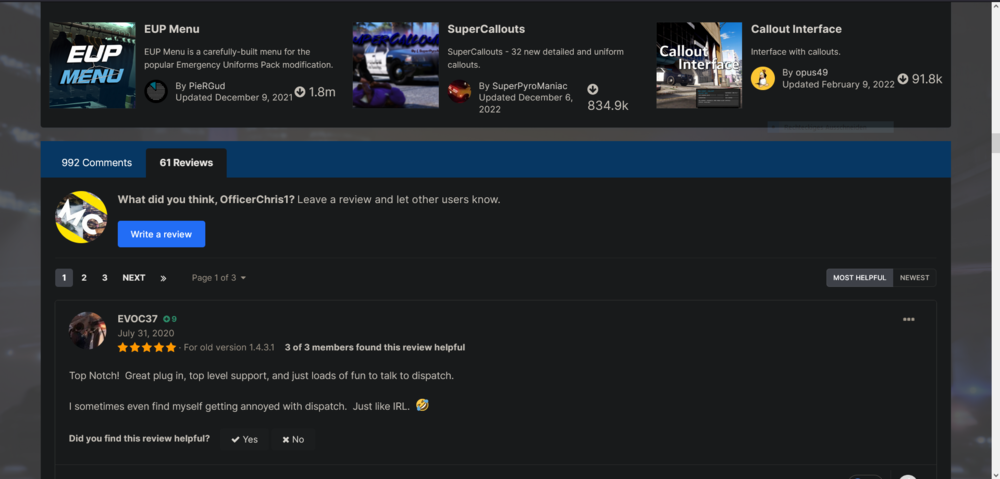
are you using eup?NO. Trainers do not work in GTA Online and are not allowed, basically any modding is not allowed in GTA Online and will get you banned. Trainers in GTA Online are called Mod Menus, some even cost money... Don't be a modder, they suck and there are already too many of them...pls post a screenshot of mods/update/update.rpf/common/data/ and a screenshot of dlclist.xmldo you have a mods folder? rename it to _mods otherwise verify your game filescan you verify that els works correctly, like is the els panel opening when pressing cntrl + p? double check if you have the els- <vehicle>.xml for each vehicle installed. otherwise post the asiloader.log and the els.log and check the date from each log when its created.pls post the ragepluginhook.log from the main gta folder after a crash.Update RageNativeUI: https://github.com/alexguirre/RAGENativeUI/releasesshow a screenshot of gtav/lspdfr/data/1. Pls post a screenshot of the main gta folder. 2. what have you changed since the game crashes? 3. can you run gta alone? 4. and at which point does it crash exactly?I would like to know the bot too! Where can I find it and how did you solve it?Could be, pls post your log again, if you do not have that many callouts then it’s pretty easy to find. you can do that by yourselfPls post log againCould not find a part of the path 'D:\SteamLibrary\steamapps\common\Grand Theft Auto V\Plugins\LSPDFR\StopThePed\Localization.ini install that from stopthepedits the file that loads nearly all .asi files that are in the main directory.Hi! It looks like LoreInteraction is causing problems. Can you verify you have ZPHDevs.common in the main directory? Otherwise remove LoreInteractions temporarily and check if that fixes the issue. @ZPhDevspls move the folder gtav/lspdfr temporarily out of the directory, and replace it with the default one from the lspdfr download.please post the ragepluginhook.log from the main gta folder.when you are on the site you want to review, for example a plugin, you scroll down till you see comments and reviews. then you click on reviews and there you can review it.
 Post the ragepluginhook.log from the main gta folderDinput8.dll loads .asi files. openiv.asi loads the mods folder. what you’ve done then I can only imagine, you probably deleted the mods folder with the vehicles in it!?


