
KLE0
Insiders
-
Joined
Everything posted by KLE0
-
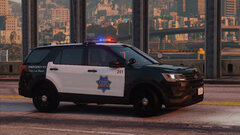
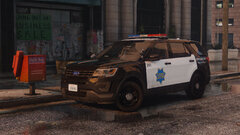
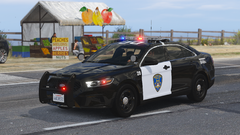
 It comes as a replace for police2. DLC pack doesn't have to be add-on. Though, you can always make your own add-on pack.
- 116 comments
- 13 reviews
-
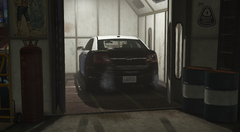
From the album: KLE0 Work In Progress
-
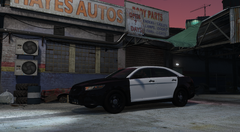
From the album: KLE0 Work In Progress
-
Happy to help. I took a look at NVE files and indeed, they changed the color for paint 134 Pure White from white to 0xFFB7B7B7, which is a gray color. The value is defined in the main carcols.ymt but it might be tricky to modify since it looks like the NVE team corrupted the file on purpose. You might just want to use an opaque livery instead. Try the one I attached.
- 116 comments
- 13 reviews
-
-

- 1
-
-
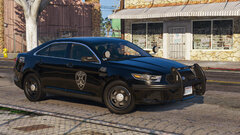
What visual mods do you have? Some of them are known to change the stock white paint colors to a darker shade (presumably to prevent them being so blinding on sunny weathers). In case you haven't noticed, this vehicle uses the stock primary paint for the body and secondary paint for the doors and roof. The livery is just decals with a transparent background. I like to do this whenever possible, since it's more accurate… You can check/change paint colors with a trainer but I believe the secondary paint is already set to the "pure white" color. If you don't want to mess with paint colors, an easy fix is to change the livery so they are fully opaque, overriding the vehicle paint colors. Thanks, that means a lot!
- 116 comments
- 13 reviews
-
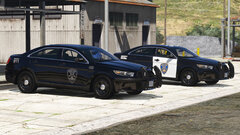
 What I did to "solve" this is remove "safety, service, and security" from the reflective decal texture, and then add it back to the black and white slicktop unit liveries. This way both variants will be correct. The only drawback is that the motto won't be reflective anymore.
- 324 comments
- 53 reviews
-
-
- 1
-
-
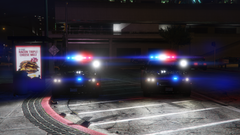
From the album: KLE0 Work In Progress
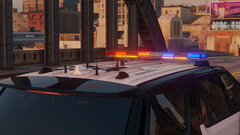
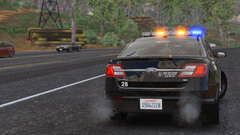
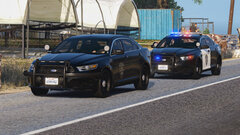
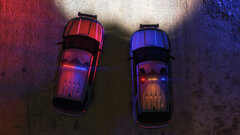
Trying to refine some of the details for the 1.2 update. The car on the left of the image has an improved spotlight visual with better bloom effect. I think it's more realistic. -
Maybe because I do want one and I like to make cars that I use myself. No promises, though.
- 116 comments
- 13 reviews
-
-
- 1
-
-
No but this uses the same template as Thehurk's base, so there should be a ton of textures already made for it.
- 116 comments
- 13 reviews
-
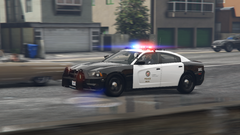
From the album: KLE0 Work In Progress
-
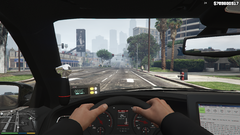 Yes, I love the digital speedo both IRL and in game, haha.
 -
-
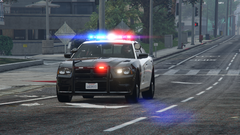
From the album: KLE0 Work In Progress
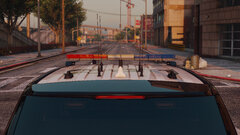
Pretty happy with how my wig-wags turned out. -
From the album: KLE0 Work In Progress
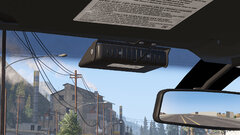
Added a LoJack controller. -
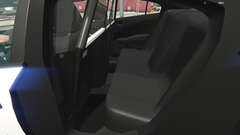
From the album: KLE0 Work In Progress
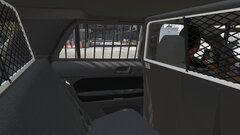
Added rear molded transport seat. Now I just need to model the seatbelt housing before the rear passenger area could be finished. -
After some digging I found out that they mount the LoJack controller on the top dash to the left, so I'll include it for the LoJack equipped cars in the next update as well.
- 116 comments
- 13 reviews
-
-
- 1
-
-
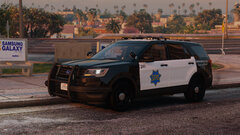 I hope so lol. I think the updated base model is close to being finished but there is no set timeline. I will get started once the base is updated.
 -
-
-
-
-
I see. You will need to install a mod to make the emergency lights brighter if you've never done so before. It's listed in the "prerequisites" section in the instructions. There are a number of them here. Try them out and pick the one you like the most.
- 116 comments
- 13 reviews
-
-
-
-
Thanks. There isn't a high quality 14-15 FPIU base model that I can get my hands on right now, so probably not for now.
- 116 comments
- 13 reviews