



KLE0
Insiders
-
Joined
Everything posted by KLE0
-
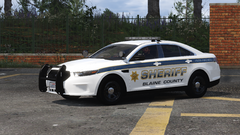 That is not available right now. It is being reworked and will be released with a more authentic SMCo FPIS in the future.
 -
I've since updated the plans for the fleet. Below is a similar setup although with a different livery:
-
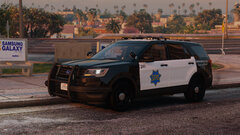 NVE's medium quality preset.
 -
-
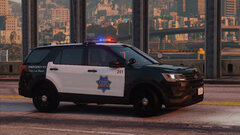 The current plan is to release this vehicle as part of a SFPD pack, so there are some more cars to work on. It's hard to tell when they will be finished at this point.
 -
From the album: KLE0 Work In Progress
-
-
SFPD.jpg
-
1.jpg
-
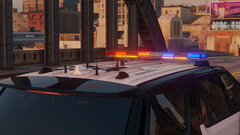 2.jpg
2.jpg
-
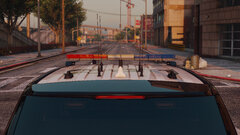 3.jpg
3.jpg
-
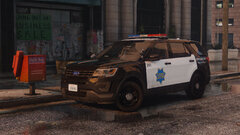 4.jpg
4.jpg
-
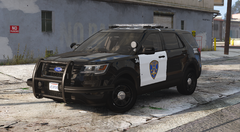 36.png
-
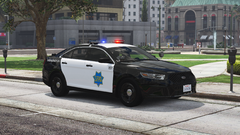 271590_20211012125112_1.png
-
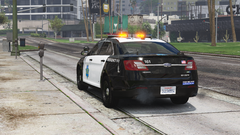 271590_20211012125241_1.png
-
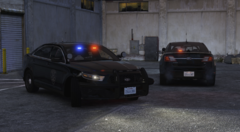 Screen Shot 2021-05-07 at 1.07.56 PM
-
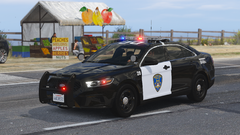 271590_20210427222843_1
-
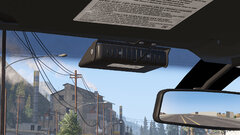 271590_20210425171214_1.jpg
-
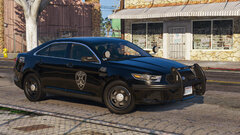 271590_20210425170346_1.jpg
-
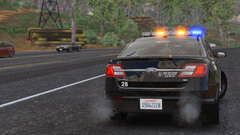 271590_20210422000000_3
-
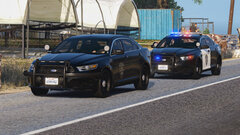 271590_20210422000000_2
-
 271590_20210422000000_1
-
 1
1
-
 2
2
-
 271590_20210330002113_1.jpg
-
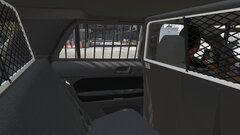 10.jpg
-
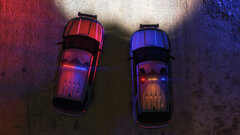 8.jpg
8.jpg
-
-
From the album: KLE0 Work In Progress
-
-
-
From the album: KLE0 Work In Progress
-
From the album: KLE0 Work In Progress
-
-
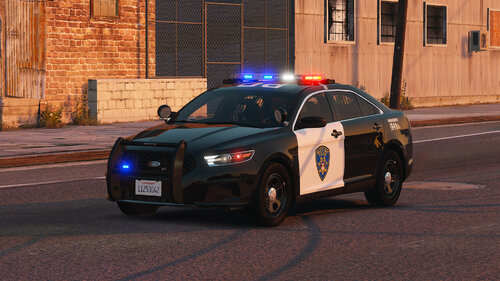 It's a certain Whelen siren. I am not sure about the exact model, though. Leave it as is in the dlc pack. You only need to take the vehicles.meta file out. Again check out my other download to see how it is structured to replace sheriff2. There is no plan since these cars are based on the real life department. That said they have an unmarked FPIU with ALPRs that I may make in the future.
- 30 comments
- 2 reviews
-
From the album: KLE0 Work In Progress
-
From the album: KLE0 Work In Progress
-
If you are talking about siren settings they use 71 and 72, which is included in the carcols file. There are a few generations IRL, mine is based on the older version. You can do it yourself. Just rename the car's model name (dcpd, dcpd2) to the car you want replaced in both the rpf archive and all data files, then copy the vehicles.meta section to the update.rpf one. Checkout my BCSO FPIU (valor) which replaces sheriff2 in a similar way if you are unsure what to do.
- 30 comments
- 2 reviews
-
Thank you! That sounds like the carcols file is not working, if you have other custom cars there might be a lighting siren settings id conflict, try changing the siren settings id to another value in both carvariations and carcols. It's loosely based on the Daly City Police Department, fpis, fpis2.
- 30 comments
- 2 reviews
-
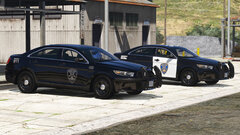
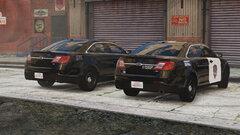
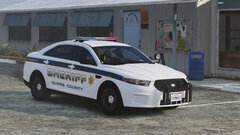
Vehicles (add-on) dcpd: FPIS (add-on) dcpd2: FPIS Slicktop/Traffic Features Realistic 3-stage lighting with takedown and rear directional support Frontal flashing takedowns automatically shut off when the vehicle is in park Breaking glass, working dials, bullet resistant windshield, animated exhaust pipes, leaking fuel tank, etc Impressive and accurate environmental lighting in all stages 4K liveries Optimized model, parts, and textures Optional Equipment FPIS (one will spawn) EXTRA_10: ALPR cameras EXTRA_12: LoJack antennas FPIS Slicktop/Traffic (the PB5 will always spawn, the radar spawns randomly) EXTRA_10: Radar EXTRA_12: Setina PB-5 wraparound Notes This pack uses an ELS/non-ELS hybrid setup with custom dials, paint, lighting ids, and custom EXTRA configurations, therefore it is highly recommended to use the DLC pack for easier installation. If you have to install the files manually, make sure to install everything correctly (vehicles.meta, carcols, carvariations) otherwise the vehicle will not function as expected. Please do not re-upload this vehicle to other websites or use this model for your own financial gain in any way, shape or form. Video Preview The video was taken in beta stage and the spotlight and brake/reverse lighting setup on the Liberty I version has since been changed - see screenshots instead.
- 30 comments
- 2 reviews
-
-

-

- 20
-
-
-
It just needs some finishing touches, but I've been very busy recently and have not got any chance to work on any GTA projects. It'll be the first thing to finish once I'm able to work on stuff again, though.
-
From the album: KLE0 Work In Progress
-
From the album: KLE0 Work In Progress
Added ALPR cameras as an extra, also revised antennas and pushbar lighting. Will probably consider adding some LoJacks as another extra as both are sometimes found in the real-life counterpart. -
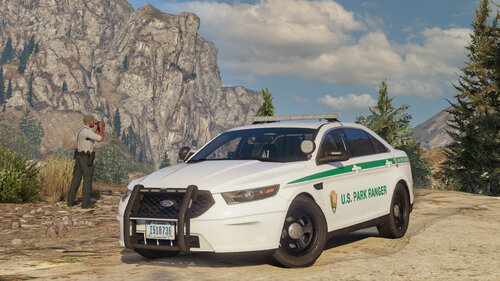 The quality of the vehicle and attention to detail is phenomenal. Only the FPIS has been released as of now, but Agent has put more effort into this single vehicle than most people have in an entire pack on this site. Get it if you want an authentic NPS experience.
- 50 comments
- 13 reviews
-
-
-
- 5
-
-
From the album: KLE0 Work In Progress


