GTAIVCode3
Friends of LSPDFR
-
Joined
-
Last visited
Everything posted by GTAIVCode3
-
haha yea. someone on gpm posted a fake sa to iv converter.
-
Since today is april fools, what is the best joke that you have played on someone or someone has played on you? Again i know this is very off topic.
-
awesome skin. I love trains. This is perfect. Now all we need is a new jersey transit skin!
- 6 comments
- 3 reviews
-
-

- 1
-
-
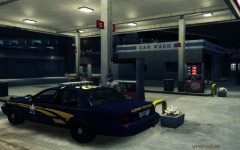 when ever i fill up my cop car with gas i feel like a new person
 -
here is Bxbugs123 skin template pack. It has a lot of different templates for different cars.http://gtapolicemods.com/downloads.php?do=file&id=70
-
do what Ev73 said. That is what i do.
-
Tools Needed 1. Audacity 2. Siren file (any length) How to start 1. Open up Audacity and load the siren file. 2. Select six seconds of the siren (any six seconds) 3. Note when the part you want starts (For example 2,0 to 7,0) 4. Hold down the mouse button and pull from the end of you siren (Part you start from)to the end of the siren. 5. The part should now be highligted. Click cut. 6. Take the part you started from (Mine is 2,0) and pull it to the start of the siren. Click cut. 7. Now you should have a five to six second siren. Save it as a wav.
-
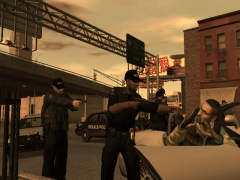 the cool thing about the pic is seeing the taser on hi belt
 -
-
i think that jay out a search bar on lcpdfr for a reason
-
you can hit rightalt f11 and it will spawn random callouts
-
i like the whelen or the code 3 vcon. I also like teh Whelen alpha siren with the ho-lo. That is the one i am using right now
-
-
-
 this is prob NB
 -
did you hit f3?
-
cool, i will look foward to something like that in the future
-
my favorite is impact all in caps
-
-
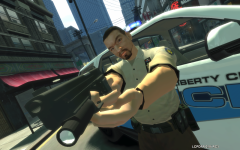 nice pic NB! you impress me.
 -
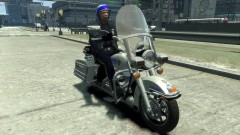 i can not get it to work for the regular gta iv
 -
ok, thanks for the info
-
what do u mean by remove hud?
-
how did u get the motorcylce to work?
-
 as he said 5-10 mins. all you need in SNT