




GTAIVCode3
Friends of LSPDFR
-
Joined
-
Last visited
Everything posted by GTAIVCode3
-
you could also use iv dash cam.
-
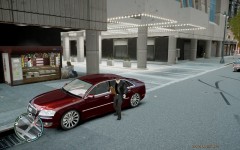 lol. looks like he is dancing
 -
at least i did not drop -63 (rep) in less than 5 hrs.
-
MODERATOR NOTICE Triple-post merged. The author of this post has been infracted, as it is not in accordance with our Community Guidelines (See section spam) You have to be loyal and have to post a lot and give the correct information. You can not ask the team send you the invite LMAO i know this is kinda in the worng fourm but are you gonna have like a script making contest or a skiin making contest?
-
that's ok for the late reply. You have enough stuff on your hands. Cool and ok.
-
-
-
-
-
They play at madison square garden in NYC in april this year and i am going to see them. I have been to 2 or them so far and there is A LOT of f bombs and swearing but it is kinda funny. They put on a great show!
-
I LOVE NICKELBACK
-
-
-
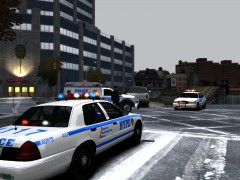 nice pic
 -
This is my first skin for gta iv.You may use the skin and edit it but you must gove me credit.DO NOT ULOAD TO ANYWHERE ELSE! I have to fix my gta and an ingame screenshot and vid will be comming soon.
- 14 comments
- 3 reviews
-
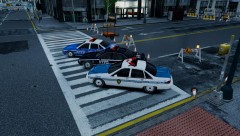 nice pic!
 -
there kinda is with the reg lcpdfr
-
well really the only way is if you use the takedown lights on the ELS if you use ELS
-
i just went from 1 to -3
-
i thought he was adding on to IV Dash Cam
-
-
awesome. can't wait to see it!
-
Like a Like a licens plate recognition system
-
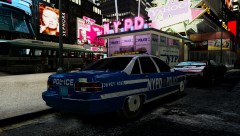 nice pic. Like the car with the NYPD in the background!
 -
thanks for the input.


