GTAIVCode3
Friends of LSPDFR
-
Joined
-
Last visited
Everything posted by GTAIVCode3
-
k, just need to test it in the game and i will post pics. Then i need to make fixes to the bugs i find.
-
depends on a lot of stuff sometimes 30mins to 1hr I can not find the font. Looking on google and now luck
-
k i will try and make it. Not the best at making skins
-
want font is the POLICE in?
-
They are beta testers and it is unrelesed atm
-
awesome work. my dad has one in his ca b/c he is a volunteer firemen
-
i like the other whelen alpha better.
-
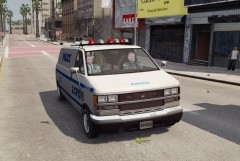 awesome
 -
what is the "hot coffee scandal?"
-
Here is a vid i made
-
yup
-
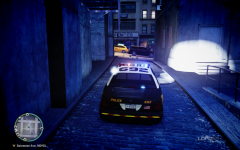 awesome work.
 -
-
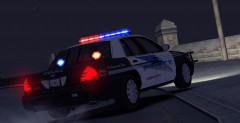 this is butter
 -
import it
-
there is a model on GPM. by barefoot
-
that is an awesome car! that lightbar is :sick:
-
-
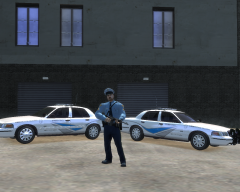 thoes skins are cool
 -
thanks.
-
that's what i thought.
-
when you ask the person to step out of the car the put there hands on the hood or back of the police car instead of making the go on the side walk.
-
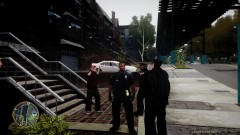 where did u get thoes uniforms
 -
well are you using els v6? when i used that it crashed a lot so now i use v5. what other mods are you using? rc2 is somewhat stable. When rc3 comes out it will have very little new features and it will be more of a bug fix version.
-
this has porb been put out there befor but what about incident reports? ex: tree fell on car sitting in someones driveway. Someone cam back from shopping and dound out their car has been hit. edit: maybe another police station call you and you have to go to the house and look for the person because t he have a warrent.