GTAIVCode3
Friends of LSPDFR
-
Joined
-
Last visited
Everything posted by GTAIVCode3
-
as he said ^ go in the els ini file and change the siren key and then you can get the 3rd siren and not have to hold it. but the cars will not pull over.
-
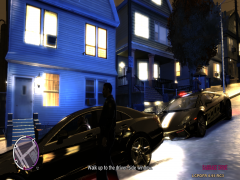 cool pic!
 -
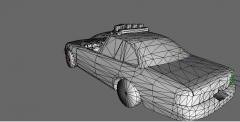 awesome car can't wait for it to come out!
 -
there is one on gpm. Nice skin.
-
-
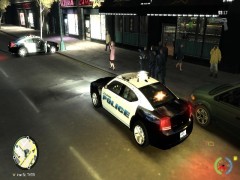 was this car taken down from gpm? who made it? cool pic jack.
 -
do you have the latest patch?
-
did you try to change the read only in the control pannel
-
-
it could be your screen settings
-
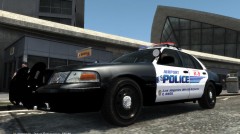 i like the top skin
 -
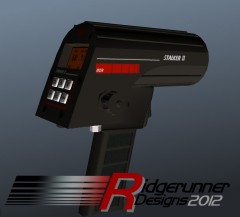 this is awesome!
 -
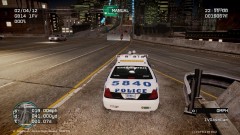 where did you get that car? nice pic btw
 -
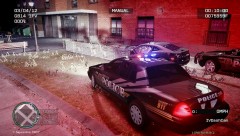 cool pic
 -
did you download the latest driver for your graphics card? did you run the game as an admin? do you have the patch installed?
-
no not at the moment with the current version
-
so do i and lots of other people. We are gonna have to all wait untill it comes out.
-
by any chance do u have a dell xps 12 laptop?
-
i had this problem when i had no good graphics card and no mods.
-
yea i agree
-
i had this problem till i got a new computer. The problem is that you do not have a good enough graphics card to handle GTA IV EDIT: Or you need to download the latest divers for you grpahics card
-
it says that it isnon els
-
Lol, but yeah, he is correct, I tried out the newest nightly build, its just so much better right now, you guys all have something really special to look forward to. :biggrin:
-
well he has +1 sub
-
this is the rc version we needed. It's nice to see that this version is going towards the bug fixes than new features