


Rich Sobilo
Members
-
Joined
-
Last visited
Everything posted by Rich Sobilo
-
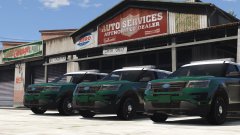 i just nutted everywhere!!!!!!!!!!!!!
 -
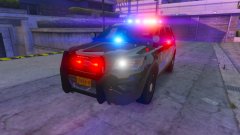 nice, way better than the first version you gave me
 -
no problem. its easy to install good luck
-
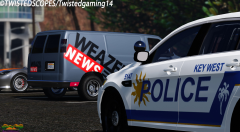 FPI??
FPI??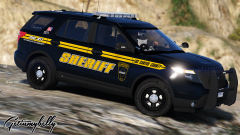 whos fpiu is that and do you want to release that skin?
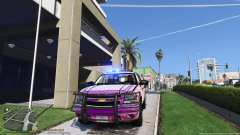 the light bar needs to go from door jam to door jam
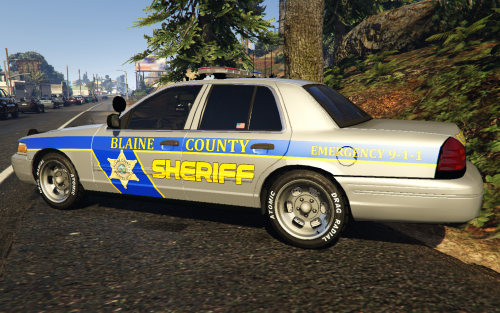 I grew up in Bergen County! Garfield!!
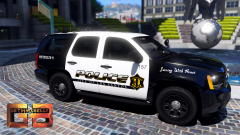 may i have this skin?i have some velocities for iv
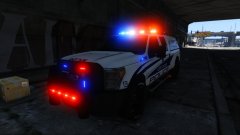 Just saw the youtube video and dude! I cant.... I have no nuts left cause its all over my keyboard!!!!!!
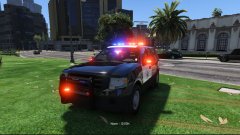 holy sh*t! I cant wait!
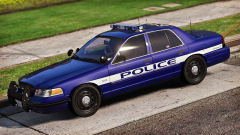 what car is that?
 id like to see the dash laser with the mirror on something like that! Never go wrong with the "Space Bubble"How much for a clan, not worth 15 bucks per personcool will do, at some point tonight I get out of work at 10pm tonight if that's not to lateSo i made a model, works great. However sometimes while in game, i spawn it, and the wheels are not there and getting the lines of death when looking at it.... Any one know what in Zmod could be causing this?uummmm interesting, id use another carits the wrong template for that car! you need to find out what car your using in gta v and find the temp for that car. CJ's template will only work on his cars... Most cars have different temps depending on who made them! Hope this helps!Can you add the pictures again?
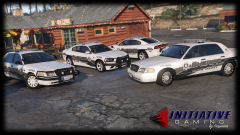 freedom ahhhhh :) ;)
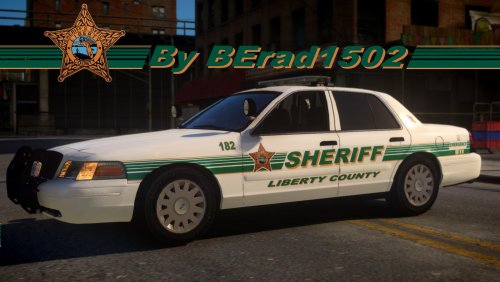 nice job! Clean!!I use what it came with lol so I don't know sorrylike light pattern



