


jb431
Members
-
Joined
-
Last visited
Everything posted by jb431
-
-
-
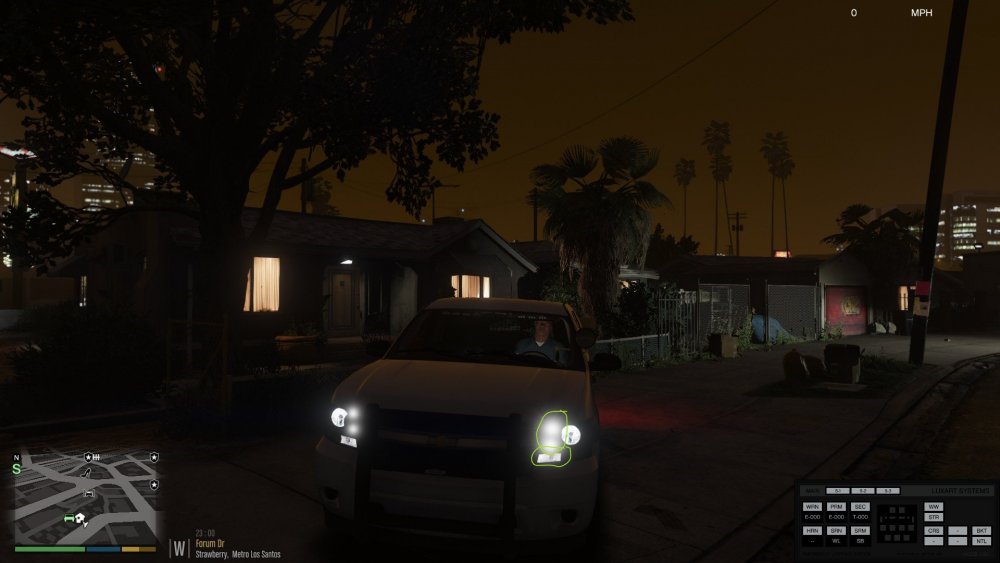
I may have mistakenly called it a texture. I have my livery on there, I didn't know if it was possible to disable the small lights that are on the inside of the main headlights where the actual headlights are, as well as the smaller white lights that are in the bottom corners which are daytime running lights. I don't know what the two small lights are that are in the high beam spots. Should be circled in the lower picture. Just found this to be a good slick Tahoe, except for the issue with the headlights. They are active during normal light use, not as a result of ELS activation.
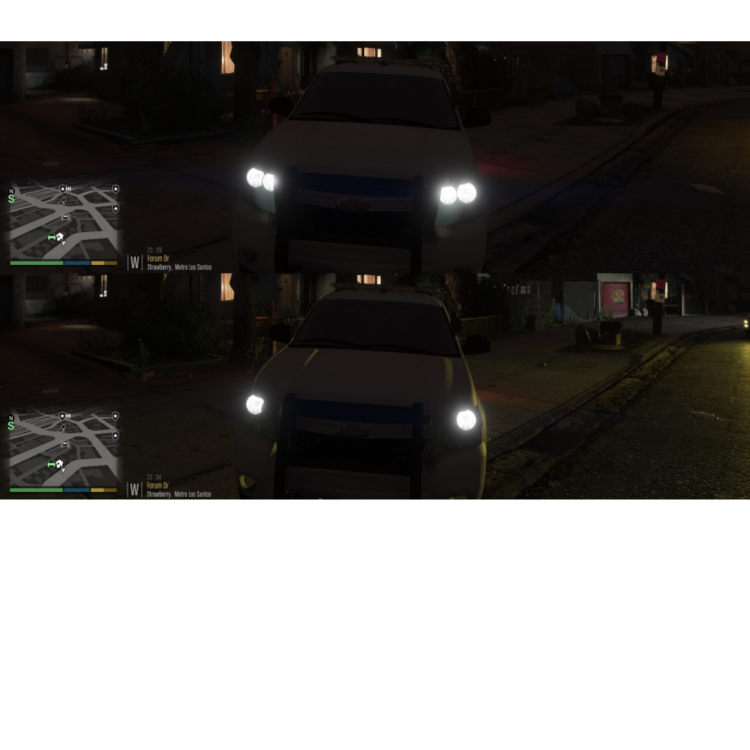
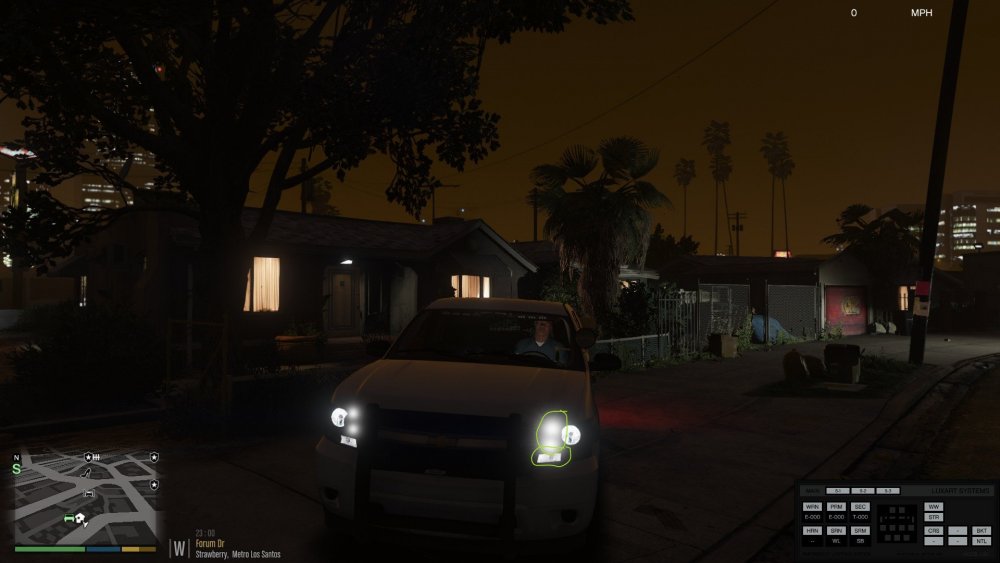
-
I am using the 2014 Tahoe in this vehicle pack and wondering if anyone knows how to disable, or change a texture to disable or block these extra lights that are white and possibly enable the orange marker lights that are on the outer edge of the headlight assembly.
-
They should be easy to find if you use the search tool and enter liberty into the lightbar field.
-
 I have done the same. Tried all of the police and sheriff handling lines, even tried to create my own. Car is still extremely unstable, which sucks because it is probably one of my favorite chargers.
- 65 comments
- 36 reviews
-
I don't believe the mods have been updated to the current game version. If you have the previous version they should work properly. I'm using version 1290 and haven't experienced any issues.
- 124 comments
- 25 reviews
-
Yes, I have 'Make Visuals Great Again' installed. I figured that is probably the cause, so I guess I should have asked if anyone knows what to adjust in the visualsetting.dat file to alter those settings.
-
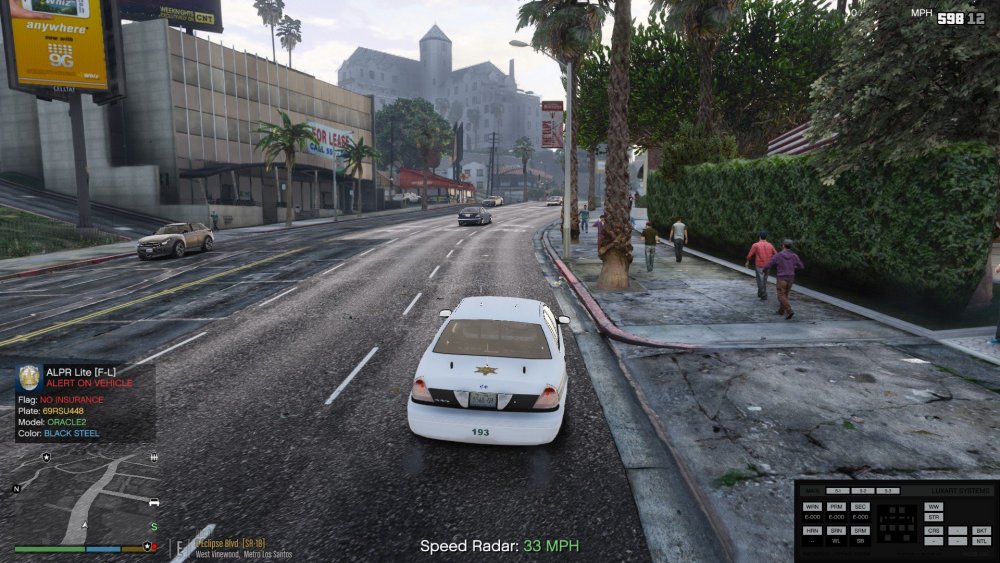
Does anyone know of a way to change the glossy appearance of a vehicles paint job or other textures like taillights? I have an issue with cars being extra shiny and the taillights appear glossy and almost candy coated.
-
After looking at the picture, I believe I realized the issue. If the Tahoe's they are using are the PPV models, then I think they all have the black rims. The ones with the silver rims usually sit up higher and are 4x4 (at least that's how my department is). All of our PPVs have the black rims and are RWD only. All of the Tahoe models with the silver rims are 4x4 and have a different suspension and taller ride height.
-
Gotcha, haven't seen many. This is the closest I've found, but it is a newer model. Maybe there is a way to change the color of the rims with OIV and paint.net.
-
What rims are you looking for? Most, if not all of the Tahoe's I have found in the game have the police rims. Pic on the left is from in game, pic on the right is from a PPV Tahoe. Even the newer '15 models have appeared to have pretty accurate rims.
.jpg.aa3d290f695548e55e6b3ca8d5097697.jpg)
.thumb.jpg.35085dddbe39482a1f70454539672828.jpg)
-
I have had the same issue. I ended up putting an unmarked unit in that slot. Then I can adjust the color in game using the trainer if necessary, without having to worry about a livery.
-
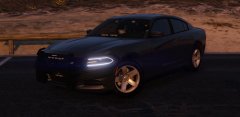 What Charger is this? Looks clean af.
 -
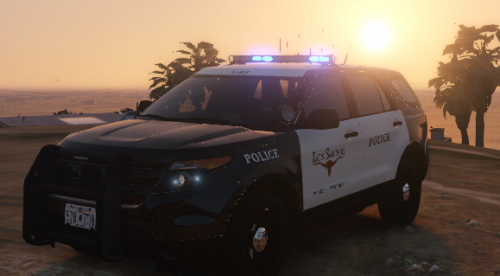 Well, doesn't it work if you just type blue in the various locations of the xml file that say red? Here's a copy of the xml for the FPIS model though, just in case. FPIS.xml
- 7 comments
- 1 review
-
.thumb.png.debb2e8fd42b234303e9e2473fb894e8.png) Awesome pack as usual, only issue is the rear facing takedowns. Still an awesome set of cars.
Awesome pack as usual, only issue is the rear facing takedowns. Still an awesome set of cars.- 100 comments
- 39 reviews
-
-
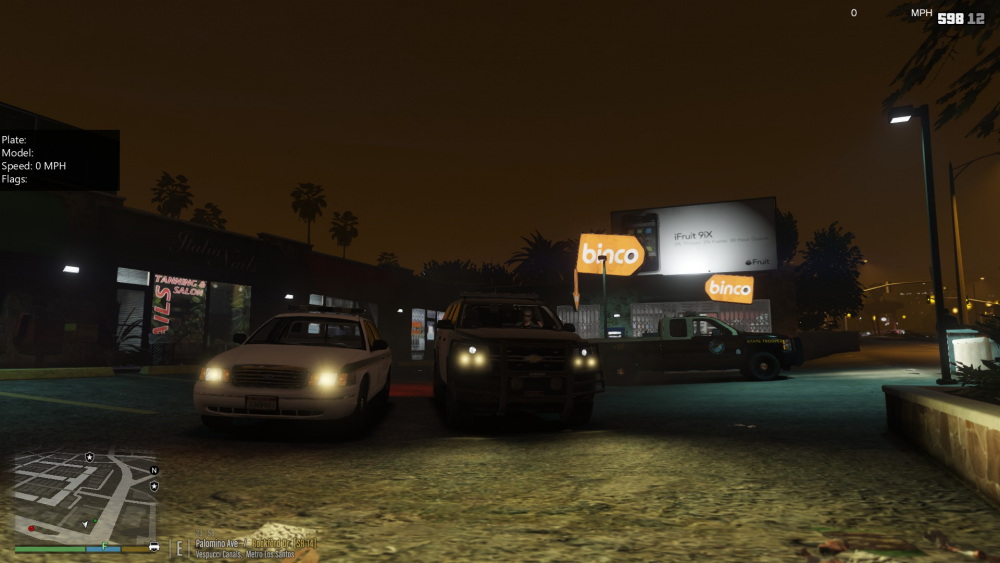
Does anyone know of a way to change the color of a vehicle's headlights? It seems that whatever model I use in the policeold slots always spawn with yellow headlights. Any help would be greatly appreciated, it doesn't affect the functionality, just the appearance. Thx
-
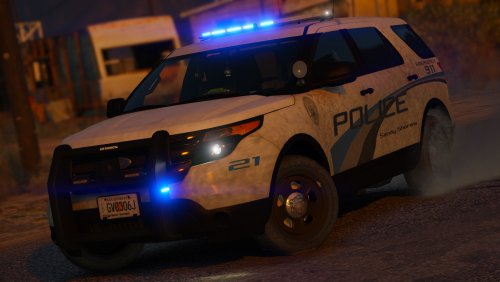 Great looking model and lightbar. Really like that you included the takedown lights activating the whole front side of the bar.
- 27 comments
- 27 reviews
-
 I have the same issue with a crash whenever the solicitation call comes out. I just stopped responding to that call. There was another callout pack where you responded to a complaint of illegal immigrants in a truck that caused a crash as well, so I disabled it in the packs ini file. Just a few options if you want to try that without deleting the entire plugin.
- 1,081 comments
- 166 reviews
-
 You might want to check different callouts, etc. Some of those also have options to change your unit call number.
- 3,646 comments
- 306 reviews
-
What version of Stop The Ped are you using to make this mod compatible?
-
Thanks, Ill give that a try
-
Both should still work, I'm sure you could reskin the LASD version to LAPD if you prefer that.





.jpg.aa3d290f695548e55e6b3ca8d5097697.jpg)
.jpg.402f6d49916d7fea4812149c6a6a2ea0.jpg)
.thumb.png.debb2e8fd42b234303e9e2473fb894e8.png)

