


jb431
Members
-
Joined
-
Last visited
Everything posted by jb431
-
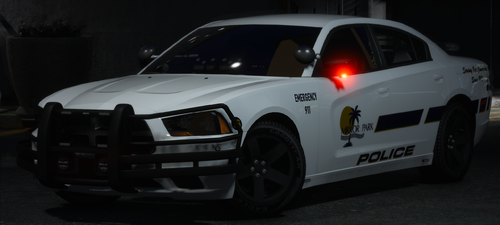 So, you are complaining that someone made a car, put it on here for you to use, but it doesn't have the option for multiple liveries? Customize the model with your own livery, if the author is ok with it, or just find another car. It is clearly stated in a previous answer where the skin file is located, if you just looked for yourself, you might have been able to find it...
- 9 comments
- 2 reviews
-
-

- 1
-
-
-
.thumb.png.d50f66baf191fa15c61d731bdc32ad05.png) Any idea why the livery might not be showing up? It's showing in the ytd file. I tried both the regular and hi file.
Any idea why the livery might not be showing up? It's showing in the ytd file. I tried both the regular and hi file.- 14 comments
- 2 reviews
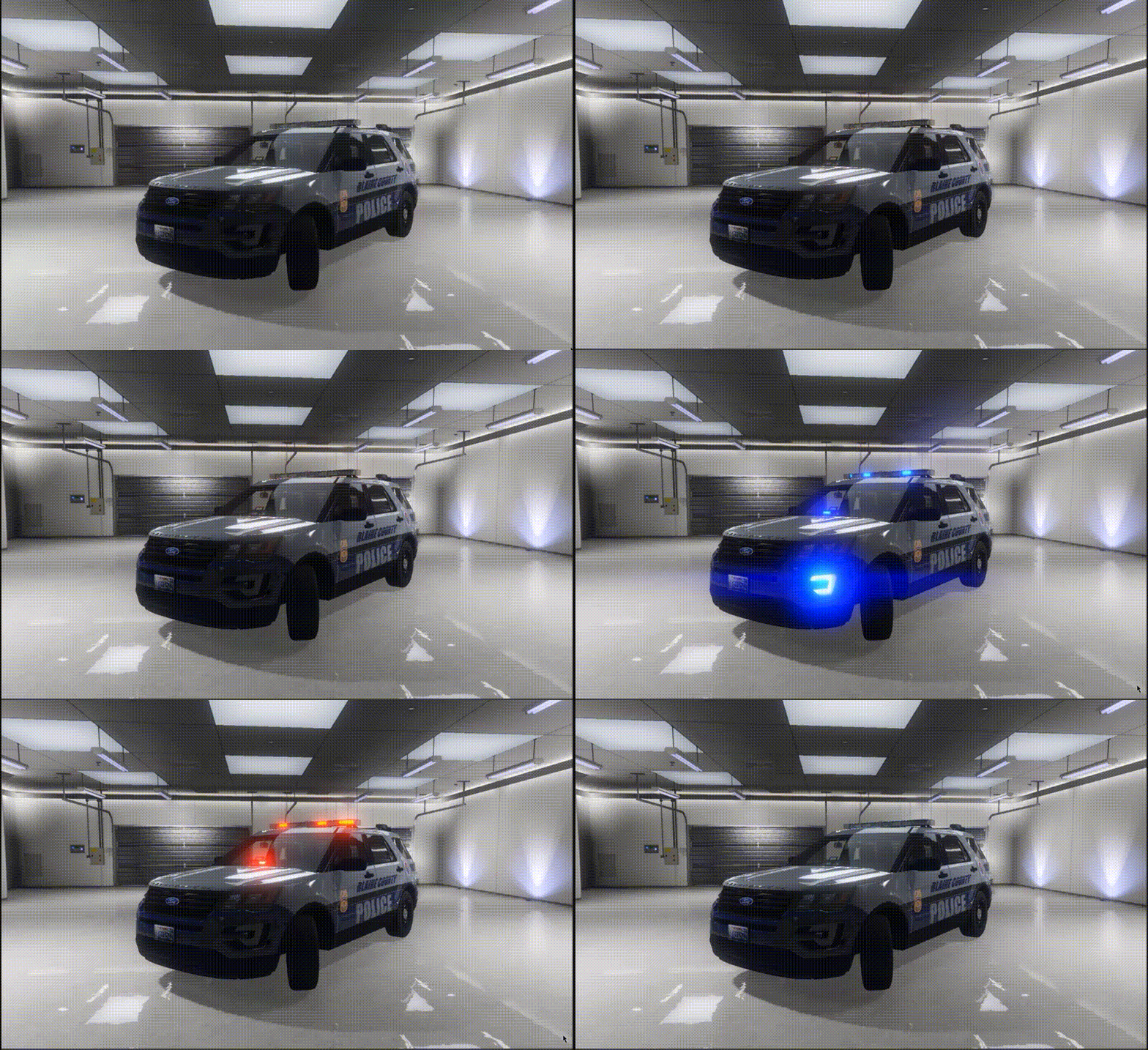 I haven't tried the vehicle yet, based off of the reports of it crashing the game. I don't know if this will work as a fix, @noobcrafting might be able to confirm. The first line of the VCF file has some extra characters at the beginning that I haven't found in other VCF's. See below: This file's VCF ]]<?xml version="1.0" encoding="utf-8"?> Other VCF's <?xml version="1.0" encoding="utf-8"?> That might fix it...
- 15 comments
- 3 reviews
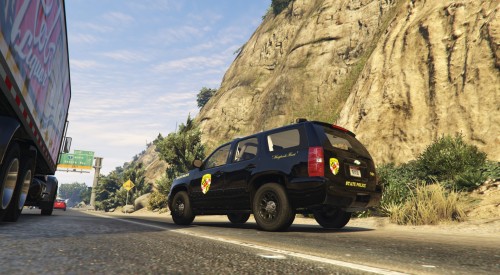 I saw where you mentioned uploading multiple versions. This one seems to be missing a few things on both models.
- 15 comments
- 4 reviews
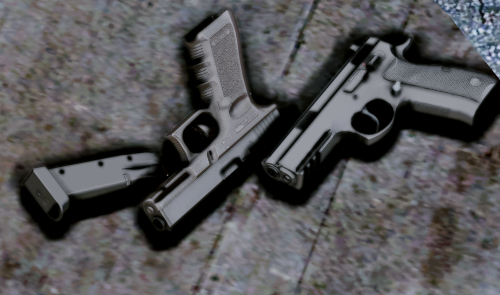 In the past when I installed gun mods they didn't go into the latest patchday, but the author usually included them in the readme, etc. I'll paste some of the locations I've had to use, maybe it will help you find the file locations. Grand Theft Auto V\mods\update\x64\dlcpacks\patchday8ng\dlc.rpf\x64\models\cdimages\weapons.rpf\ Grand Theft Auto V\mods\update\x64\dlcpacks\mpexecutive\dlc.rpf\x64\models\cdimages\weapons.rpf\ patchday10ng/dlc.rpf/x64/models/cdimages/weapons.rpf You should also be able to search within OIV for the file name you are trying to replace and it will give the location. **Edit** I just downloaded the file and there is a read me section that tells you where to install many of the components. Which is it that you're having difficulty with?
- 69 comments
- 15 reviews
-
-
- 1
-
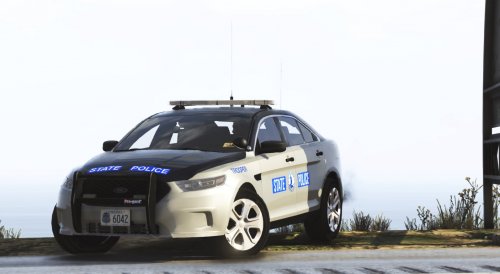 Good pack, with a lot of work put into it. The variety of vehicles available really set it apart from other options.
- 36 comments
- 4 reviews
Great pack with a lot of variety. The only issue I've noticed so far is on some of the lightbars the right side of the secondary lights flashes in Stg3, while the other side does not. No biggie, just makes the pattern look a bit off.- 36 comments
- 4 reviews
 It's been like that pretty much since the mod came out. You just have to use the second texture option. It's not quite the same color, but it doesn't have the tan texture either.
- 124 comments
- 37 reviews
 A lot of the videos mentioned Albo's plugins specifically. I've never tried this mod, but I believe ELS is working in the new version.
- 853 comments
- 108 reviews
-
-
- 1
-
Some of the videos I've seen online say many of the mods have to be updated to work with 0.4.- 853 comments
- 108 reviews
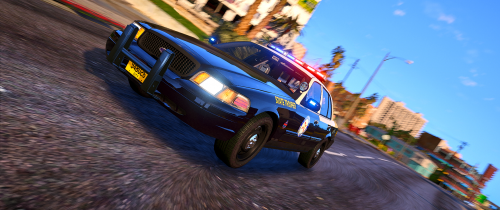 I read in another file that the website was having some issues. I was able to download this file about an hour ago, so I would just keep trying occasionally.
- 58 comments
- 8 reviews
-
-
- 2
-
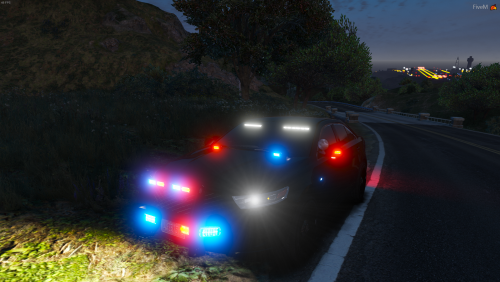 Definitely a good car. I love the light set up, but the front is crazy bright. Maybe a few less lights with white/clear emissives? They drown out the red and blue lighting, especially since they’re used in combination with the white Intersectors under the mirrors. Or can you post what textures make up the lights on the front so they can be edited to match the intensity of the other lights?
- 22 comments
- 7 reviews
Ok, thanks for the info. Lol just busting balls, it was a Google search. Simply meant why complain and get "frustrated" about a model that someone else made and released for everyone here to use? However since we're being technical, there are a few vendors in the L.A. area that sell the bumpers.
- 93 comments
- 17 reviews
Good deal. Thanks for the info @Sniper296 & @flwpheonix. I have always avoided high poly count vehicles, even though a lot of them look good because I was afraid it would create issues. I'll have to start giving some a try. @flwpheonix how can you tell if a model might create issues based off of the issue you spoke about? Will the ytd file just be excessively large? If so, can some just be deleted by editing using OIV? I know many look for realism on the interiors, but I never use first person, so the only time I have an issue with an interior is if I have to find a way to darken an in car computer screen, etc.
Lol, I never realized how many "unmarked" Dodge Ram's are on the streets, especially in Texas... Good looking model Troop.- 93 comments
- 17 reviews
I am aware of the livery issue and pretty much use 2K liveries to specifically avoid texture issues as much as possible. So the poly count of the model doesn't really impact the game performance? Just trying to clarify since I have avoided using some models that I thought looked good because I figured the game would run at a decreased level or I would have texture loss, etc..thumb.png.f8f51d0f8db4a7188715b93cc8e21ded.png) Definitely like the model, but I give it a higher rating because the light bar is broken up into more sections then many of the other models with the Legacy.
Definitely like the model, but I give it a higher rating because the light bar is broken up into more sections then many of the other models with the Legacy.- 8 comments
- 1 review
Had an issue when I tried to use the Tahoe in game. It crashed the game and corrupted the file. Don't know what I could've done wrong,but I guess it could've made a mistake somehow.- 58 comments
- 8 reviews

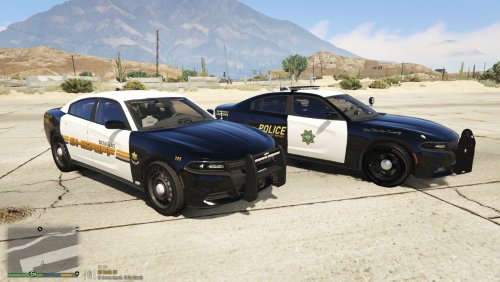
.thumb.png.d50f66baf191fa15c61d731bdc32ad05.png)



.thumb.png.f8f51d0f8db4a7188715b93cc8e21ded.png)