Creators: Due to background reprocessing of files, approvals and file security checks may be delayed. Thanks for your patience.

jb431
Members
-
Joined
-
Last visited
Everything posted by jb431
-
Solved, I just used the base VCF and the lights still flashed the proper color...
-
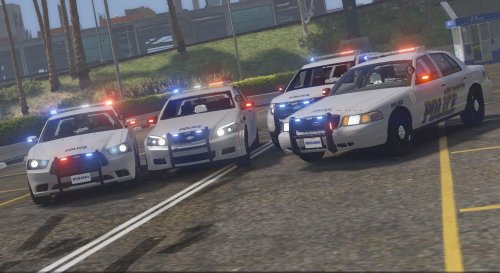 Solid pack with good lighting. Some issue with the vehicle lights as previously mentioned. Wish the vehicle didn't have such a high poly count
- 13 comments
- 7 reviews
-
Did you change or add a livery? I have had a similar issue in the past when I have tried to import an additional livery, or labeled a replacement livery incorrectly. Are the correct ytd files installed, and there isn't an extra +hi file that doesn't belong to that file still in your directory?
-
I am trying to edit an ELS VCF for the vehicle in the screenshot, but 'extra 9' controls a blue light in the front and a red light in the back. There are multiple extras that are set up to function like this and I am checking to see if anyone knows a fix? Thx
_LI.thumb.jpg.d9c8fc777c4b14b8858cef5a9e015ec1.jpg)
_LI.thumb.jpg.f7c625ea0ceb27132640d9aa1357d562.jpg)
-
-
 That is what I use as well, wouldn't mind the options of calling for those extra assets right from the computer+ screen though since it is already open.
- 1,743 comments
- 172 reviews
-
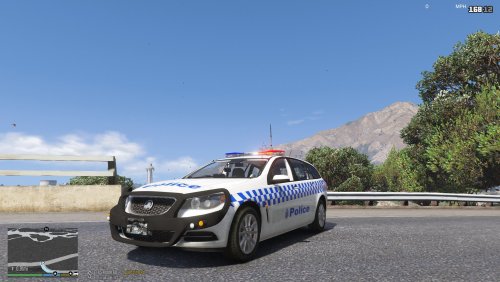 Yes, if you want to add another model similar to police 1, 2, or 3 for example to replace policeb you simply copy the vehicle and handling meta you want to use and overwrite policeb. I currently have a Charger assigned in the police bike spot. I have also done the same for other vehicle slots like pbus, riot, and riot2.
 -
Cool deal, images work now. How about anyone having an issue with Computer+ crashing LSPDFR if you call for a transport or a tow truck from the drop down menu on the main screen?
- 1,743 comments
- 172 reviews
-
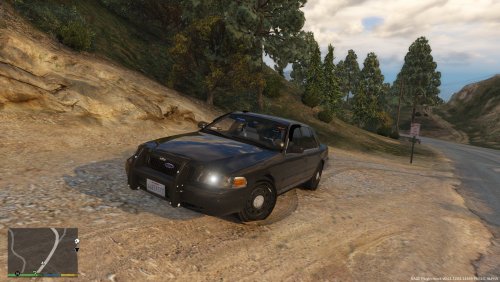 What is a good ELS XML? Some of the extras are red and blue. How does that accurately activate the vehicle lighting if the extra is listed as one color in the VCF, but actually lights up two colors when active? Extras 1, 2, 3, and 4 all control light modules that are both red and blue.
- 7 comments
- 3 reviews
-
I'll give it a shot, guess I never saw that. Just drag it into the folder on the file path in the screenshot? Thanks for the assist.
- 1,743 comments
- 172 reviews
-
-
2014 Caprice PPV http://www.gta-mod-center.com/forum/index.php?/files/file/880-los-santos-mega-packaddon-dlc/
-
No, unfortunately they stay on once they activate. I can actually start the game patrolling at night and they work just fine. At some point it just triggers and they stay on.
-
Looking for a good Caprice PPV with ELS, if anyone has a link it would be appreciated. I've tried majorpaine's, (non ELS, high poly) and McCreary's (need more lights).
-
I was afraid that might be the issue. Thx
-
Here's one
-
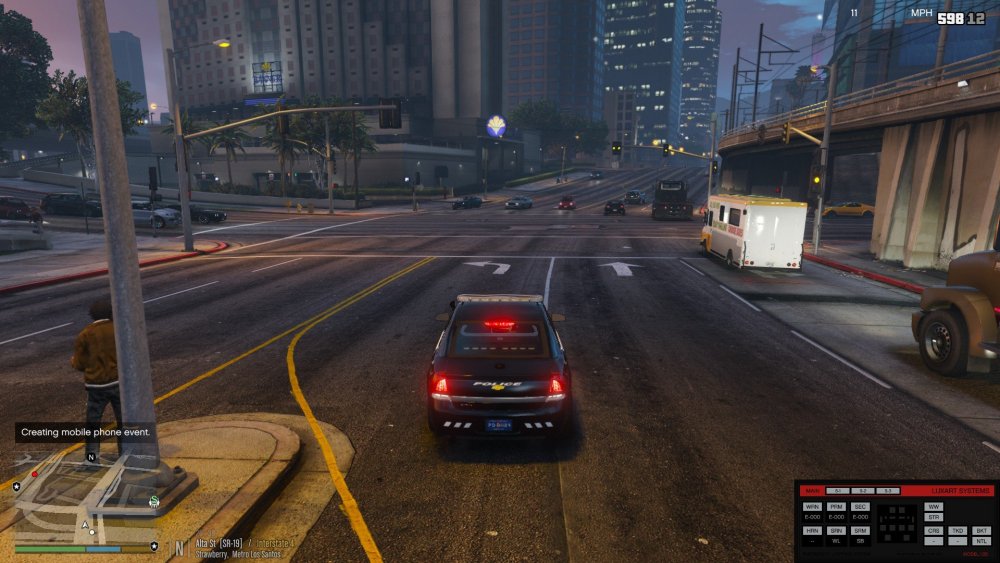
Anyone know of the cause, and hopefully the fix for brake lights that won't turn off? I was using this vehicle and after about 20 min the brake lights lit up and would not turn off. I tried spawning into a different vehicle and clearing the car causing the problem off the map, but when I spawned the vehicle again the brake lights were still on. I also tried altering the tint, cleaning the vehicle, and fixing the vehicle. The vehicle is a 2014 Caprice PPV, not sure who the author is. Any help would be greatly appreciated.
-
Here are a few. Plus there are usually a few mixed in with a lot of the vehicle packs.
-
-
-
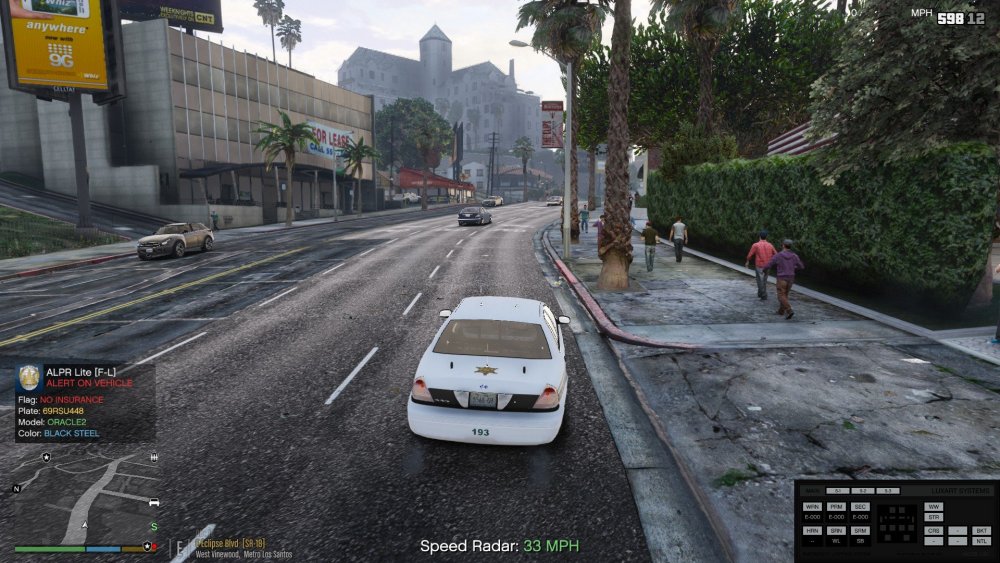
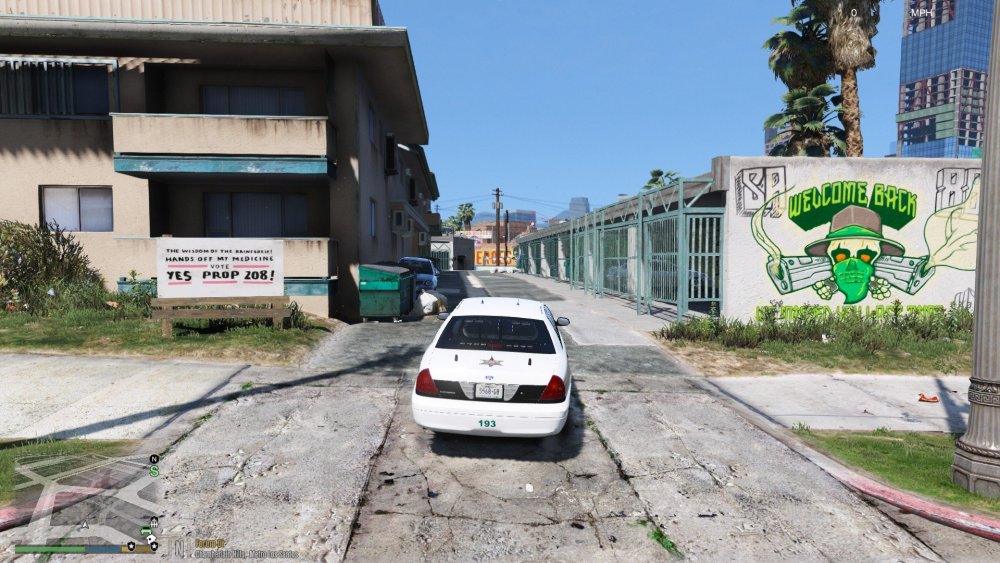
I exported the textures and edited the transparency with paint.net and it seems to have fixed the issue. Here is the before and after screenshots of the same car.
-
.thumb.jpg.8fae80a7f2983c997da314e58df5037a.jpg) Sweet model with a different look. Definite replacement vehicle. Awesome with quick fixes/updates too. 👍
Sweet model with a different look. Definite replacement vehicle. Awesome with quick fixes/updates too. 👍- 36 comments
- 11 reviews
-
How do you make the top of the bar flash? Only the lower row lights up for me. Very good model.
- 36 comments
- 11 reviews
-
Just curious to find out the type of lightbar people prefer the most. Also are there any that look good, but aren't commonly used like the Liberty series, Valor, etc? Interior or exterior.
-


_LI.jpg.e3d0dd0c38bef96ab624929573eda00b.jpg)
_LI.jpg.f589b292f0fb1c45fcc4b655adced864.jpg)




.thumb.jpg.8fae80a7f2983c997da314e58df5037a.jpg)