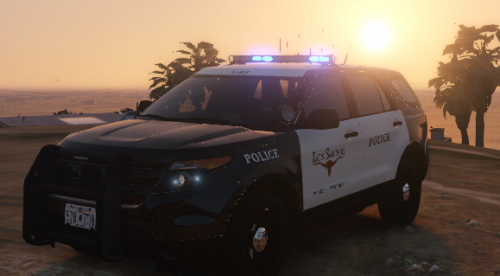
Kalleboston
Members
-
Joined
-
Last visited
Everything posted by Kalleboston
-
Have you changed the colors in the xml file? From red to blue etc.
-
Yes. If you follow the instructions. There are like three important steps. Copy the exe files, update.rpf, add offline to the startup file. Then let steam update the game, replace the new files with the ones you have backed up.
-
I use this every time. Works 100%. Try it the next time if you want.
-
Yea I had not seen that before. I’m gonna start using it. Looks great!
-
A quick search.
-
-
Click the settings-symbol when rage is starting up.
-
I follow this guide every time. And it works. I did it this morning.
-
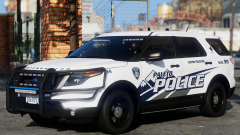 Really nice!
 -
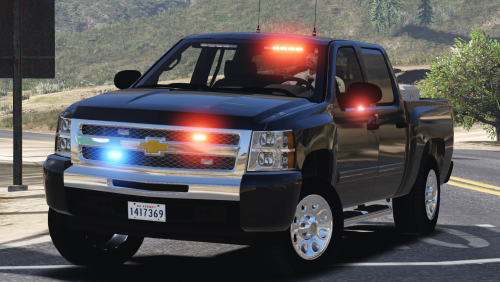 You create a transparent skin with just two plates. Template can be found in the comments. If you always want it to be black, create a black skin with plates.
- 39 comments
- 27 reviews
-
Yea you can change two values in vehicles.meta. VehicledirtMax and VehicledirtMin. It might be called something else, but I think you get the idea.
-
-
Yea I think it’s very possible. I have my police4 spawn as matte black which is color 12 if I remember correctly. In the carvar entry it’s the second set of digits that you change. 12 12 134 134 If you don’t know which color, google for gta v color scheme or similar. You’ll find a large image with all the color codes.
-
 @BlaineBug can you post your backup.xml so we can have a look? And btw, are you using custom backup?
- 266 comments
- 36 reviews
-
I’m glad you got it sorted. Let’s hope the new lspdfr 0.4 update makes stuff like this easier :)
-
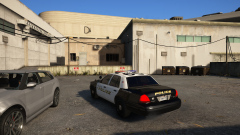 Nice! What model is that? And who made it?
 -
Maybe this is for you. It lets you decide which cars spawns where you want. Both in static positions and patrolling.
-
Yea you can do it with pnwparksfans better ems plugin. Check it out. It’s really good.
-
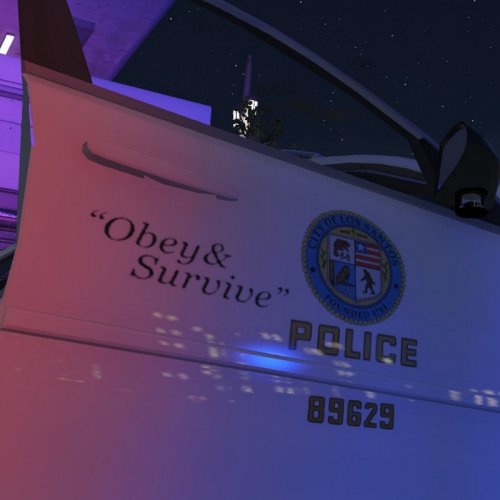 You don’t need to worry if it’s els or not. What matter is if the skin fits the vehicle (els or not). Usually, the skins made for a certain 2011 cvpi fits most of other cvpis of the same year.
- 11 comments
- 4 reviews
-
-

- 1
-
-
It’s the same thing 🙂👍🏻
-
 You can change the values pretty easy. car.defaultlights.nigt.emissive.on or something like that. Decrease the value until you are happy with the look. (in visualsettings.dat)
- 335 comments
- 70 reviews
-
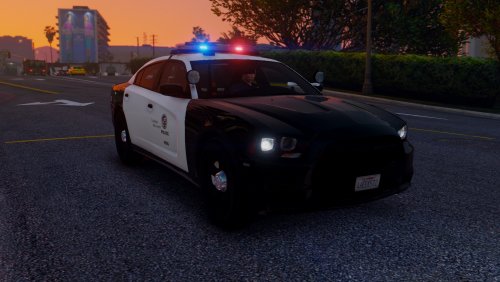 Its because this car isn’t ELS. You have to disable els’ control over them in the vcf file.
- 56 comments
- 22 reviews
-
The els bug?
-
 ❤️❤️ beautiful!
 -
Did you also copy the vcf files to pack_default?