toontotalwar
Members
-
Joined
-
Last visited
-
.thumb.jpg.4066677156985e22489bfecddc2f6c45.jpg) can anyone give me there vehicles meta and carvariations settings to get the lights to work properly for this vehicle please?
can anyone give me there vehicles meta and carvariations settings to get the lights to work properly for this vehicle please?- 376 comments
- 81 reviews
-
all working now here, thansk for fix!!
-
Have not changed anything, I download as I always have just by pressing download button then await the file Here is the message:
-
yeah me too site is down i think
-
-
 I only play with LSPDFR, oh well lets see if creator has any solution otherwise will have to uninstall
 -
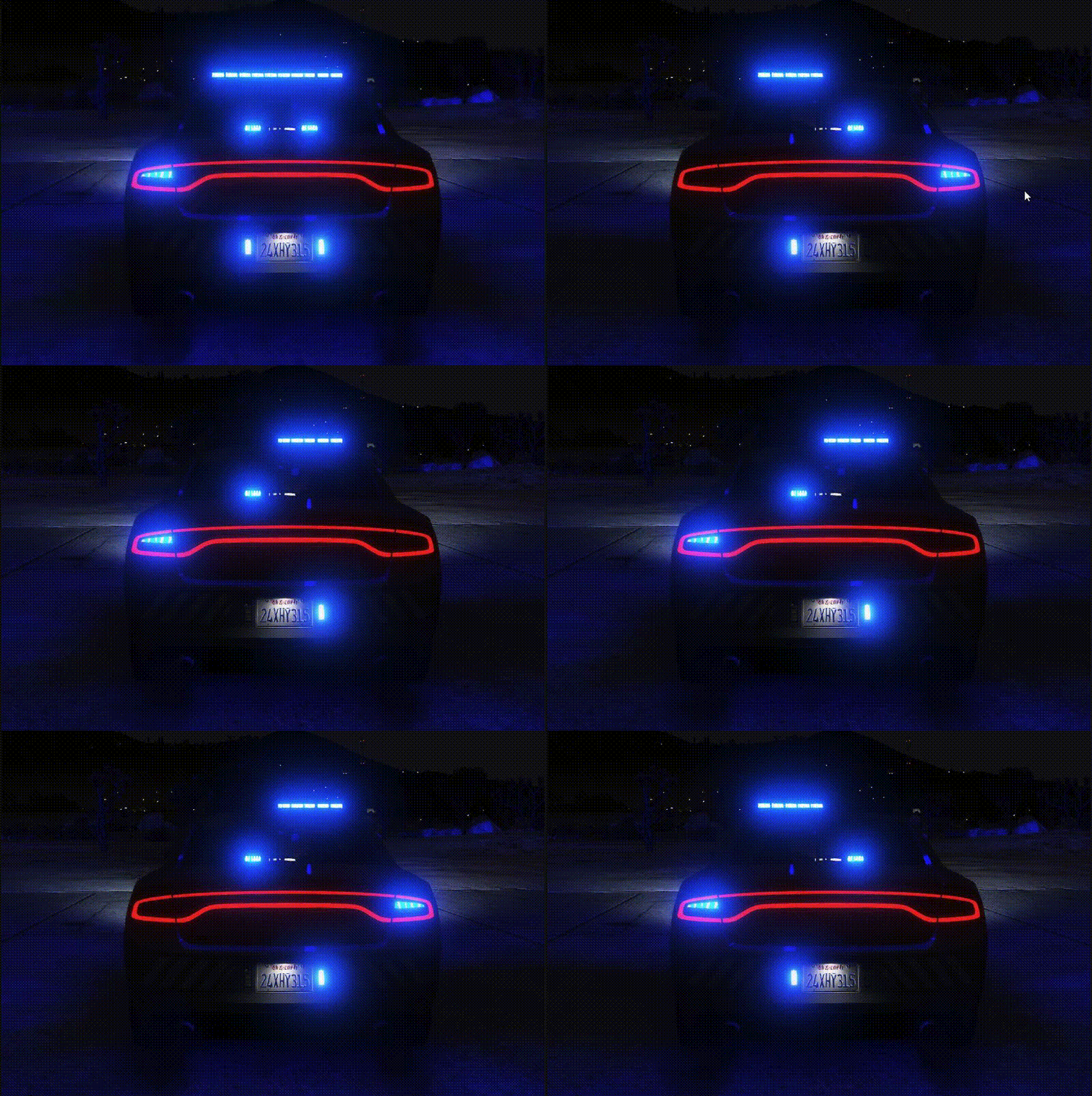
i dont understand where are they located? and how do you enable lights? It would be much easier if you can give me instructions on how to enable the lights in game for vehicle. thanks
-
What is extras 7-12 ?? Thanks
-
Ok how do you make the lights work in game??
-
where do i add the "SpawnsAmbiently"?
-
Yes indeed! Can you let me know how to make peds appear in each of the areas please?
-
Ok it seems that when using LSPDFR it disables outside popdata and popcycle mods, with these lines enabled in lspdfr.ini all is good!! AmbientSpawn.MaxCopsInArea = 50 AmbientSpawn.SpawnFrequency = 5000 Ambient.DisableAmbientGameCopSpawnBlock = true
-
Hi All Hope someone can help me out with this issue as it seems since I installed Natural Vision Remastered my cops have disappeared from there patrols! However I understand that the popcycle.dat was amended as NVR uses its own version which I have added my own entries back into the file etc... It is so so strange as the patrols were there before and even using my amended popcycle.dat and popgroups.ymt which have all the correct entries still nothing appears? Are there any other files I need to modify to make these reappear in game? Thanks in advance
-
-
.thumb.jpg.4066677156985e22489bfecddc2f6c45.jpg)