


Him1250
Members
-
Joined
Everything posted by Him1250
-
-
-
-
-
-
-
-
-
-
-
-
-
-
-
I contacted Rockstar Support and they said they fixed it however, I do get the error every now and again, what I would do to fix it is launch GTAIV in offline mode and where it asks you if you wanna play EFLC or IV, exit the game and relaunch it, it should be fixed.
-
Looks EXTRA GUD
-
.jpg.24f03612dd7e30f750f982a3ad831d3c.jpg) Expedition won't be at least as far as I know.
Expedition won't be at least as far as I know. -
https://www.flickr.com/photos/policecarwebsite/
-
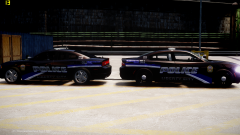 LOOKS LIKE SHIT! jk Luv u <3
 -
I will agree with what BJ said. There's hundreds of thousands of cops yet it make it seems like they're more 'bad apples' because the media mainly focuses on the officers who do wrong, not the officers who do good.
-
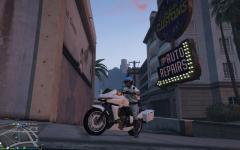 DLC vehicles can be bought via the ingame website. My best guess is the badge on the side is a crew logo you have the option to install in the Los Santos Customs.
 -
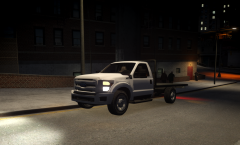 Nice model you have there. ;)
 -
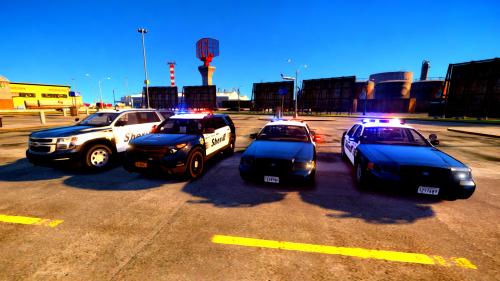
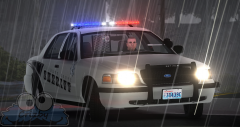 Nice to see a non-GTA V pic for once. Looks AWESOME!
 -
 Nice!
Nice! -
I wouldn't worry about it. It seems like you'll do just fine on GTA V. You should get 60 FPS.


.jpg.24f03612dd7e30f750f982a3ad831d3c.jpg)
