


Him1250
Members
-
Joined
Everything posted by Him1250
-
-
This. If I were you, I'd contact Cj24 or someone who has made LAPD skins and see if you can use their's.
-
Doesn't look half bad. I'd say release it.
-
-
-
My area still has a lot of vics roaming around along with the current (2012-2015) stuff. I think its a pretty good mixture which I like. Sad to see KHP retire their last crown.
-
That my friend...are new charger alloys. I guess they come both with those shitty alloys and the 2006-2014 gen.
-
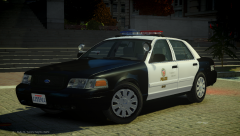 Looks nice Dillon.
 -
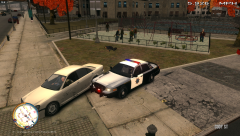 Probably tried to preform a pit and it backfired.
 -
Nice vehicle you have there.
-
FS Micropulse can be found >here.
-
We did. Those of us that have it can't give it out because it was taken down after pubic release. You'll have to message EVI to get it. Sorry.
-
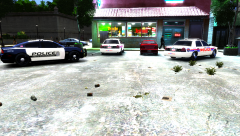 I don't even have the save anymore.
 -
Pretty sure those of us that have it can't give it out without EVI's permission. You'd have to message him yourself.
-
Nice cars you have there.
-
-
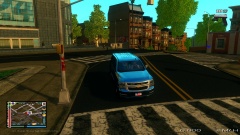 Tahoe is by Voodoo.
 -
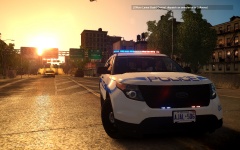 Nice!!!!
 -
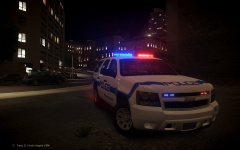 Looks good bruh!Can't. You'd have to message IronicRainbow about it.More than likely, its the dirt mapping.
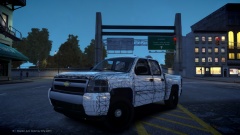 Which I doubt would happen.
Not trying to blame the community. A select few have to ruin it for a lot of us.
Pretty sure he is. @BErad, you can go ahead and blame the community for it not being released unlocked.
Which I doubt would happen.
Not trying to blame the community. A select few have to ruin it for a lot of us.
Pretty sure he is. @BErad, you can go ahead and blame the community for it not being released unlocked.


