


FCV96
Members
-
Joined
-
Last visited
Everything posted by FCV96
-
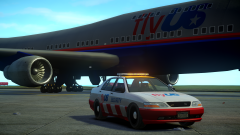 That looks great! How about some ELS-rotator lighting on the airtug or flatbed trucks?
 -
That update was incredibly quick; new callouts are always appreciated, especially considering how unique they are compared to what else is available. Thanks for the acknowledgement in the file's description as well. I do have a question, however. I downloaded v1.1 but don't notice any changes to the .ini or see any of the new callouts in-game. Did LCPDFR's download system screw up, or am I missing something?
-
This is a really cool idea; sort of reminiscent of some of the interceptors that the CHP used, among other agencies.
- 3 comments
- 1 review
-
-
I do have one more quick suggestion. Having the text at the top-left of the screen makes it difficult to notice if you're focused upon driving or something else lower on the screen. If it were possible to move the text to the left-middle of the screen it would become more visible and I wouldn't miss callouts so often, ha.
-
-
I can barely wrap my mind around the fact that this thread has thirty-one pages, let alone what the mystical day counter could signify.
-
-
I can't wait to see more of this; you've got some excellent stuff here. I especially love that you've allowed us to customize names and interactions of the dispatcher [central in my case] and units. :D Is it possible that, in the future, we'd be able to rename calls? Rather than a "fight" we would be able to use a 10-code of the department of our choice, for example. I disagree. Braveheart's script is relatively unstable and seems to have no support. It is archaic and I'm not a big fan of its interace. The LCPDFR callouts a good, yes, but it's always cool to see another scripter's take on callouts that have been done - they usually add new mechanics or ideas to existing ideas, thereby innovating and providing a better interface for the end-user.
-
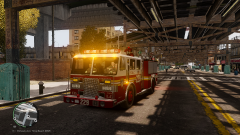
From the album: FDLC Adventures
The FDLC aim to prevent the title of this image from ever occuring. -
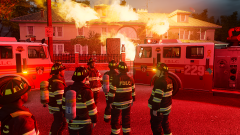
From the album: FDLC Adventures
This blaze started because of unattended microwaved popcorn. The FDLC reminds all citizens to remain vigilant when cooking anything! -
-
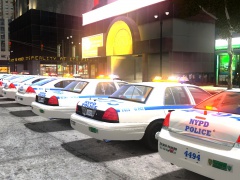 Looks great!
 -
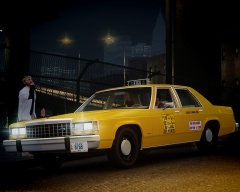 The fares must've been pretty low by today's standards. :D
 -
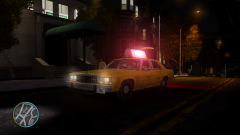
From the album: LCPDFR Escapades
Where there are customers, there will always be taxis. -
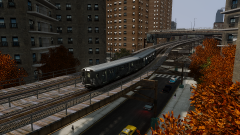
From the album: LCPDFR Escapades
It always bothered me that the subway trains in GTA IV are only two cars long. -
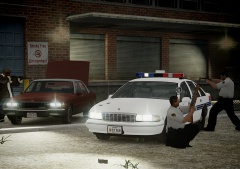 The different generations of Caprice are a nice touch. :D
 -
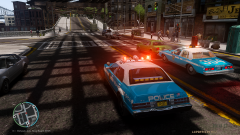
From the album: LCPDFR Escapades
Looks pretty good to me. :D -
-
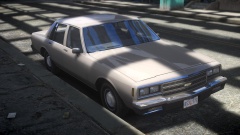 You simply cannot beat sedans of the 80s!
 -
-
 Beauty at its finest. The Twinsonic is one of the more distinctive older lightbars out there, that's for sure. :D
 -
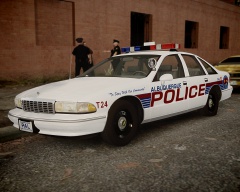 Masterfully done, Strike!
 -
-
I'm somewhat curious as to why the Havana police voice over was included with the Chicago siren and police voiceover; it just doesn't quite fit.
- 7 comments
- 8 reviews
-
-

- 1
-


