
Deputy Brand
Members
-
Joined
-
Last visited
Everything posted by Deputy Brand
-
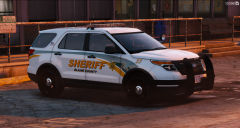 Still looking awesome basic but awesome
 -
on wich sheriff is that based that looks awesome i think marion county sheriff fl
-
-
Iggy made a new video i posted it for iggy so like his comment and not this
-
 Der sied voll gut aus Hier in kassel nuzten sie leider nur insignia zafira und vitos
 -
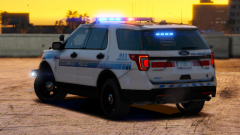 Hawthorne Police xD
 -
Project 50 States is back
-
Awesome car and episode
-
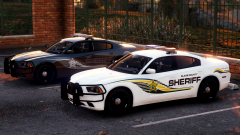 Based on hillsborough?
 -
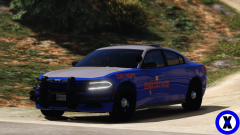 Good Work xMoD looks amazing
 -
That shoutout was unexpected Thank You So Much! This episode is so awesome
-
-
-
you should call the episode Triggered!
-
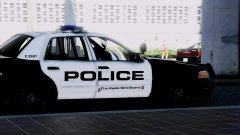 Awesome screenshot and ford crown
 -
-
Nice Anton good luck in one of the best crews ever
-
-
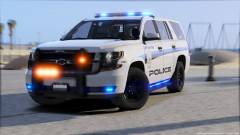 Venice Police OMG!
 -
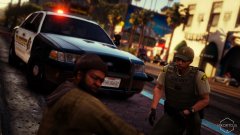 social
 -
 Ok Thanks for the info steinberg
 -
For me its CVE
-
CVE is life CVE is LOVE
-
-
 Oh Hell Yeah about 8 months right?