Due to overzealous filtering on Microsoft’s side, some emails to Outlook and Hotmail addresses may not be delivered. If you’re affected, please use a different email address or try again later.
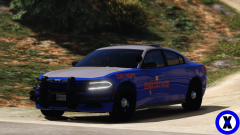
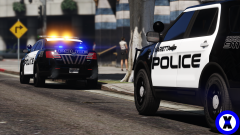
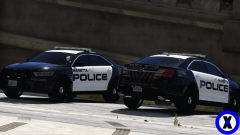
I am proud to present my first model for GTA V. I know it looks like a $5 hooker but I tried. I probably wont release this bc there are so many errors (non ELS, some lights don't work, doors don't open) but if any modeler could help me fix these errors I'd love to release to you guys :)





Recommended Comments
Join the conversation
You can post now and register later. If you have an account, sign in now to post with your account.