



Deputy Brand
Members
-
Joined
-
Last visited
Everything posted by Deputy Brand
-
-
-
 I LOVE THE PHILADELPHIA PD
 -
-
 Downtown detective
 -
 I Love it
 -
 xDDDD I KNOW M8
 -
-
2015 and 2016 are the same I THINK
-
-
 i know that you are a real good fan from the cvpi and you have one to BUT i mean it has an old design and the horsepower are not the best, OK the ford explorer has also not the best horsepowers but:JA ok jeder hat seine eigene meinung(every one has there own opinion) sorry
 -
No it could be an 2025 gmc delorean with an v18 and i7 4,4ghz and Gtx 1090 with time travel options
-
-
 Was hat den der neue PC?
 -
Na better than an cvpi
-
 I agree
 -
 COP Best
 -
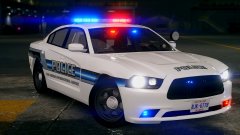 San andreas international airport sounds better than los santos international airport
 -
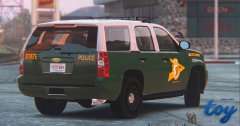 YEA New Hampshire
 -
 1! wort "GEIl"
 -
-
 naja ZU TEUER "HUST"
 -
 beautiful60
 -
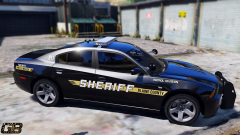 beautiful59
 -
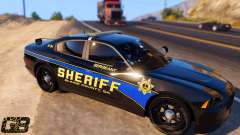 beautiful58






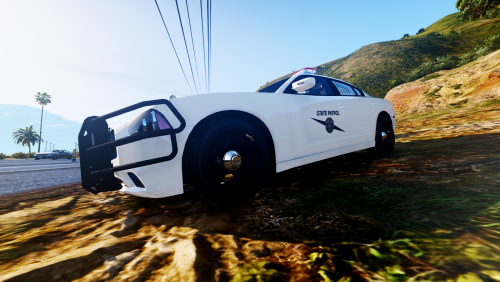
.thumb.png.2d80fd653bcf1896f9cb97419070acfe.png)
