Skip to content
View in the app

A better way to browse. Learn more.

LCPDFR.com

A full-screen app on your home screen with push notifications, badges and more.

To install this app on iOS and iPadOS
  1. Tap the Share icon in Safari
  2. Scroll the menu and tap Add to Home Screen.
  3. Tap Add in the top-right corner.
To install this app on Android
  1. Tap the 3-dot menu (⋮) in the top-right corner of the browser.
  2. Tap Add to Home screen or Install app.
  3. Confirm by tapping Install.

Nils Carlson

Members
  • Joined

  • Last visited

About Me

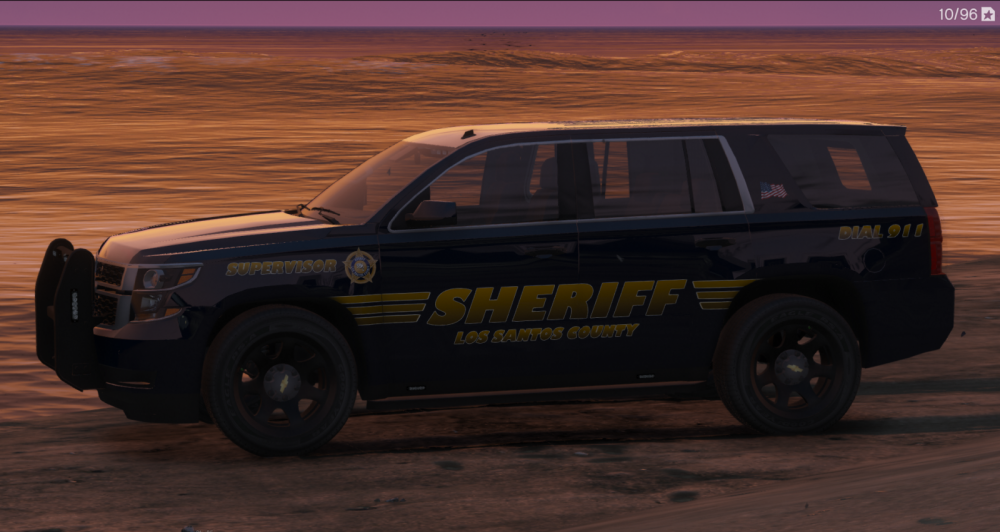
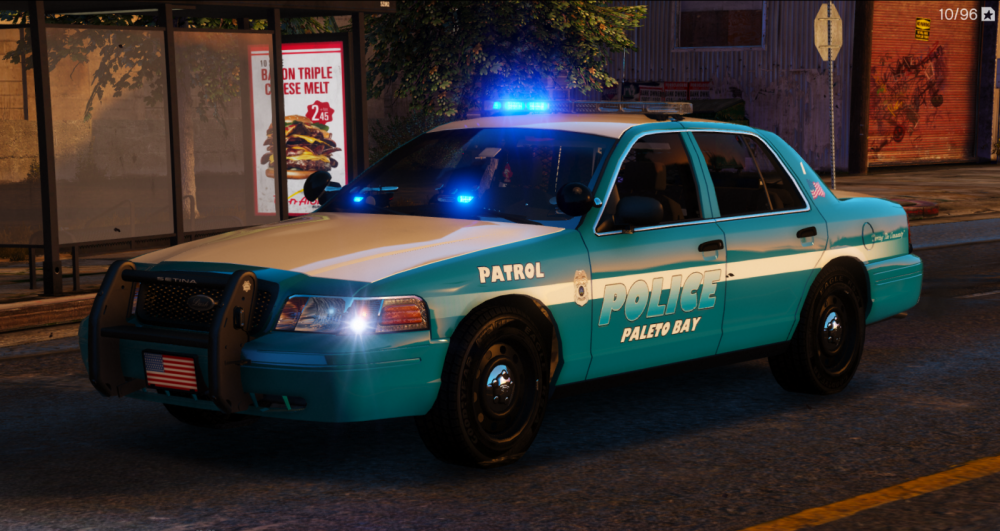
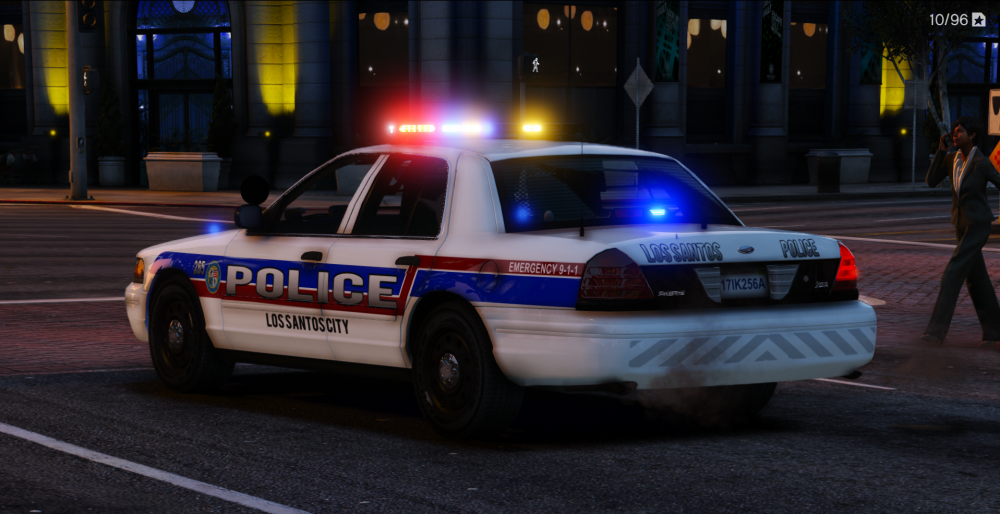
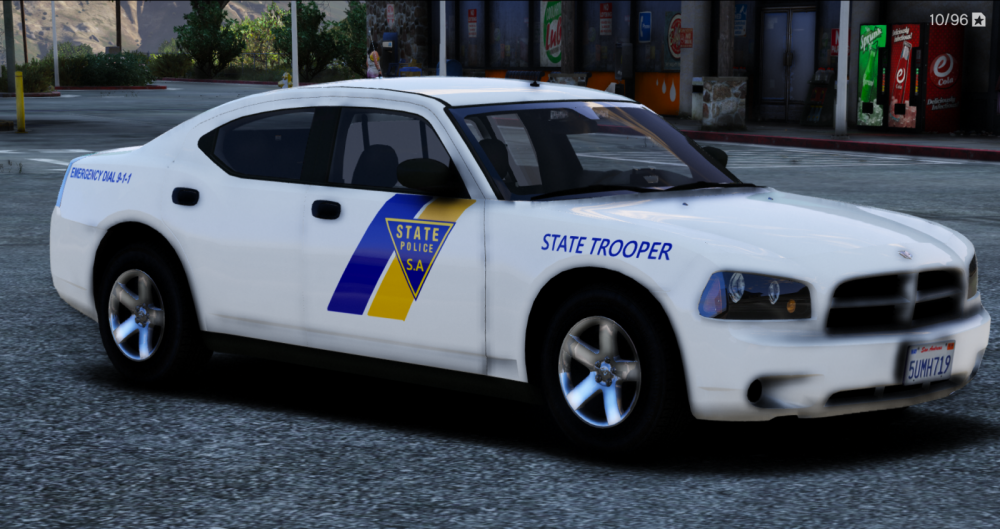
I no longer have time to make skins anymore, i'm sorry i was late to say this. If you have any further questions. you can messege me. I will still try and be active on the site. And also big thanks to the people who supported me when i did this. and all the files are still avalible to download. 😄


Here are some screenshots of my best liveries
Screenshot_1.thumb.png.a5044ffd68de5dd79fa342c8c9b9e509.pnglarge.Screenshot_5.png.8ff34545a665786f38f0cfb20632eb43.thumb.png.5af21a3daa82ebee8f34321ea3430eb6.pnglarge.Screenshot_1.png.96ce157b8b66b378659a8e655c77be37.thumb.png.35dec166b413590cf053fdbd5e2e056d.png

Look at that thicc burger in the backgorund.
large.Screenshot_1.thumb.png.537990a25aca9b90f0651606067c8072.png5a5361db64742_large.Screenshot_1(2).thumb.png.c4ca4a9ce9827453ced10f560a248ff3.png5a53614f07ef9_large.Screenshot_1(1).thumb.png.bd401c503a79832427d084e7b724edf4.png                                                                                                                                                                                 


Account

Navigation

Search

Search

Configure browser push notifications

Chrome (Android)
  1. Tap the lock icon next to the address bar.
  2. Tap Permissions → Notifications.
  3. Adjust your preference.
Chrome (Desktop)
  1. Click the padlock icon in the address bar.
  2. Select Site settings.
  3. Find Notifications and adjust your preference.