
Deputy Brand
Members
-
Joined
-
Last visited
Everything posted by Deputy Brand
-
 He was to busy looting 🤪
 -
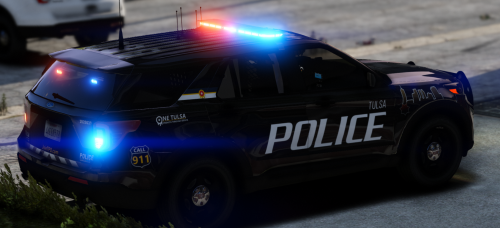 I am not a huge fan of the new Tulsa livery
 -
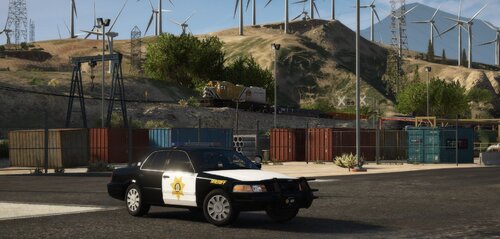 pretty neat, I always liked the christian county sheriff design
 -
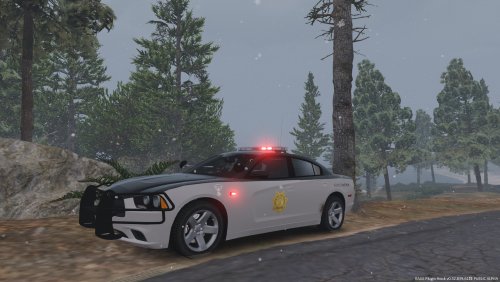 That is because, the model has the standard san andreas license plates and it doesent support texturing it. But you can modify the standard san andreas license plates in the game which in this case is Texas. But because the model isnt supporting texturing it, it sticks with the texas plates. If you want to use the Colorado State Patrol skin with an proper license plate, you have to either replace the standard san andreas plates with colorado ones or anyone you wich, or you look for an car that does support texturing license plates.
- 3 comments
- 2 reviews
-
 Very good looking 👌
 -
-
I am not a Military vet, but due to being a person who cares a lot about people and his friends, I know a lot of people who are fighting "Depression". Due to that I am always there for them when they feel down and I would like to offer you that to, if you ever feel down you can message me everytime. I think an Army Vet should be in good hands wherever he is. As Jam said above "There are many programs and places that can help you out, and I highly recommend you take a look at a few of them". I recommand that to, but I will still be here if you need somone who listens to you and talks to you about it. Have a nice Day :-) Leander
-
Good Day, I have a problem regarding the Police Smart Radio Setup (I guess). When I install a new modification and it requires new buttons for Police Smart Radio to be enabled, and I enable all the new Buttons by pressing the number 1, a small screen will show up and it says "Waiting for Plugins to unload." and selected is LSPD First Response. By that it automatic unloads LSPD First Response and it keeps happening over and over again. Attached is a picture of the small screen. If there is anyone that could help me, that would be greatly appriciated. Best Regards Leander.
.jpeg.6da38eaa7f9226e1a44d1be35b25d866.jpeg)
-
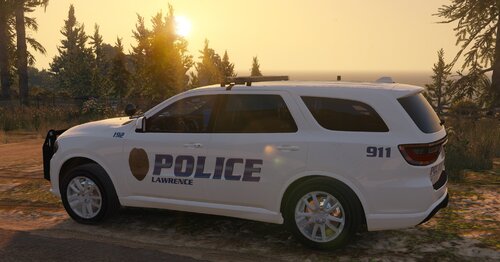 No worries sir, thank you for letting me know, I think the pack has turned out great and the kansas theme you have been doing is amazing and I hope you will continue it.
- 19 comments
- 4 reviews
-
I don´t know if its my game, but the takedown lights on the Durango flash backwards instead of forwards when turned on.
- 19 comments
- 4 reviews
-
-
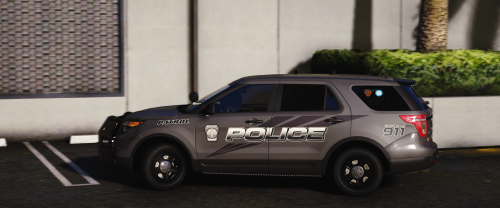 Something smells strange here 🤔 it smells like....Byron... xD Nice skins love Georgia Skins 🙂
- 17 comments
- 3 reviews
-
-

- 1
-
-
 Harris County looks so good 👍
 -
 Hahahahahaha habe ich noch nie gesehen xD
 -
-
 Agreed 😞
 -
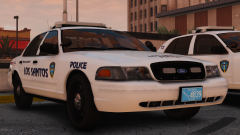 Same I like the Providence livery
 -
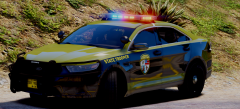 Robbie Rotton is dead :( (nice car btw)
 -
-
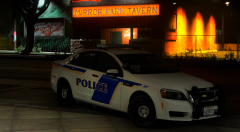 Orlandooooooooo❤️❤️
 -
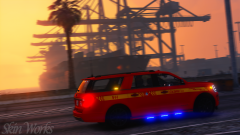 That car with that skin is to awesome
 -
Is that the new Ford Expedition ?
-
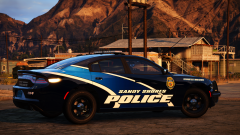 Daphne Alabama looks so awesome
 -
-
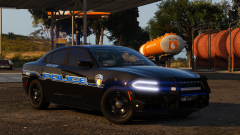 Darien GA awesome


.jpeg.6da38eaa7f9226e1a44d1be35b25d866.jpeg)