


Reddington
Members
-
Joined
Everything posted by Reddington
-
For installing cars - mods-->update-->x64-->dlcpacks-->your newest patchday. The newest one has the highest number. Example patchday20. -->dlc-->x64-->levels-->gta 5-->vehicles. The mods folder has to be used!
-
This topic has been moved to the appropriate forum. Please post in the correct location in the future.
-
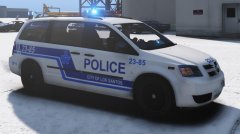 This looks so good!
 -
This topic has been moved to the appropriate forum. Please post in the correct location in the future.
-
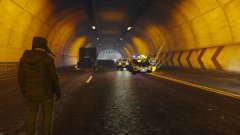
From the album: Red's LSPDFR chaos
-
You're welcome! Merry Christmas!
-
-
When making changes to carcols, carvariations, vehicles.meta or any game files, you have to revert them back to the vanilla files in the event you switch packs. For this pack, you can either a) Technically, you could keep Jedahdiah's carcols in your game even if you switch out your LSPD pack, all you'd need to do is change the sirensetting in the carvariations to sirensetting=1. His carcols doesn't mess with the default settings, to my knowledge. or b) Create a backup folder on your desktop. Drag and drop the original carcols and carvariations to this folder. That way, if you ever want to revert, just drag and drop these files. Your topic has been moved to GTA V Support, this is not LSPDFR related. Please post in the correct location in the future.
-
That model is ELS enabled. Make sure you have ELS installed.
-
Just to let you know, that file is mainly meant for vehicle developers, not modders. You can see how the file gives you an option to change the carcols and create a specific setting for it. I don't think the file is going to work for you if all you're doing is trying to change your patterns.
-
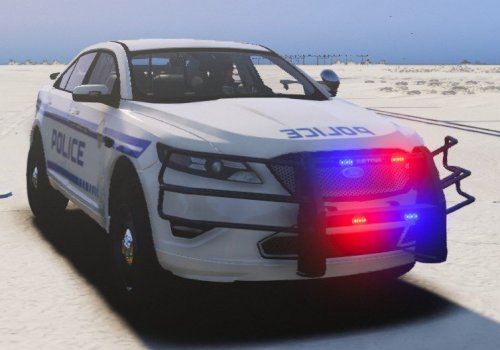 I personally would love them. How about making an optional version with 'em?
- 31 comments
- 3 reviews
-
-

- 1
-
-
Assuming you are using ELS, which is what it sounds like, you cannot change the keybindings. You have to use J for the lights and G or 1,2,3,4,5 for sirens.
-
I'm a tad bit confused. What do you need help installing?
-
 who u callin a loser, biatch?
 -
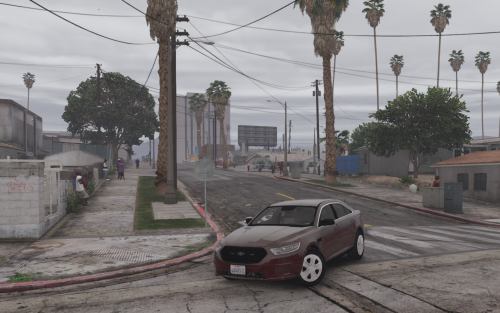 I HATE the dirt textures on almost all cars. If they don't mess with the way the car itself looks, it messes with the lights and dims them. I'm trying to refrain from deleting dirt textures because I still want that realism of getting dirty, but it's so frustrating when the AI back-up arrives and they have no lights because of the dirt.
- 39 comments
- 11 reviews
-
-
- 1
-
-
SIR, THAT'S UNAMERI......*sees your location* SIR, THAT'S UNCANADIAN OF YOU.
-
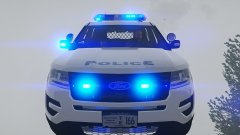
From the album: Red's LSPDFR chaos
-
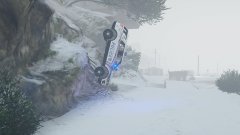
From the album: Red's LSPDFR chaos
-
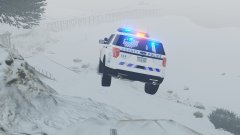
From the album: Red's LSPDFR chaos
-
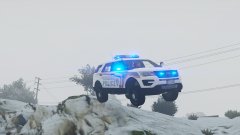
From the album: Red's LSPDFR chaos
-
@Thero Small issue on the FBI Suburban. The headlights wig-wag shows on either side of the vehicle, and there's no effect in the headlights. Make sure you give it a proper carvariations. the carvar dictates how it spawns.
- 39 comments
- 11 reviews
-
-
- 1
-
-
Make sure the handlingid in the vehicles.meta is set to police3. I've never had issues with it. Your topic has been moved to GTA V Support, this is not LSPDFR related. Please post in the correct location in the future.
-
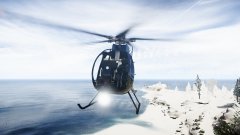
From the album: Red's LSPDFR chaos
-
What vehicle did you add? and where did you install it to? Your topic has been moved to GTA V Support, this is not LSPDFR related. Please post in the correct location in the future.
-
This topic has been moved to the appropriate forum. Please post in the correct location in the future.

