


PreOtter
Members
-
Joined
-
Last visited
-
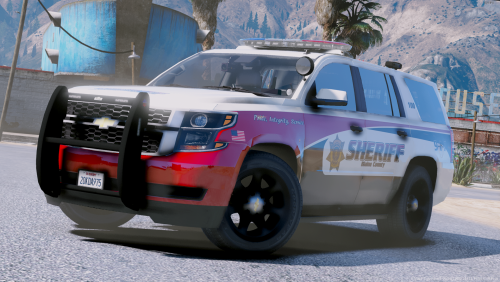 Hey man, great vehicle. Wondering if you could help with a little troubleshooting. I installed the vehicles correctly, and it loads up in game. However, the sirens will not work with the E key. I have to hold down the R key for them to work. The lights only work by itself if I press J. Any ideas on how to fix this?
- 20 comments
- 25 reviews
-
As stated, when I install a vehicle the sirens will not turn on by pressing E. Instead, to turn the on you have to hold the R key the whole time. Pressing E simply just applies the horn. Alternatively, pressing J turns on the lights still, but no sirens. I have installed the vehicles correctly a few times over to make sure it is indeed correct. Not sure if something can be done in settings, which I am not sure how to access for the sirens and vehicle. Thanks to all
