Reddington
Members
-
Joined
Everything posted by Reddington
-
 It better be! :P
 -
From the album: Red's LSPDFR chaos
-
https://youtube-creators.googleblog.com/2018/01/additional-changes-to-youtube-partner.html?m=1 Decided to post this here as we do have a lot of users who make LSPDFR content. That's not how a job works. You don't work for free for x amount of months and then get paid when you have 1k customers served. The only thing I can think of is that Youtube is wanting to show how little they care about their community. Why else would you adopt a new rule that screws over a good majority of people? I also find it funny how Youtube has ignored the Logan Paul situation entirely. He knowingly posted video of a dead body, and Youtube is just kissing his ass because of the views it brought in. Let the big guys get away with everyone, and stomp on the small ones who've done nothing wrong. It's really sad that there isn't a good competitor out there to Youtube.
-
-
-
-
 Move the .oiv to your desktop. Now, in OpenIV, go to tools-->package installer and select the .oiv that is on your desktop. Next it will go through the process, read what it says and make sure you select the mods folder. Just follow along with what it says.
- 86 comments
- 17 reviews
-
You mean when you clicked package installer? Navigate to your desktop and select this file's .oiv.
- 86 comments
- 17 reviews
-
It's a .oiv, so in OpenIV go to tools-->package installer and select this one. You'll need to drag and drop the.oiv from this file to your desktop.
- 86 comments
- 17 reviews
-
Your topic has been moved to GTA V Support, this is not LSPDFR related. Please post in the correct location in the future.
-
 I'll be arresting you next. :P
 -
-
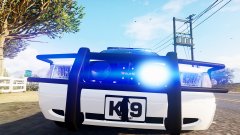
From the album: Red's LSPDFR chaos
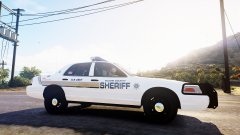
From the album: Red's LSPDFR chaos
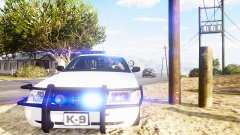
From the album: Red's LSPDFR chaos
Flags in the vehicles.meta. By default, the meta lines for the vehicles are not the same. Check the vehicles.meta.Could be the vehicle flags for the slot you're trying to use. Check the vehicle flags for police and police 2, compare it with the sheriff slot. Whatever the sheriff slot has or doesn't, fix in the problem slots.Ahhh, yep, that'll do it. Glad you got it sorted.Is this meant for GTA IV or V?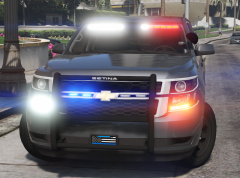 Love the white flood in the light bar. This is a hoe I can support!Redistributing someone else's work is against our guidelines, even in private message. You can check GTA 5 mods, as he does have a lot of his mods up on that site. Closing to prevent users from replying with the files or to mention they have them. If you feel this topic has been closed in error, please report this post.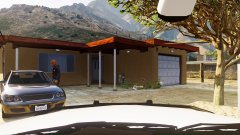
From the album: Red's LSPDFR chaos
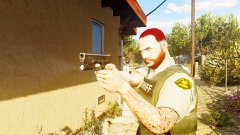
From the album: Red's LSPDFR chaos
From the album: Red's LSPDFR chaos