


Reddington
Members
-
Joined
Everything posted by Reddington
-
I'd try another siren, if you get the same result, you're still doing something incorrectly.
-
Just drag the files to openiv. Make sure you're in "edit mode".
-
This topic has been moved to the appropriate forum. Please post in the correct location in the future.
-
Unless you made a back up of your game, then no, there's no way to downgrade.
-
Here is what you're looking for. <SECL LightingFormat="leds" DisableAtLstg3="true" > <PresetPatterns> <Lstg1 Enabled="true" Pattern="006" /> <Lstg2 Enabled="true" Pattern="006" /> <Lstg3 Enabled="true" Pattern="006" /> Change lstg1,2 and 3 enabled to false. Ignore "disableatlstg3".
-
-
The rear yellow "police" is the sectional lighting. You should be able to disable this in the VCF. Find the section for sectional lighting, and it has the option of disabled at light stage 3.
-
-
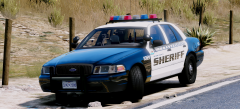 I WANT
 -
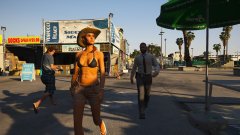
From the album: Red's LSPDFR chaos
-
These are the only non-ELS ones I'm aware of, there could be some over on GTA 5 mods. If you don't like any of these, I advise going to the fivem community and requesting someone make a model for you. You can request one on LCPDFR, but it has to be uploaded and available for all to use. We don't allow requests for private/server only mods. This topic has been moved to the appropriate forum. Please post in the correct location in the future.
-
You're most welcome! 👮♂️No problem, good luck! 😁Ahh. Just so you know, when you say add-on cars, it means brand new slots you added to the game, such as fbi3, sheriff5, etc. Go into the dlcpack NVR EMISSIVES and delete sheriff.ytd, firetruk.ytd, pranger.ytd and riot.ytd.I'm a little confused, because you said the issue is with add-on cars, but NVR installs a DLC that includes police.ytd, sheriff.ytd, pranger.ytd, riot.ytd and firetruk.ytd. It does not mess with add-on cars at all. You should only be having issues with those models.
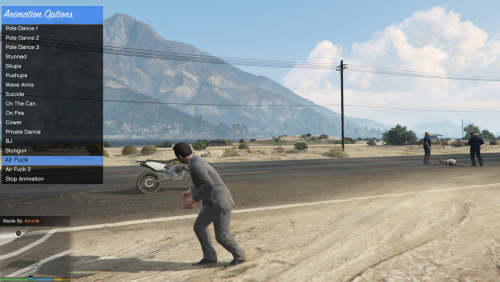 What is this, Saint's Row? 😁This topic has been moved to the appropriate forum. Please post in the correct location in the future.Have you installed NVR?Are you using a mods folder?You're welcome.
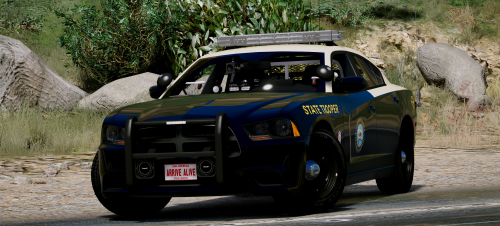 I've recently gotten addicted to these textures, so I'm glad I can use them! The lights and cars are beautiful, and some of the light patterns are flawless.
- 21 comments
- 28 reviews
-
-

- 1
-
Are you absolutely 100% positive you deleted the .ytds from the NVR EMISSIVES dlc? 'Cause if you do have the files in the newest patchday, this shouldn't be happening.That vehicle is from one of t0y's packs that he removed. This topic has been moved to the appropriate forum. Please post in the correct location in the future.Did you install the car into the very newest patchday, patchday18?

