Iggy Fresh
Members
-
Joined
-
Last visited
Everything posted by Iggy Fresh
-
Chevy Camaro :)
-
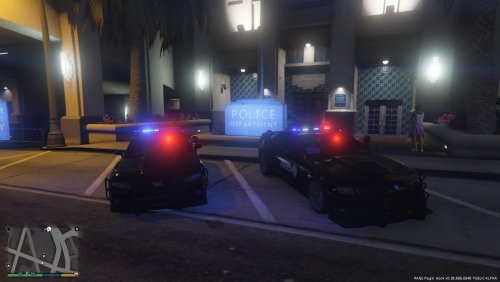 Awesome car, just used it in one of my episodes! Wish the ANPRs were removable on the trunk, but otherwise amazing! 5/5!
- 19 comments
- 3 reviews
-
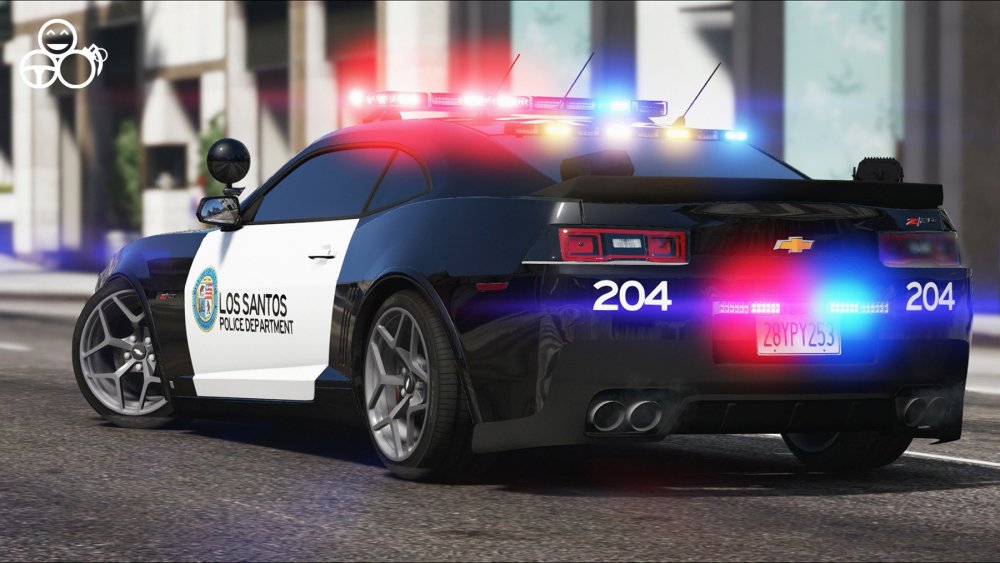
Chevy Camaro :)
-
Bad Cop in a Bad Truck!
-
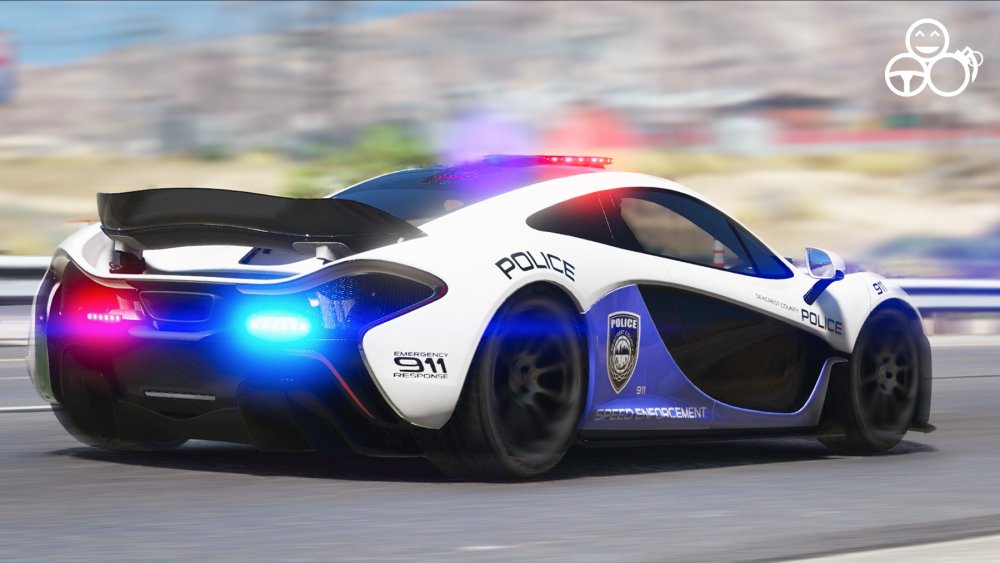
We have a supercar patrol with this awesome McLaren P1! :D
-
McLaren P1 in action :)
-
Texas State Police arrests Trevor!
-
Have not used the 360 controller, but I can tell you that it's very easy to drive slow with my Xbox One controller.
-
CHP Officer gets Trolled!
-
FBI Patrol! ARMED and DANGEROUS!
-
-
Illinois State Police patrol is here!
-
5K SUB Special! Hope you guys enjoy :)
-
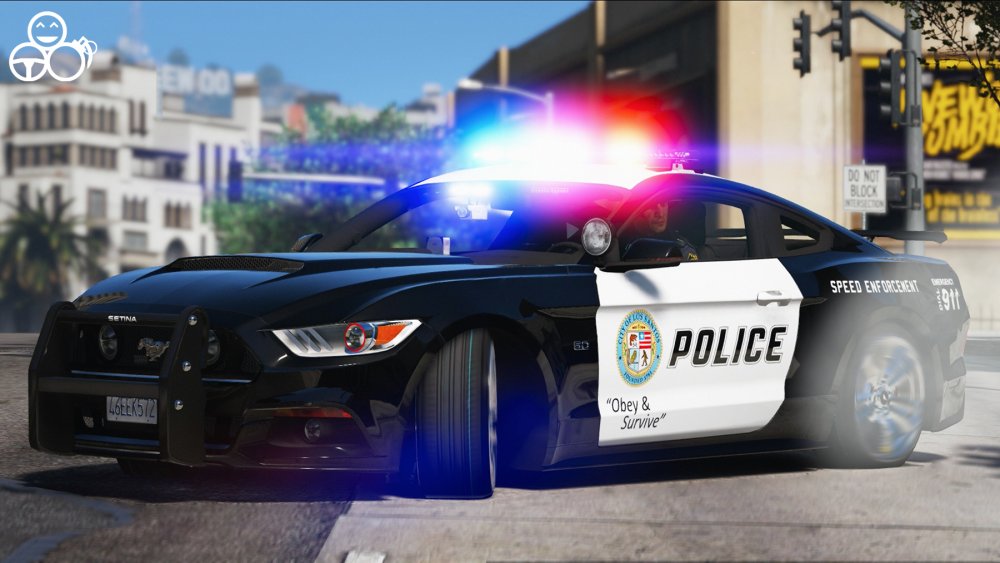
My latest work :)
-
Latest Evade episode featuring a 2006 Ferrari F248 F1!
-
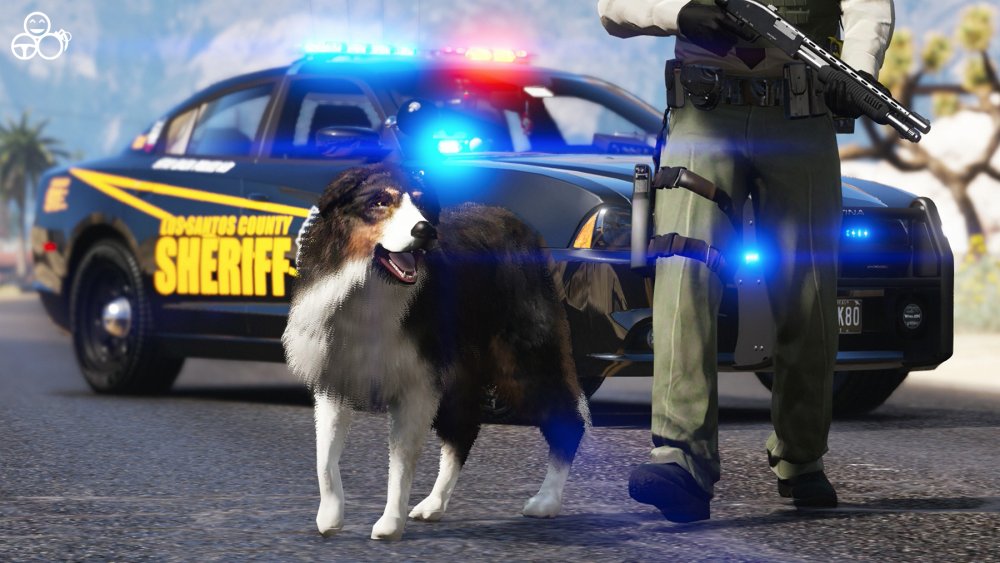
Meet ACE, the K9 Sheriff Partner!!
-
Meet ACE, the K9 Sheriff Partner!
-
DEA Night Patrol!
-
The names don't need to match. In OpenIV, just hit replace and it'll overwrite the texture while keeping the original texture name. I'm going to guess that the you used the Mods folder when installing this pack? If so, just delete the mods folder and it'll remove your carpack and anything else you've added to Mods folder. There is practically never a need to delete and reinstall GTA V. All of the mods are basic add-ons. Just read the tutorial provided by Scarlet or you'll have issues again.
-
Are you replacing like I highlighted and not adding? If so, what car do you have installed as Police and what texture pack are you trying to install?
-
You need to utilize the Replace function within OpenIV (once you open the YTD file). Here's what you should do: 1. Open the YTD file 2. Find xxxxx_sign_1 texture 3. Hit Replace 4. Browse to new texture 5. Click ok and save If the original file had 6 textures and the new texture pack comes with only 2, then replace the first 2 and delete the remaining 4.
-
Snowy Colorado State Patrol :)
-
That's awesome, congrats!
-
When you use the mods folder, it doesn't modify the original RPF files. It basically makes a copy of those files in the mods folder and then modifies them (when you use automatic installers). So, perhaps you forgot to click use mods folder when the prompt came up?
-
Vespucci Beach madness!