Iggy Fresh
Members
-
Joined
-
Last visited
Everything posted by Iggy Fresh
-
Either go and remove tint with this same Trainer in your screenshot. Vehicle Mods > Window Tint. Or, open Vehicles.meta file, find Sheriff2 and replace <diffuseTint value="0x00000088" /> to <diffuseTint value="0x00FFFFFF" />
-
hahaha thanks Allen! I tried to combine basically everything in one picture :)
-
You could try and not adding it as an addon, but rather replacing an existing vehicle (and copying over any relevant vehicles.meta and other files if need be). Also, you should still be able to select textures and extras with a Trainer (Vehicle Components = Extras, and Vehicle Liveries = textures). You could also set up the car how you like it, then save it with a trainer. Then all you have to do is spawn the saved vehicle and you won't have to customize it again.
-
Boom! Latest Evade episode.
-
Here's the latest State Patrol
-
Downtown K9 night patrol!
-
Absolutely. But you may also look at the newer GTX 1060 models to see if they are in the same price range or not.
-
-
First Repo goes wrong!!
-
Bad Trevor cop in a Bad truck!
-
Check out the latest Bait Car episode using this Undercover Taxi Police car!
-
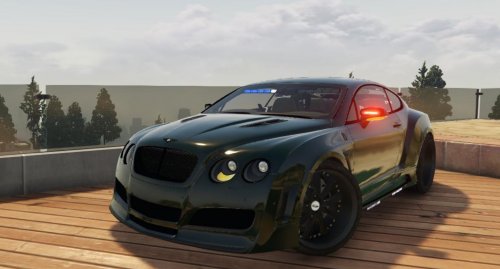
Bentley Continental GT Undercover street racing patrol!
-
-
Night episode with an ELS Tahoe
-
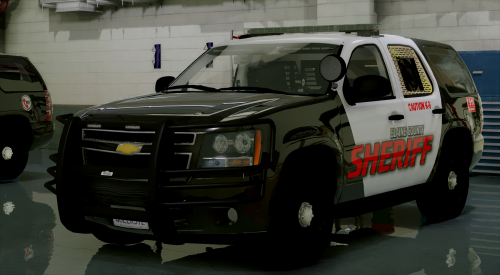
Henderson County Sheriff Patrol!
-
Partner Motorcycle Patrol!
-
You should be fine, just check the dimensions of the card. I upgraded GTX 960 to GTX 1070 and both were identical in size. I double checked because I have a mini ITX setup with absolutely no extra mm to spare.
-
Hey Ry! Just saw this post and thought I would share what I do. Our PC specs are not that far off, so I can tell you that you are getting a good PC to run LSPDFR with plenty of mods. By the way, I don't Stream so I can't really help there. But I know that many of the recording software out there will allow you to Stream as well (ex: XSplit, Elgato, OBS <- I think). I personally record with Elgato. I bought an Elgato HD60 capture card so I can record Xbox One gameplay. What it does is it intercepts the video and audio via HDMI (it's placed between Xbox and your TV) and records straight onto your computer. When I built my PC, I decided to use Elgato to record my PC gameplay (in a similar fashion). The gameplay is being recorded from my PC straight onto my MacBook Pro where I do all of the editing. You can record onto the same PC by the way. The Pros about my setup is that I'm not using any of my PC's resources to do the recording, as you would if you used other recording software to record on the same PC. Elgato comes with its own software that is very easy to use. You can plug your mic in, hit record and play the game. I know many people do use OBS, XSplit, and Shadowplay to record their gameplay, but I don't really have any experience with them. For recording webcam and mic, I use Photobooth app on my MacBook Pro. For editing I use iMovie. It's nothing too crazy, but it does everything I need right now. Thought I would share what I do, if you want more details let me know!
-
Funny SWAT episode with several fails!
-
SWAT team breaks up the bank heist!
-
Stare down in Grapeseed!
-
BOOM! Another FBI Partner patrol
-
Nashville Metro Police over here!
-
Buy a CD version of Windows OS. Launch Bootcamp. Follow simple directions there.
-
Insane Military Police patrol!