


Captain14
Members
-
Joined
-
Last visited
Everything posted by Captain14
-
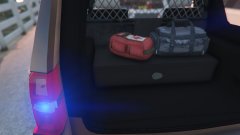
From the album: 2015 Tahoe LSSD
-
2015 Tahoe progress. Release should be coming soon!
-
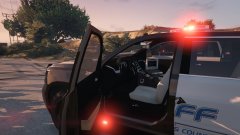
From the album: 2015 Tahoe LSSD
-
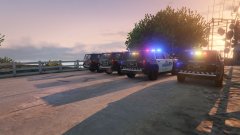
From the album: 2015 Tahoe LSSD
-
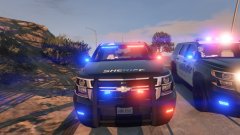
From the album: 2015 Tahoe LSSD
-
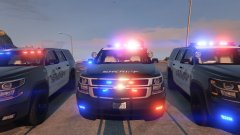
From the album: 2015 Tahoe LSSD
-
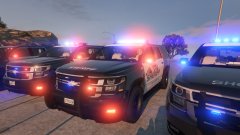
From the album: 2015 Tahoe LSSD
-
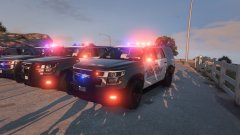
From the album: 2015 Tahoe LSSD
-
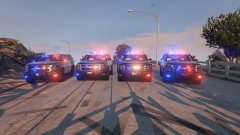
From the album: 2015 Tahoe LSSD
-
I believe that is for the interior color of the doors, but I would ask Thero. It should be fine if you just cover it in whatever your predominant color is
-
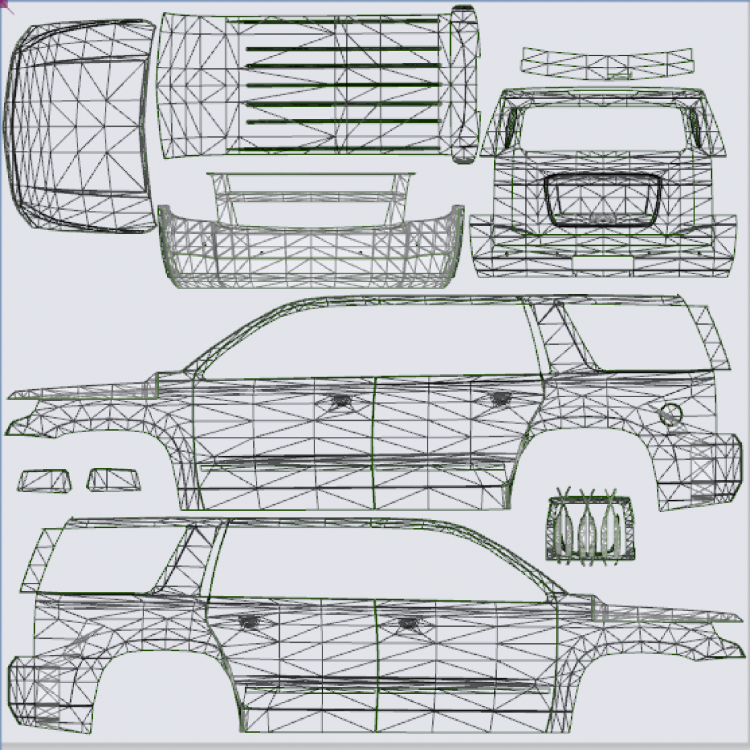
New template by @Thero!
-
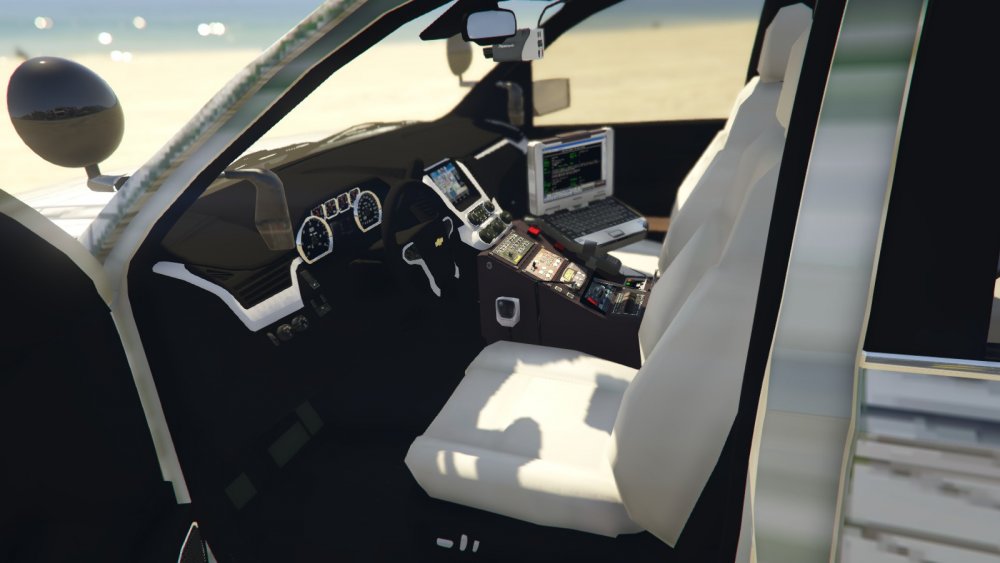
I will see if it's something I can have fixed... Mapping and templating is not my area of expertise and I didn't create either for this model so I'll have to ask Thero. On a brighter note, I've added working gauges to the interior now, so for those who enjoy first person patrols it will add that extra level of immersion.
-
 In my WIP thread I've posted an update. It should be released soon and has essentially been overhauled from what it was before. Lots of cool things to come!
- 148 comments
- 34 reviews
-
-

- 1
-
-
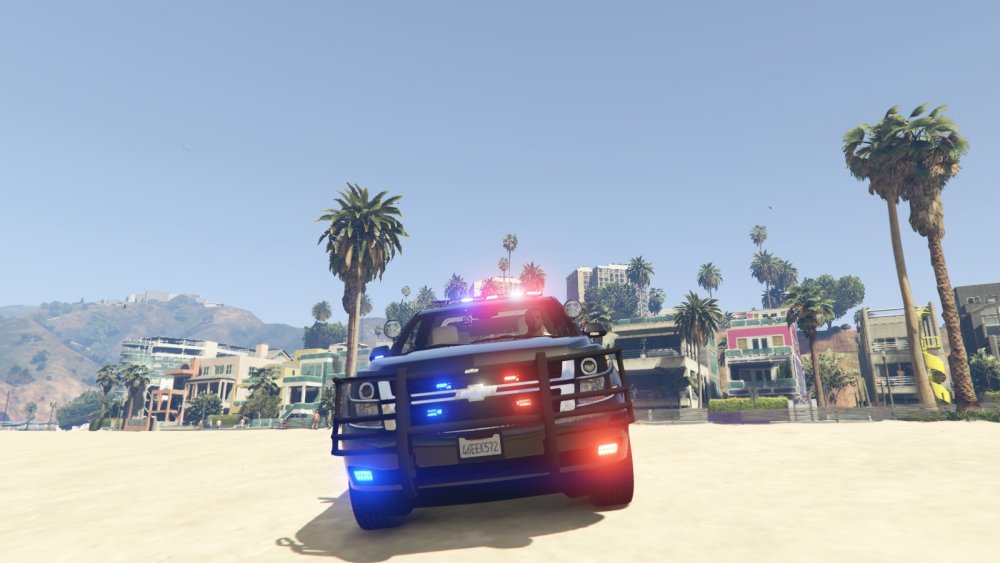
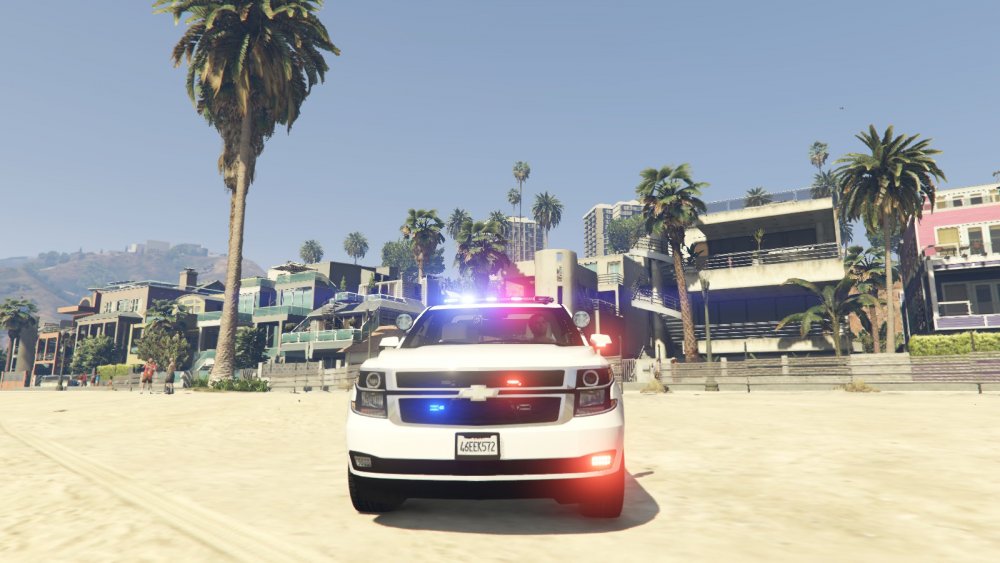
Vanilla rambar is gone! Now has a Go Rhino with an optional wraparound (both are extras and have collisions). I also redid the front lighting, any thoughts?
-
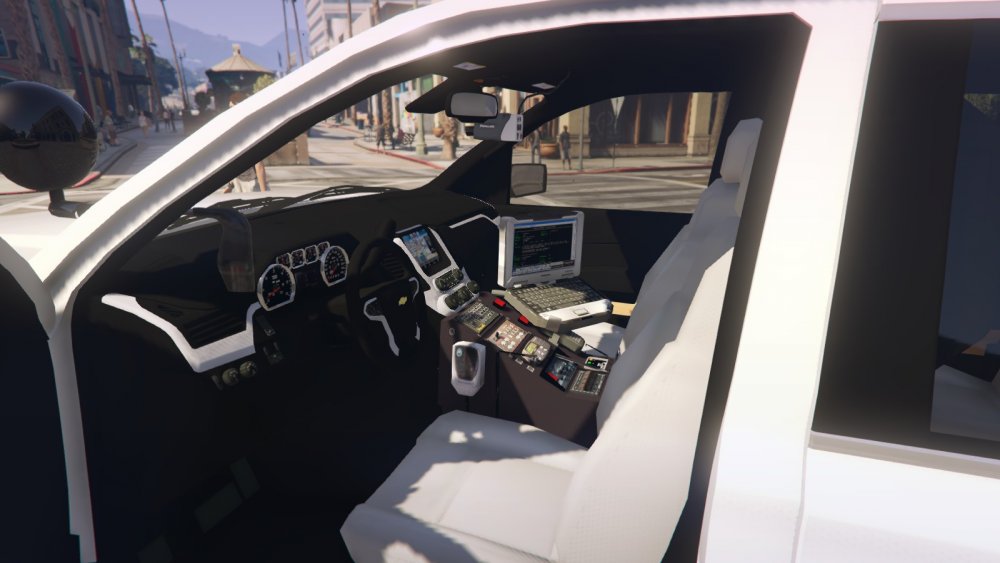
Reworked the center console, it is now integrated and sits at an appropriate level:
-
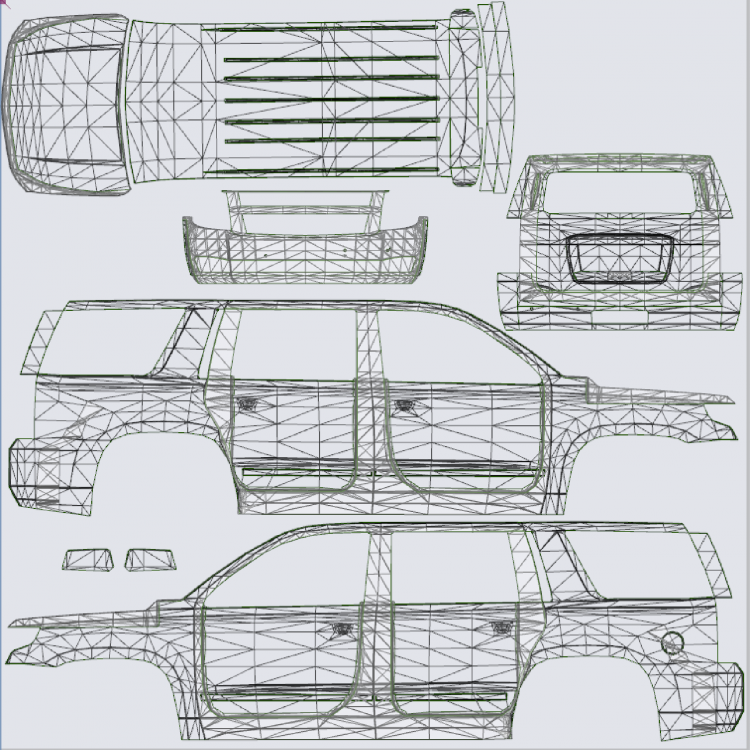
New template for multiple liveries is done thanks to @Thero! Here is the new template so you can begin making skins:
-
Yes it should. However the handling will be messed up, go into your vehicles.meta and change the handling ID to FBI2.
- 148 comments
- 34 reviews
-
The template will be changing slightly but shouldn't be anything drastic. Multiple liveries will be supported.
-
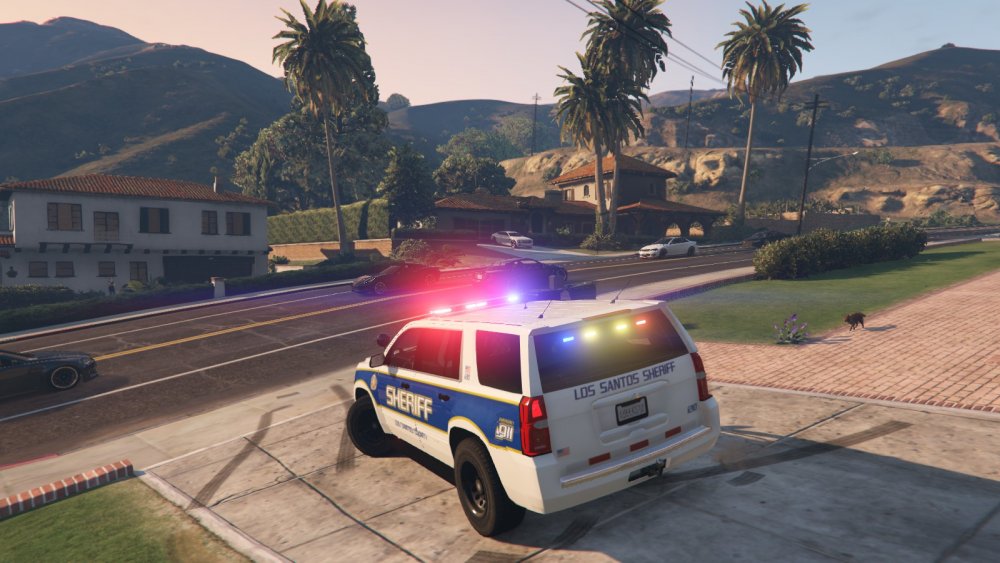
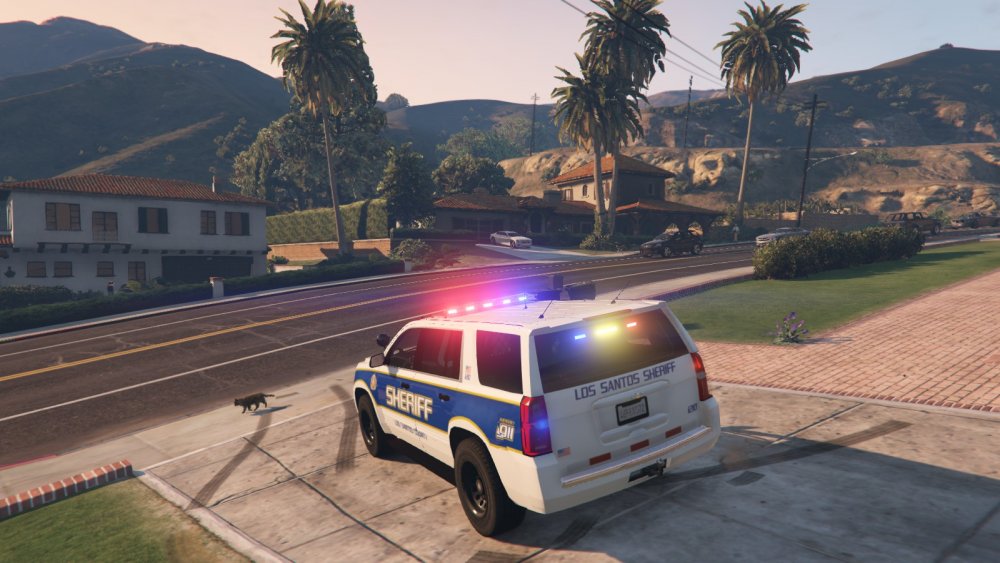
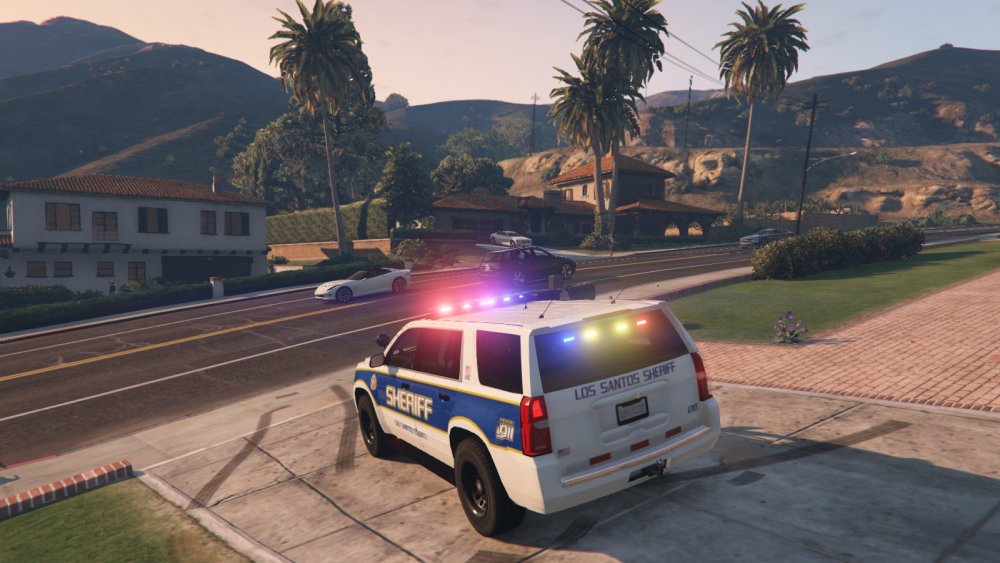
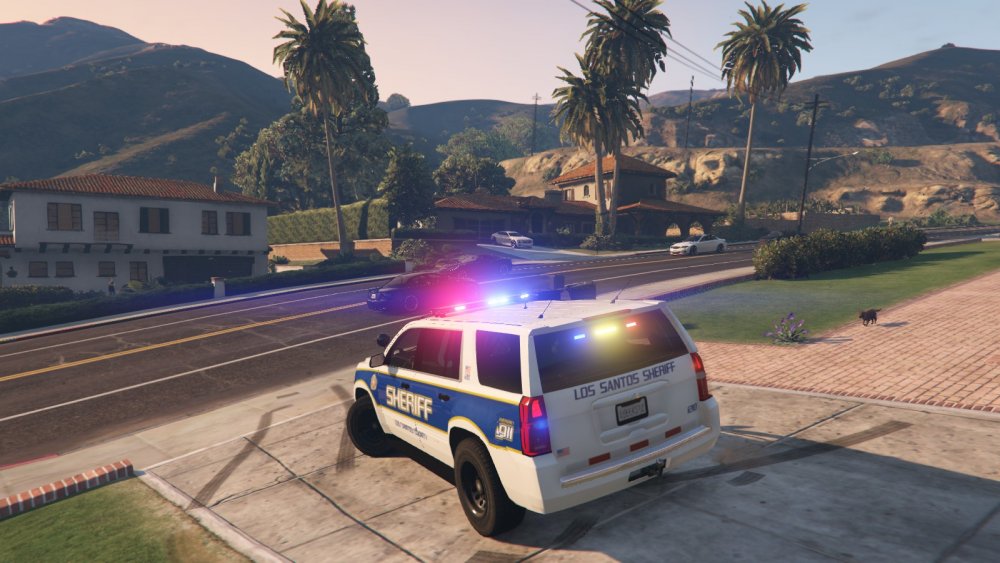
I decided to remove the traffic advisors from the rooftop lightbars. So the Arjent and the Valor now have a full red/blue setup. I also redid the rear window light to have a smaller traffic advisor. Pictured with each of the available lightbars:
-
I would be happy to help you with setting up the lighting and hiding the coronas.
-
I have fixed the mirror reflections and all other bugs with the original model. All that's left for me to do is have it remapped and a new template made. Update should be coming soon!
-
I'm adjusting the brightness of the emissive so that it will look better from a distance. If used with RadianceV, it will look just fine.
-
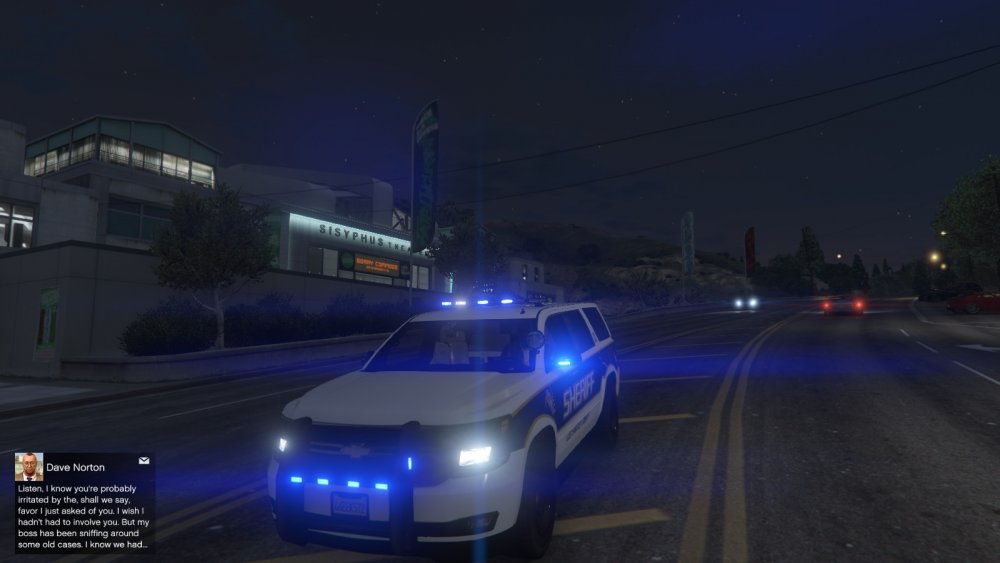
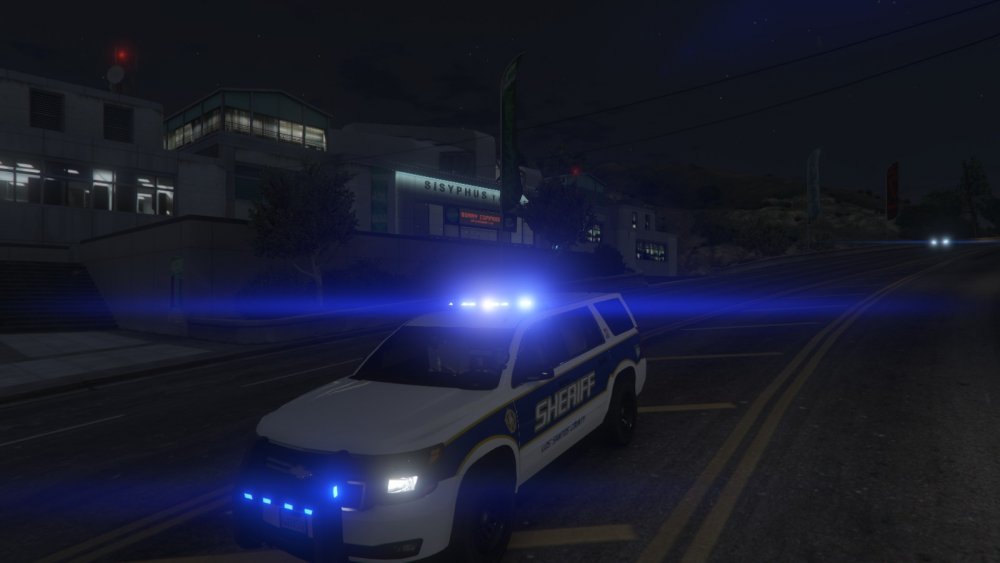
Finished hiding all coronas! Blue light version will be available soon: (Sorry valor is not pictured, I forgot to screenshot that one!)
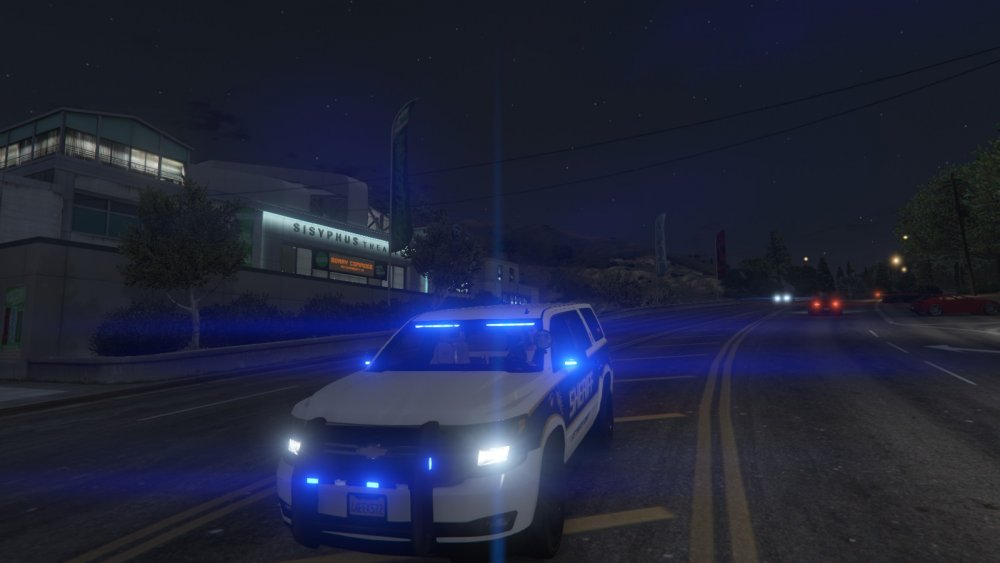
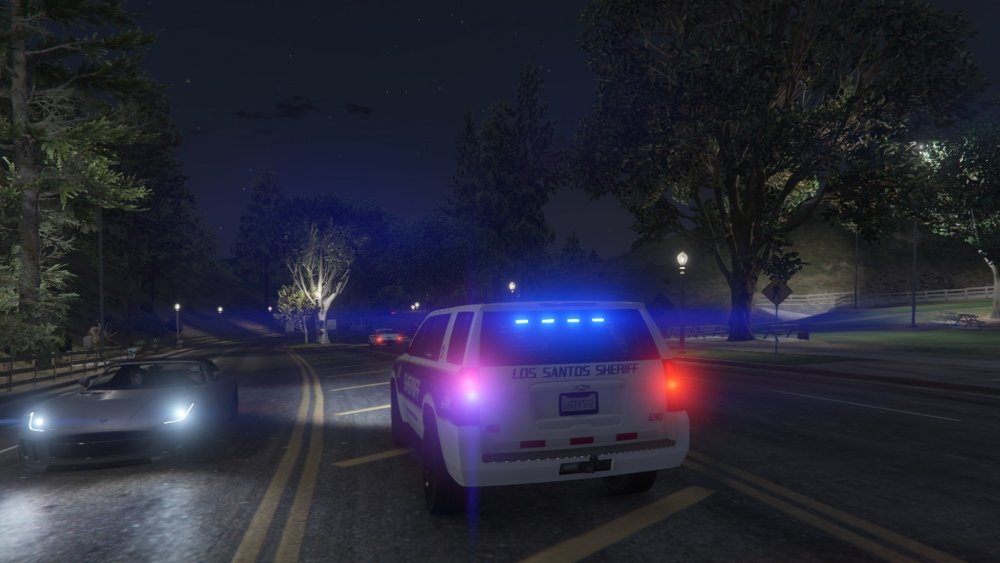
-
Latest progress: Fixed most of the minor bugs, still having issues with mirror reflections. Coronas for all lights except the rooftop lightbars have been hidden. This will make the lights look better from a distance and also will make it look better with or without RadianceV (still recommended so that brightness is appropriate) Federal Signal Arjent has been added as a lightbar option, again as an extra, all as part of the same model!
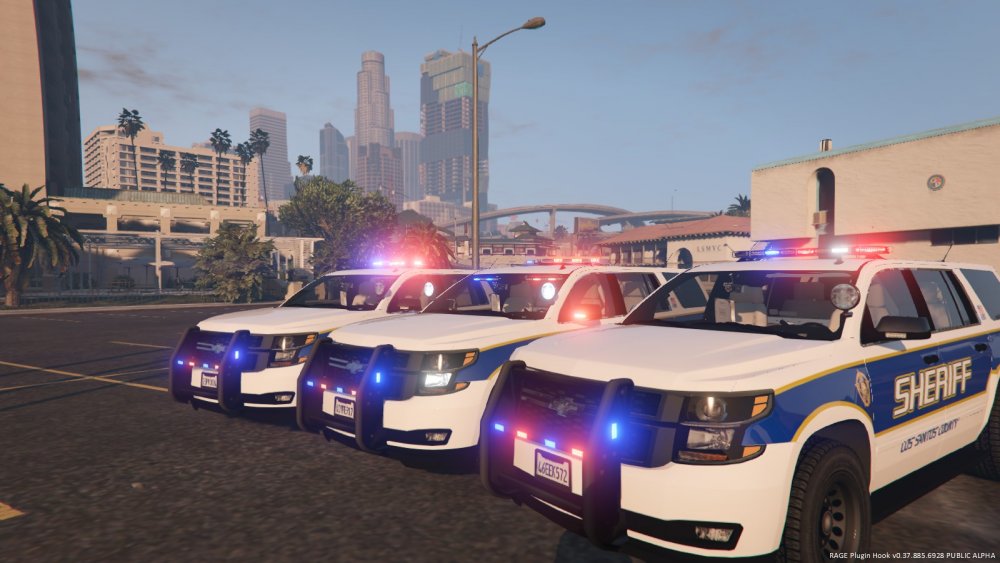
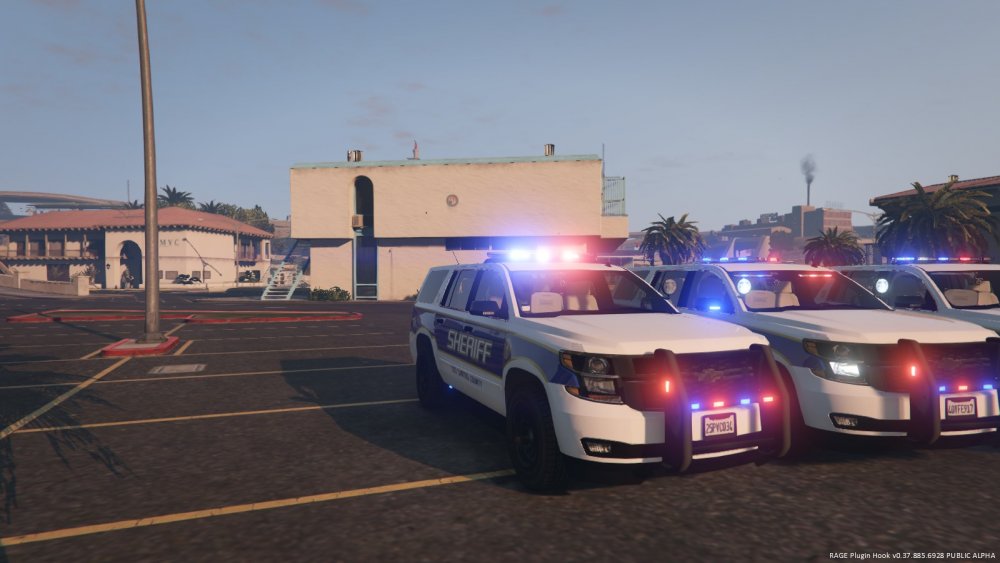
-


