Captain14
Members
-
Joined
-
Last visited
Everything posted by Captain14
-
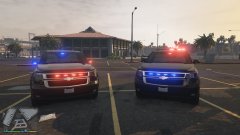
From the album: [WIP] 2015 Tahoe Marked
-
Hi, I recently released an unmarked 2015 Tahoe and would like to also release a marked version with a completely different lighting setup. This is the model I had released: If anyone would be able to help me by UV mapping the model, it would be greatly appreciated! Tomorrow I will be starting work on the marked version and will be happy to provide an unlocked version (the original 2015 tahoe is available unlocked on GTA5-mods by AuthorSaulAlan). Thanks!
-
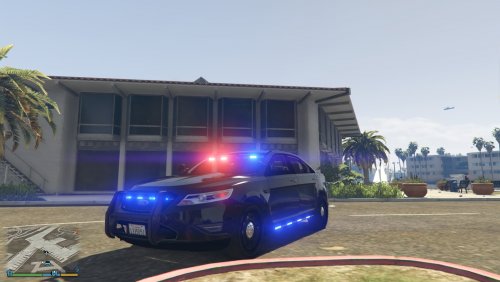 Sure, I'm a bit busy this week but I will try and get an update together that makes them an extra component!
- 23 comments
- 14 reviews
-
Vehicle has been completely rebuilt from the ground up and is now released! See original post.
-
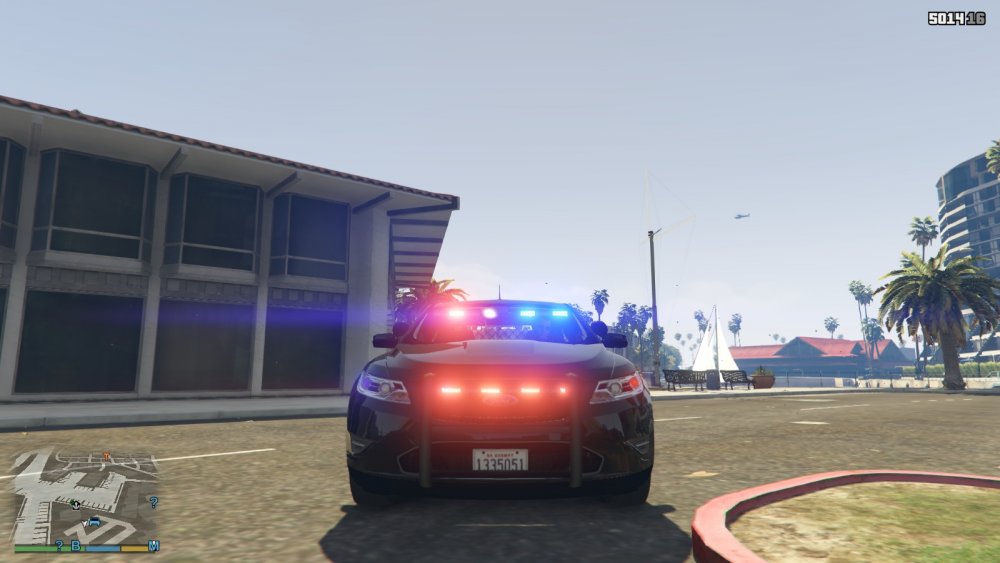
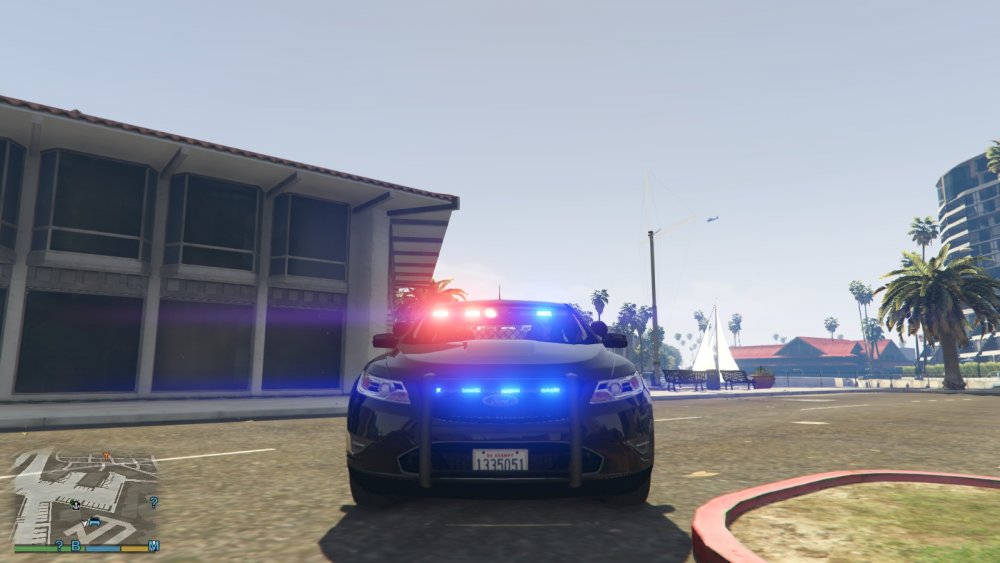
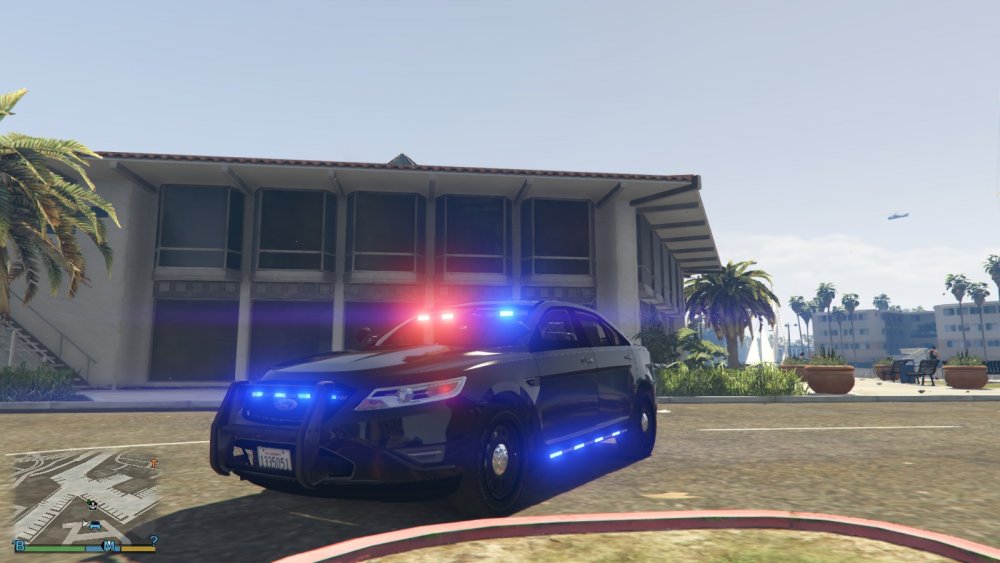
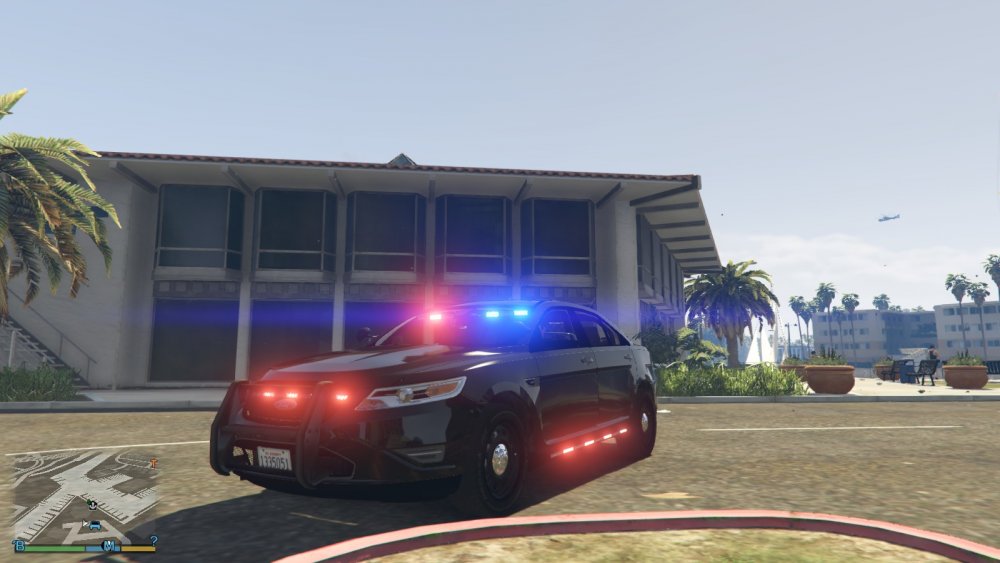
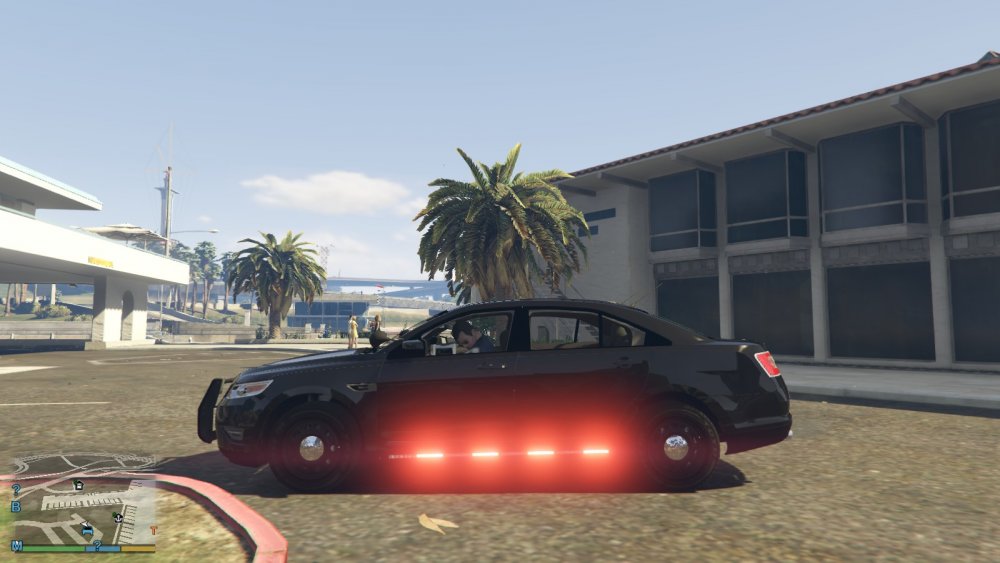
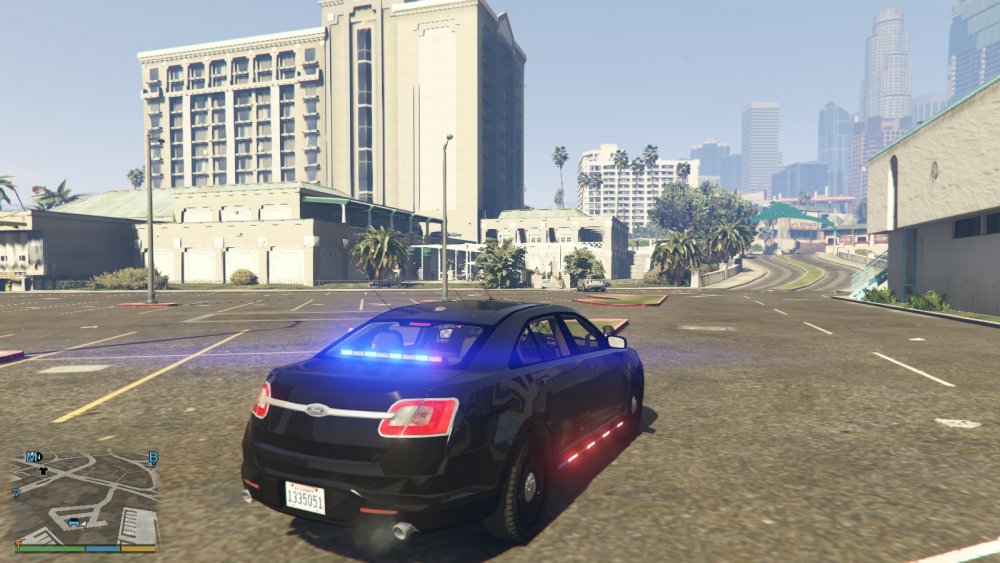
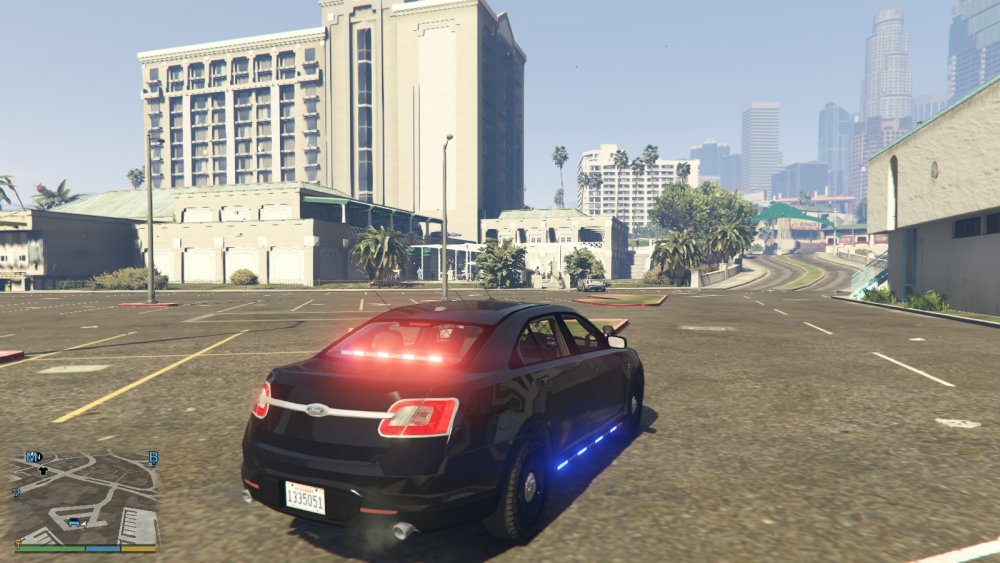
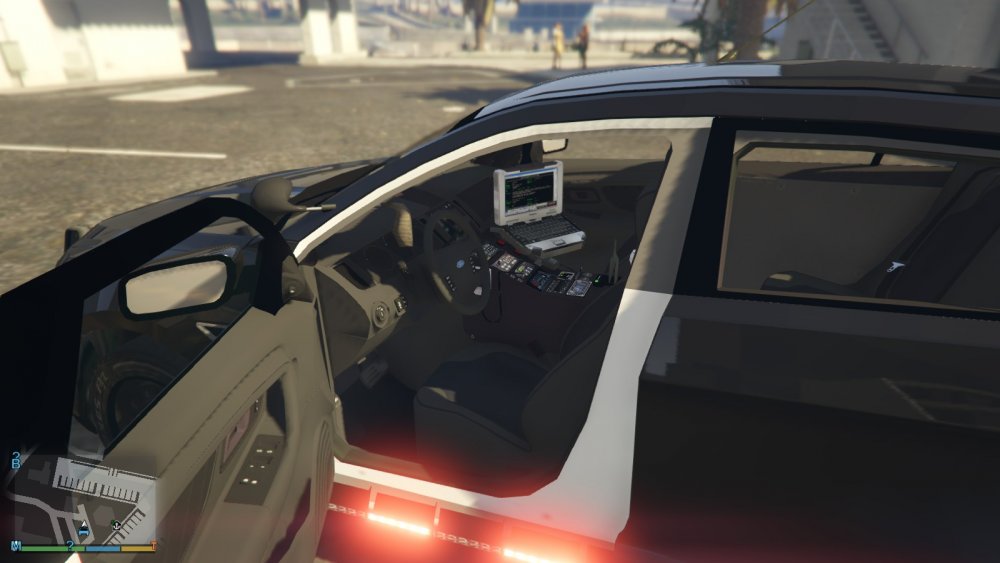
This is a 2012 Ford Police Interceptor Slicktop/Unmarked version. Thanks to F5544 for the great dev model! This vehicle replaces police3. This vehicle features a very robust lighting setup for high visibility during both the day and at night. For the lights to work properly, it is recommended that you use BxBugs123's Radiance mod found here: Vehicle features: Front, rear, and side LED lighting Strobe lighting in headlights and reverse lights Extra 1 - pushbar and spotlights Spawns as either an unmarked or LSPD slicktop unit All LODs work Glass breaks Credits: 2012 Ford Police Interceptor Dev Model by F5544 carvariations.meta by F5544 LSPD liveries by BogdanM Taurus interior from Forza, provided by BxBugs123 Wheels edited by Prophet Panasonic Toughbook CF-31 modeled, converted, and textured by Ridgerunner Designs Panasonic Arbitrator Dashcam by johnclark1102 and diablozer0d617 Some equipment textures by Martinct This model uses the default template from F5544's Police Interceptor, so any skins made for his car will also work for this one. Future updates hopefully to come!
- 23 comments
- 14 reviews
-
-

- 3
-
-
 @Mates9963 You don't need one in the folder, just place my files there and it will work.
- 27 comments
- 15 reviews
-
-
- 1
-
-
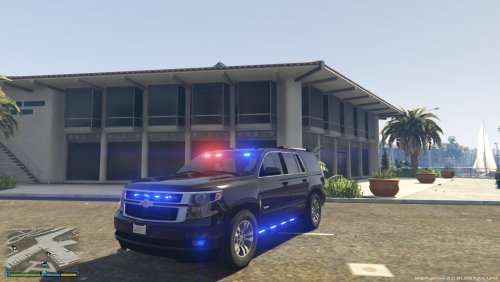
This is a 2015 Unmarked Chevy Tahoe. The vehicle includes siderunners as part of a very robust lighting setup. This vehicle replaces FBI2. In order for the lighting setup to look it's best, please use BxBugs's Radiance Mod found here: Credits: Shadydk311: Original Suburban Model Peng00820: Converting model to GTA IV BritishGamer88: Convering to GTA V AuthorSaulAlan: Modifying Suburban into Tahoe RidgeRunner Designs: Panasonic Toughbook CF-31 Future updates hopefully to come!
- 27 comments
- 15 reviews
-
-
- 7
-
-
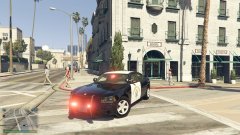 @steinberg4145 It's very much still a WIP. This is just the result of a couple hours of work I put into it today. I plan to change the wheels to steelies. As for the pushbar I currently do not have plans to replace it with another. It's a slightly modified version of a vanilla pushbar taken from police4, I just made it look semi-close to photos of CHP slicktop chargers. I'm not going for an exact replica but I would like to get it close.
 -
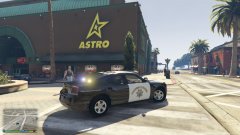
From the album: SAHP Charger
-
-
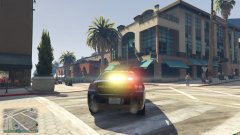
From the album: SAHP Charger
-
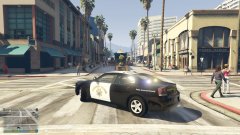
From the album: SAHP Charger
-
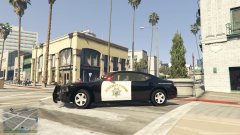
From the album: SAHP Charger
-
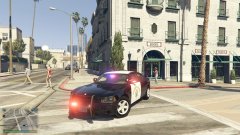
From the album: SAHP Charger
-
From the album: SAHP Charger
-
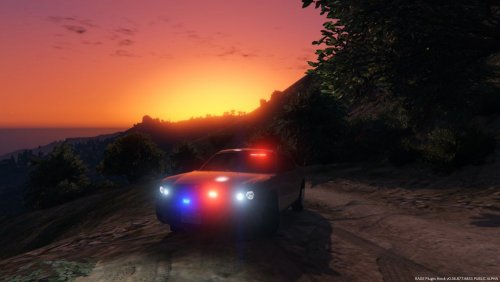 Did you replace the carvariations and vehicles.meta? You need to do those in order for the multiple liveries to work properly.
- 12 comments
- 4 reviews
-
This is an unmarked version of Lundy's 2009 Dodge Charger! Credits to him for the dev model. Install: Place fbi.yft, fbi_hi.yft, fbi.ytd, and fbi+hi.ytd in GTAV/mods/update/x64/dlcpacks/patchday4ng/dlc.rpf/x64/levels/gta5/vehicles.rpf Place carvariations.meta in GTAV/mods/update/x64/dlcpacks/mpchristmas2/dlc.rpf/common/data Place vehicles.meta in GTAV/mods/update/x64/dlcpacks/mpchristmas2/dlc.rpf/common/data/levels/gta5 Please report any bugs here!
- 12 comments
- 4 reviews
-
-
- 4
-
-
My mistake, I accidentally put that in the title. Is there a way to edit that?
-
EDIT: The vehicle has been completely rebuilt from the ground up and has been released! Any further suggestions are welcome.