


Captain14
-
Joined
-
Last visited
Everything posted by Captain14
-
-
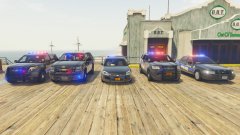 20161001145752_1.jpg
-
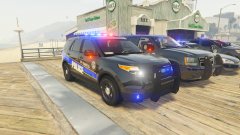 20161001145737_1.jpg
-
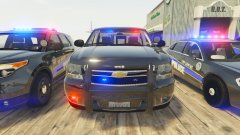 20161001145638_1.jpg
-
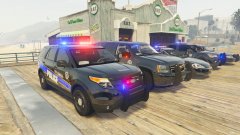 20161001145559_1.jpg
-
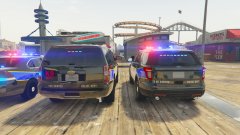 20161001145549_1.jpg
-
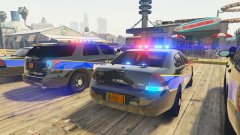 20161001145533_1.jpg
-
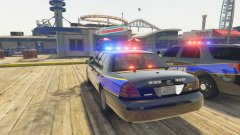 20161001145514_1.jpg
-
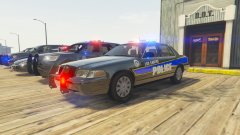 20161001145452-1.jpg
-
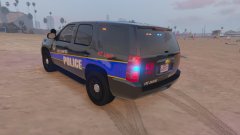 20160929212353_1.jpg
-
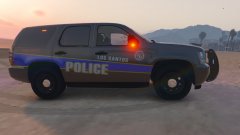 20160929212335_1.jpg
-
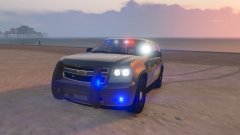 20160929212243_1.jpg
-
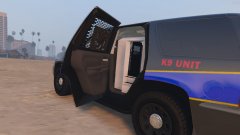 20160929212144_1.jpg
-
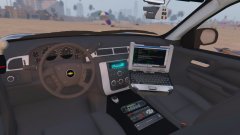 20160929212055_1.jpg
-
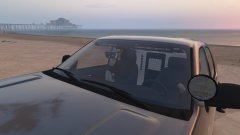 20160929212046_1.jpg
-
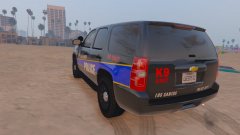 20160929212017_1.jpg
-
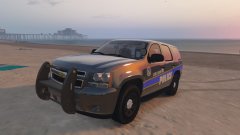 20160929211945_1.jpg
-
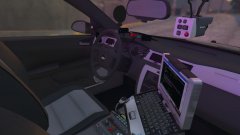 20160926234815-1.jpg
-
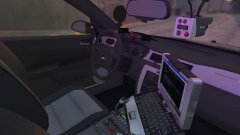 20160926234815-1.jpg
-
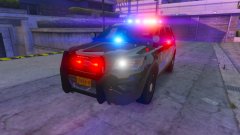 20160926234813-1.jpg
-
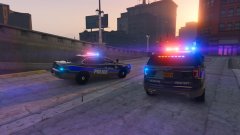 20160926234747-1.jpg
-
-
From the album: Captain14's WIPs
-
From the album: Captain14's WIPs
-
From the album: Captain14's WIPs
-
From the album: Captain14's WIPs
-
From the album: Captain14's WIPs
-
From the album: Captain14's WIPs
-
From the album: Captain14's WIPs
LSPD Pack including (so far) 2016 Police Interceptor Utility and Impala. More to come. -
My Zmodeler is up to date and it's not working for me.
-
 I'm not sure, no one else has reported it. Try deleting the vehicle and reinstalling (including the .ytd) and see if ti resolves.
- 148 comments
- 34 reviews
-
From the album: Captain14's WIPs
-
From the album: Captain14's WIPs
-
From the album: Captain14's WIPs
-
From the album: Captain14's WIPs
-
From the album: Captain14's WIPs
-
From the album: Captain14's WIPs
-
From the album: Captain14's WIPs
-
From the album: Captain14's WIPs
-
From the album: Captain14's WIPs
LSPD Pack including (so far) 2016 Police Interceptor Utility and Impala. More to come. -
From the album: Captain14's WIPs
-
From the album: Captain14's WIPs
LSPD Pack including (so far) 2016 Police Interceptor Utility and Impala. More to come. -
From the album: Captain14's WIPs
LSPD Pack including (so far) 2016 Police Interceptor Utility and Impala. More to come. -
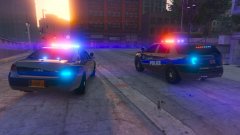
From the album: Captain14's WIPs
-
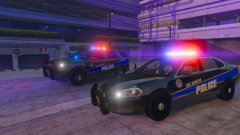
From the album: Captain14's WIPs
LSPD Pack including (so far) 2016 Police Interceptor Utility and Impala. More to come. -
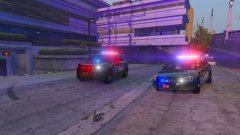
From the album: Captain14's WIPs
LSPD Pack including (so far) 2016 Police Interceptor Utility and Impala. More to come.


