



Cj24
Members
-
Joined
-
Last visited
Everything posted by Cj24
-
From the album: Cj24's pics
-
From the album: Cj24's pics
The beacon is automaticly added when activating LSTG3, it also can be activated by turning the cruise lights on. -
 Nah, the car stopped and waited until I was gone ^^
 -
-
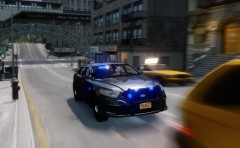 Basicly this with a few edits to bloom and brightness.
 -
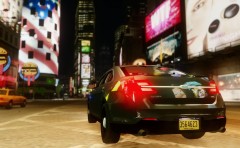
From the album: Cj24's pics
Testing a new ENB. -
From the album: Cj24's pics
Testing a new ENB. -
-
 Do you have a link for that ENB?
 -
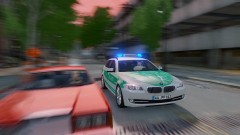 No, that was staged :P
 -
-
-
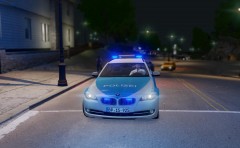
From the album: Cj24's pics
-
-
-
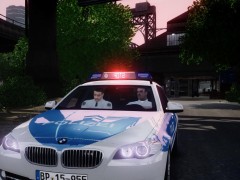
From the album: Cj24's pics
-
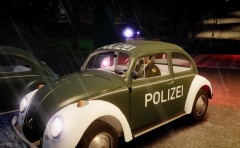
From the album: Cj24's pics
-
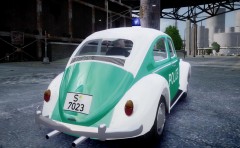
From the album: Cj24's pics
-
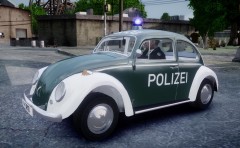
From the album: Cj24's pics
-
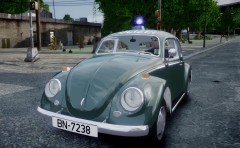
From the album: Cj24's pics
-
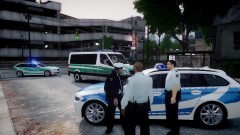 In Germany, old police liveries are green, newers are blue. Two countries in Germany aren't switching to blue, though. The green vehicles in that picture are bavarian units, the blue federal.
 -
From the album: Cj24's pics
-
-
-




