




BlueLine Vibes
Insiders
-
Joined
-
Last visited
Everything posted by BlueLine Vibes
-
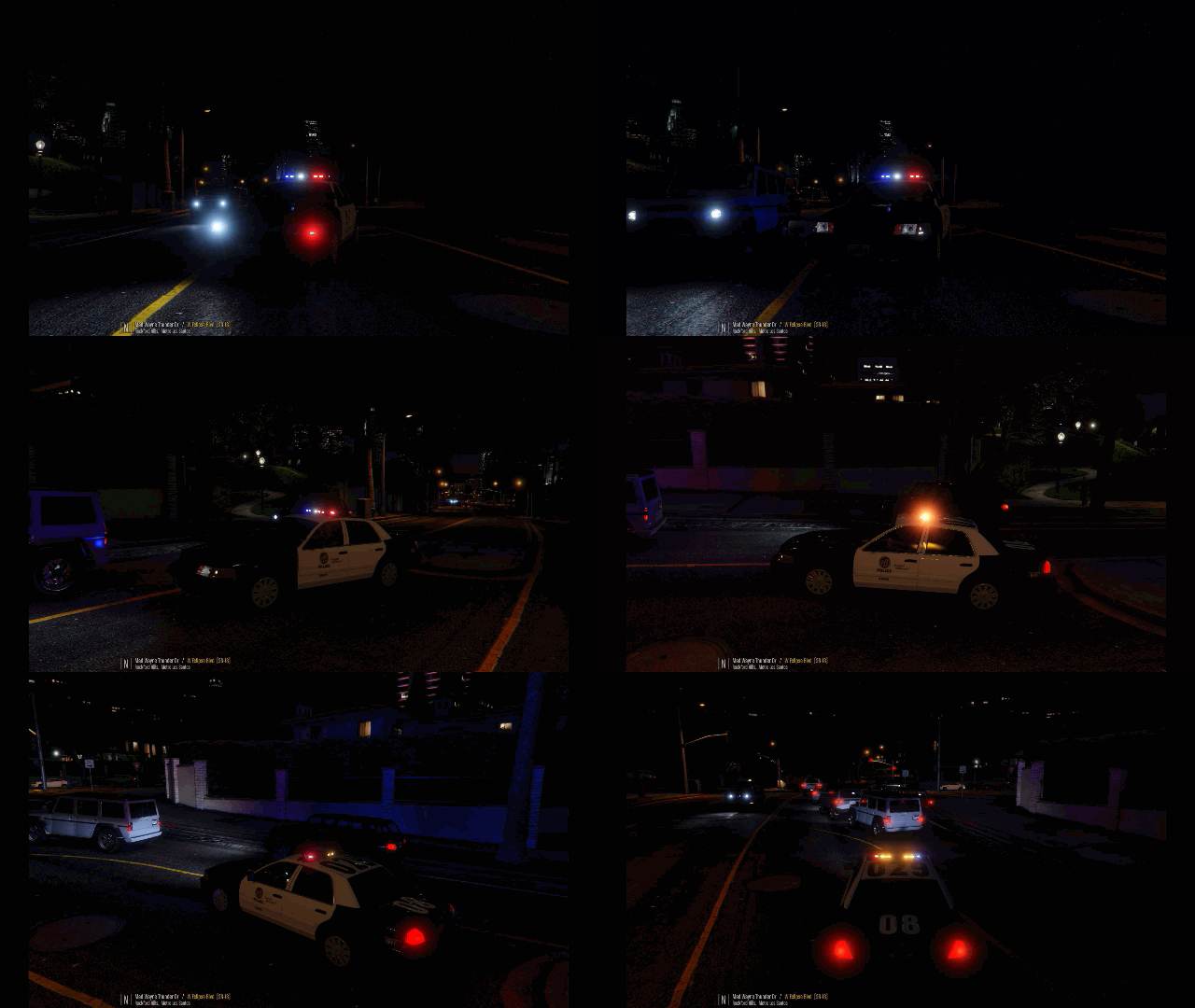 One last thing that I think several people are having issues with. In the video here it shows the Wig Wag lights at night and the tail lights are fully lit. However, once me and several others install this - the break lights are off at night. The Wig Wag lights come on but there are no break lights. I checked several vehicle models and its the same. Is it a settings thing? Or perhaps a glitch? *This may be more of a question for Fenix
- 26 comments
- 4 reviews
-
 Great mod but does cause a bit of system performance hit with a hit on the FPS EDIT: I would love to redo my Star Rating. This is one of my favorite mods. I am very glad @alexguirre had decided to fix the performance issues with this mod. I would HIGHLY suggest you download this if you want a realistic take down. Definitely a 5/5 stars now. unfortunately I had written this review honestly in early August and I still stood by the 4/5 stars due to performance loss. Now its fixed. So it is Benzo approved.
- 247 comments
- 45 reviews
-
-

- 1
-
-
 Damn man. Thehurk back at it again with another great model. not sure why I did not see this months ago. I love how you give options for Blue Blue or Red/Blue. Most of us want options and you pulled through again. 5/5
- 112 comments
- 36 reviews
-
-
-
-
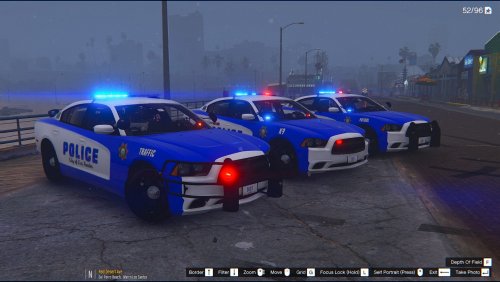 Livery looks good in my opinion.
 -
Slight confusion here. In the Readme it says Make sure you have Wigwagfix.dll in your scripts folder. However, if I get the Wigwagfix.dll it says it needs to go into the Plugins folder. Does this need to go into a script folder like your Readme? Perhaps the other Wigwagfix needs to mention a scripts folder?
- 26 comments
- 4 reviews
-
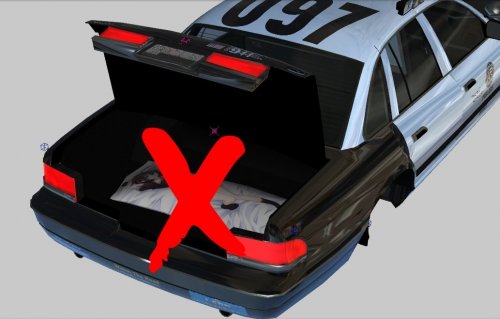 Next step. The Pine tree air freshener hanging off the rear view mirror. My car is fresh enough, thank you.
- 16 comments
- 3 reviews
-
-
- 1
-
-
 Very nice work. The reflections off of the vehicle look great. Looks even better with Radiance installed
- 81 comments
- 16 reviews
-
-
- 2
-
-
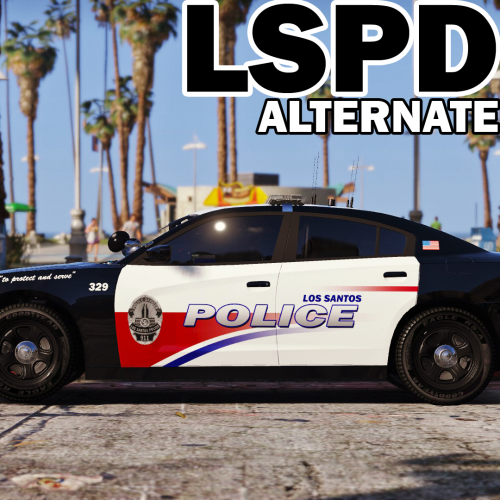
.gif.ef71e5660a9974a47d7678c5aa25d9ea.thumb.gif.e29002164b287fddeca8c59836e258bc.gif) I did notice that on some vehicles that are modded into the game that the break lights are off when you put your lights on. Wasn't sure if it was part of this plugin or maybe just els itself
I did notice that on some vehicles that are modded into the game that the break lights are off when you put your lights on. Wasn't sure if it was part of this plugin or maybe just els itself- 42 comments
- 13 reviews
-
-
- 1
-
-
Is there any way to have the lights a tad bit brighter as they wig wag? In my opinion its just a bit dim. Other than that, no performance loss is great and it does work great.
- 42 comments
- 13 reviews
-
-
- 1
-
-
 Ahhhh my buddy Albo comes through again! Going to love doing videos with this bad boy. Thank you Albo Donate to this man now! 5/5
- 851 comments
- 108 reviews
-
-
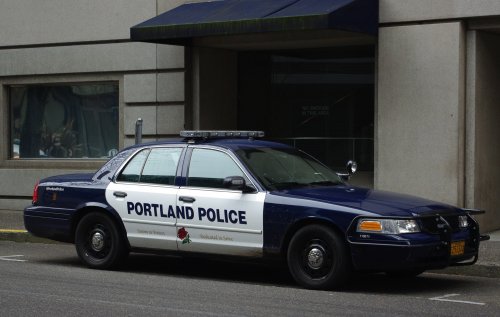 This is an Epic Siren. I love it and the sound came out very nicely. I did choose the folder "If there is no siren sound" the loudness is fine. 5/5
- 45 comments
- 11 reviews
-
kcoynejr - As mentioned in his description in Open IV - OpenIV and go to x64>audio>sfx>Resident.rpf Right click on vehicles.awc and click export to open formats Now before you do this, create a folder on your desktop labeled whatever you want. I chose "New Siren". Personally I made a Mods folder with Open IV and I would suggest you do the same so it doesn't corrupt your game. Now go to Resident.rpf and double click and get to vehicles.awc. Right click vehicles.awc and click on export to open formats. Go to your new folder "New siren" and click 'select folder'. It will export a folder called vehicles and another file called vehicles.oac. Now take that Zip Folder that you downloaded with this Mod here. Personally I could not get "Way Louder" or "Even Louder" files to work, I would get into the game and it was muted out. So just by chance because I wanted to make sure that I could at least hear the siren I chose "If there is no siren sound" take those to wav files and navigate to your new folder "New Siren". Throw those to files inside the vehicles folder and it should ask to overwrite. Say Yes (Once again ONLY IF YOU ARE USING A MODS FOLDER) if you do not use a mods folder at least save a back up. Now here is the easy part that many people overlook. You are almost done. Simply go to Open IV again, make sure you go into Edit mode. Right click anywhere in the white area inside the Open IV. Click on Import Openformats. Navigate to your folder again "New Siren" select vehicles.oac click open and then OK. It will import that folder vehicles. Hope this helped. EDIT - Ok I feel stupid typing all of that out for you without truly reading what you meant. I did not even notice the optional horn thing you were really meaning. Personally I kinda like the loud ass annoying horn, but the optional one I am sure is fine as well. Sorry for all the typing. Hope any of this helps.
- 45 comments
- 11 reviews
-
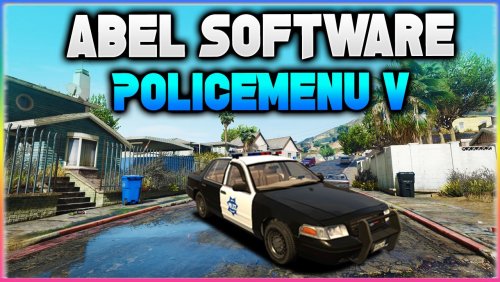
.thumb.jpg.1db0be3e377ccefdd47e57a95ec56762.jpg) Fantastic! Love how you give multiple Liveries. You always put out amazing work. Glad to have you on the LSPDFR site releasing models like this! 5/5 Benzo Approved
Fantastic! Love how you give multiple Liveries. You always put out amazing work. Glad to have you on the LSPDFR site releasing models like this! 5/5 Benzo Approved- 239 comments
- 70 reviews
-
-
Are you just looking to get this to work? I can probably assist you with this. I ended up with going with the folder If theres no siren sound. I can type out clearer instructions if you want. I was worried it would not be loud enough but its not bad.
- 45 comments
- 11 reviews
-
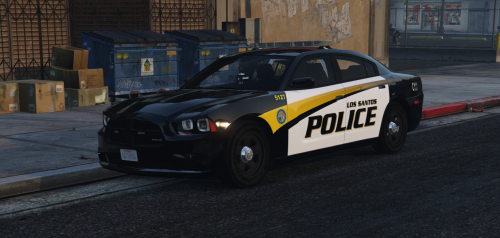 Agreed with FirstThirtyMinutes - Hey FTM can you PM if you ever have time. Have a question for you man. I know you get a lot of PM's and I would hate to overwhelm your inbox ;)
- 35 comments
- 9 reviews
-
 One of my favorite Uniforms to go on Duty with. Model in action here in one of my episodes 5/5 stars bro keep it up!!
- 273 comments
- 61 reviews
-
-
- 1
-
-
 Need some pics and also would help if you had a readme for pathway of install on Open IV Pathway if anyone needed it: x64e.rpf / models / cdimages / componentpeds_s_m_y.rpf Cop
- 2 comments
- 1 review
-
-
- 1
-
-
-
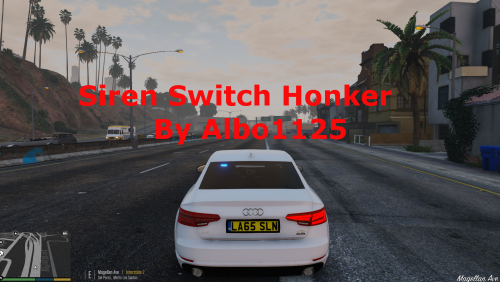
.thumb.png.5fbbb989547defaeeb5c22864df62b54.png) Love this vehicle and its Liveries. Light bar is fantastic. Episode with this vehicle here
Love this vehicle and its Liveries. Light bar is fantastic. Episode with this vehicle here- 174 comments
- 47 reviews
-
 Simply one of your best works Thehurk. Drives great, very slight wheel clipping with tires but the vehicle is just too bad ass to take a star off.
- 158 comments
- 54 reviews


.gif.ef71e5660a9974a47d7678c5aa25d9ea.thumb.gif.e29002164b287fddeca8c59836e258bc.gif)


.thumb.jpg.1db0be3e377ccefdd47e57a95ec56762.jpg)
.thumb.png.5fbbb989547defaeeb5c22864df62b54.png)
