


Compeast
Members
-
Joined
-
Last visited
Everything posted by Compeast
-
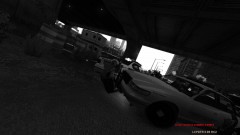 Yup, NOOSE can be so useful sometimes. I have it all the time.
 -
Cushman. Not a beast, but yet very cute.
-
-snip-
-
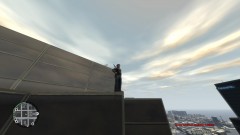 JUMP!
JUMP! -
-snip-
-
-snip-
-
How polite of you to share it. Got to plus you for it as well. Least I could do.
-
-snip-
-
-snip-
-
-
That was Ross'/poctik/whatever his name is- conversion, buddy. This is mine with epic wheels. :P
-
By pressing / in LCPD:FR you can set different Light modes, so you can drive with lights only as well. Anyways, here's my work, all I can offer lol http://www.gtagaming.com/downloads/author/145769
-
I don't know, all I mod is non ELS, and you seem to be very satisfied with ELS. It's up to you, your gameplay videos always remain awesome!
-
Not a huge fan of the new vehicles, but nice whatsoever.
-
-
I don't. I find it quite unrealistic to have the army up your ass within 5 minutes of shooting officers, yet keep surviving them like they're some kind of... Gay horse. *cough*below*cough* Whatever these freaking gay horses are named... I see them everywhere.
-
 Y U NO REPLY ON PM?!
 -
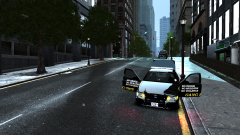 Gallery spam...
 -
Gives me a proud feeling to be part of that community. Let's hope for many more years to come. Can't wait for the latest version.
-
-snip-
-
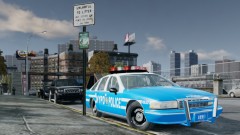 Looking good there!
 -
There's a speedcorrection of 5KM/PH, so you were driving more than 3KM/PH too fast.
-
-
-snip-
-
-snip-



