


Compeast
Members
-
Joined
-
Last visited
Everything posted by Compeast
-
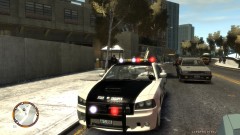 Probably because this is a '03 or '06. Not familiar with Chargers, though this most certainly is not a '12.
 -
I rather an Impala than a ''Taurus''..
-
They never do. Stop banning random people I mean.
-
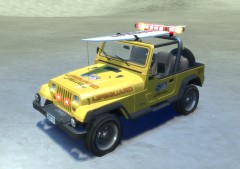 Nice one!
 -
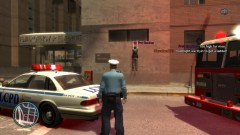 lol two feet above the ground.
 -
Welcome, About your profile picture: Profile pictures must be approved.
-
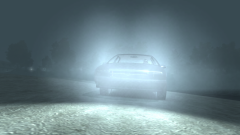 Nope, not a Caprice.
 -
-
Chevelle isn't a copcar. It's a sports car.
-
Run installer as administrator
-
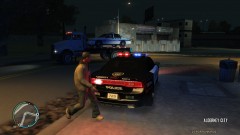 Not towed, lifted by an autoambulance. ;D
 -
EFLC, more features and stability.
-
Parking on the front isn't mirrored, and ''To Serve & Protect'' is missing on the doors. Just saying.
-
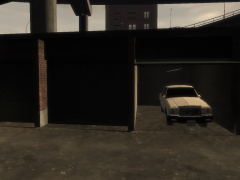 Box Caprice.
 -
No worries, it will return. Just like Chevrolet did back on the Caprice, they might want to focus on another car right now.
-
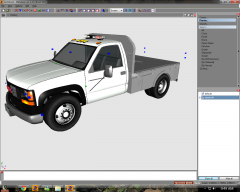 Sexy and cute. And Classic.
 -
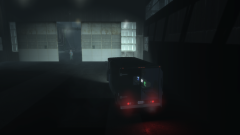 Who cares, I am FIB.
 -
-snip-
-
From the album: Work in action
Testing the FIB/FBI Stepvan. Full equiped with spy equipment, Computers, shoot-equipment. Standing in the fog, spying on someone like you!© Expression Gaming
-
-snip-
-
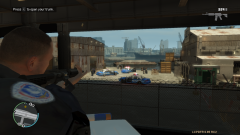
From the album: Work in action
One of the advantages of my SWAT Stepvan. You can climb on the roof from the rear. (As shown here: http://i.imgur.com/CqjTa.jpg ) Here you see me shooting down suspects at a shoot-out, and they didn't see me. This can also be done with a sniper in the distance. Also gives more a SWAT Vibe. Feel free to try it ;)© Expression Gaming
-
There are some CVPI's with Edge Lightbars out there. Give them the livery and you have what satisfies you.
-
-snip-
-
No it doesn't. I'd wish there would come a mod for that too... Although, I'd like a LCPD:FR for all RAGE Conversions. But that's just silly me.
-
-snip-


