


Compeast
Members
-
Joined
-
Last visited
Everything posted by Compeast
-
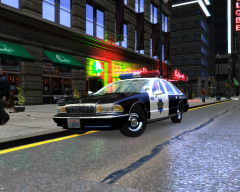 I didn't know SFPD used 'em 1994 Caprices. Looks cool though. (:
 -
I don't really think there are tutorials to get random locations.. It is the best to ask fellow scripters. He did well by creating this topic, I would've done the same if I was desperate towards help. And no this shouldn't be in Random, this is Grand Theft Auto IV related.
-
-snip-
-
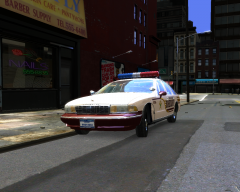 oh nvm there it is :D This is very buggy. :S
 -
Sorry buddy, the site won't let me give you +Rep for some reason. Do not understand. I get an Error. :(
-
omg when I saw the livery I was stunned. I love that livery. :D +Rep
-
-snip-
-
-snip-
-
-snip-
-
-snip-
-
-snip-
-
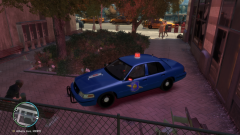 Knew Nutt would've replied here haha. Nice picture.
 -
-snip-
-
Just got up, perhaps screen two is Glen Park?
-
Nah, too much text.
-
FIRST! The graphics look magnificent, the map looks way more than great, can not describe it. Seeing left below the helicopter there's a bridge, that might go to the small near island? About the video, fake I've been told.
-
I have a problem that many others also have: Not loading streets/deco. *shown below* For GTA San Andreas there's the Streamfix that greatly fixes it. I used to play at full very high graphics, but by lowering them so much down it sort-of fixes the not loading. Somtimes they load, sometimes they don't. I really hope there is someone out there who is able to make a fix for this. Some claim it's not possible. I don't see why it wouldn't be, as it's also possible in SA.
-
It works, but not properly.
-
*semissive :P If you map certain ''parts'' to the headlights for instance, but not name it correctly after the headlight the light will always flash. This is what's done to this Chrysler. I did the same with my Chicago Police Ford. *below*
-
-snip-
-
-snip-
-
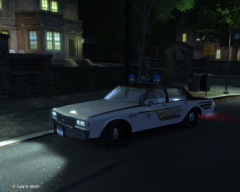 Love that box Impala. Unfortunate it aint a Caprice. :P
 -
-snip-
-
-snip-
-
-snip-


