




RobertTM
Members
-
Joined
Everything posted by RobertTM
-
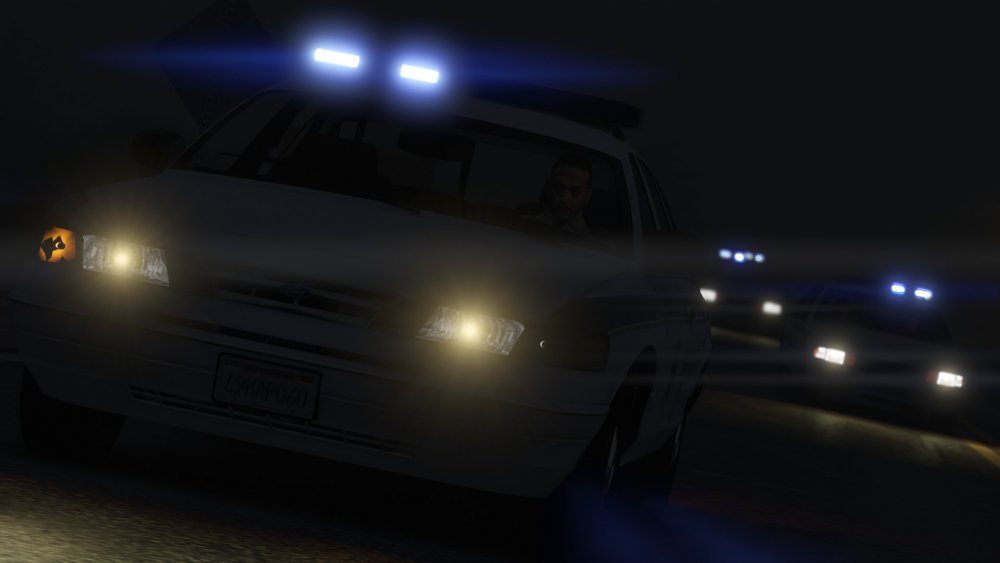
I has to be a coincidence, when I had it in my game with the same settings included in the download and it had yellow lights. What lightsetting does sheriff2 have for you?
-
That's really odd, is sheriff2 yellow too?
-
Are you sure that it's from my pack? Because it doesn't touch police3 or the carvariations.meta, which is what controls the headlights if I'm correct. To change it it should be the Lightsetting on your carvariations.meta for said slots.
-
They're currently a WIP by me, going to be released in the next week or two with ELS compatibility.
-
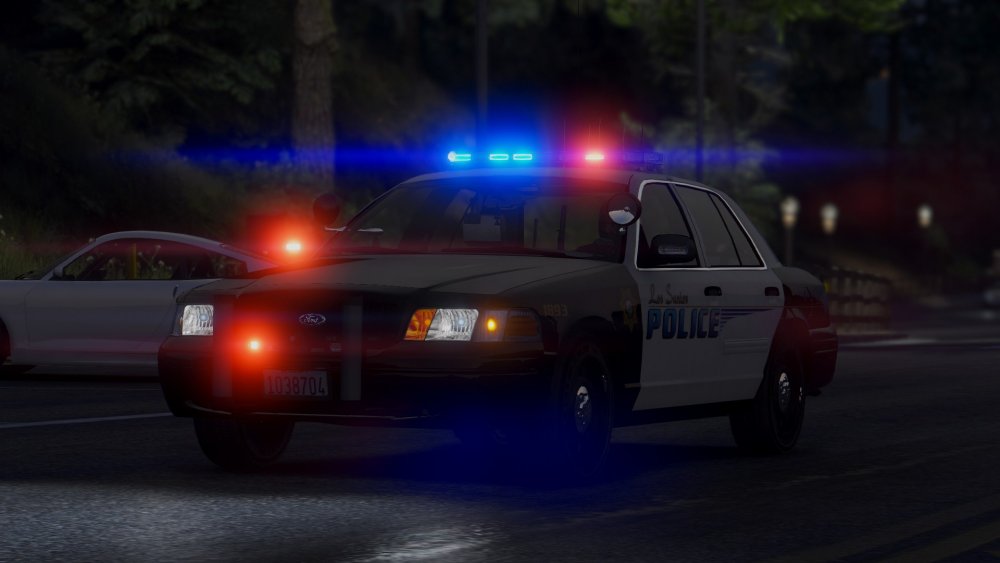
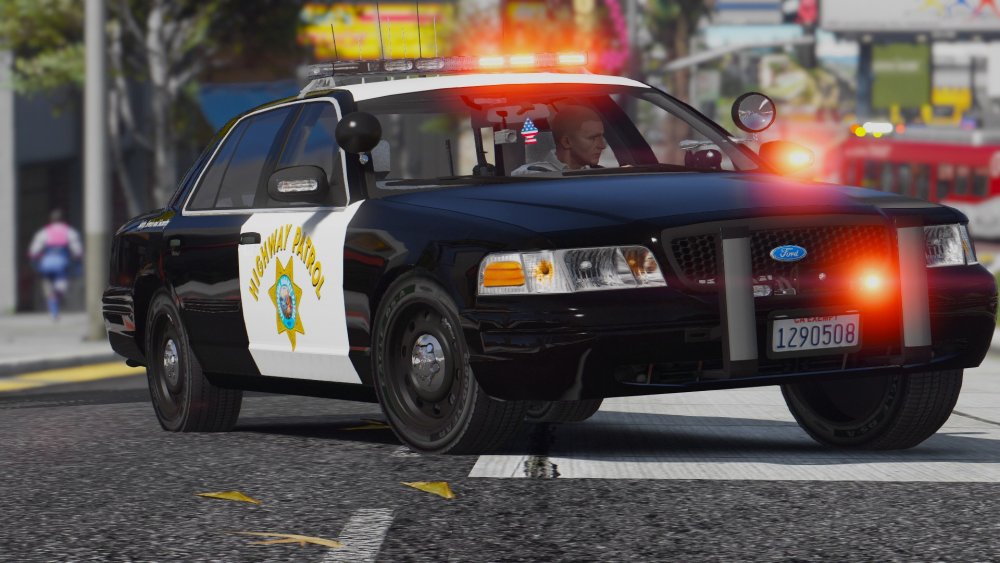
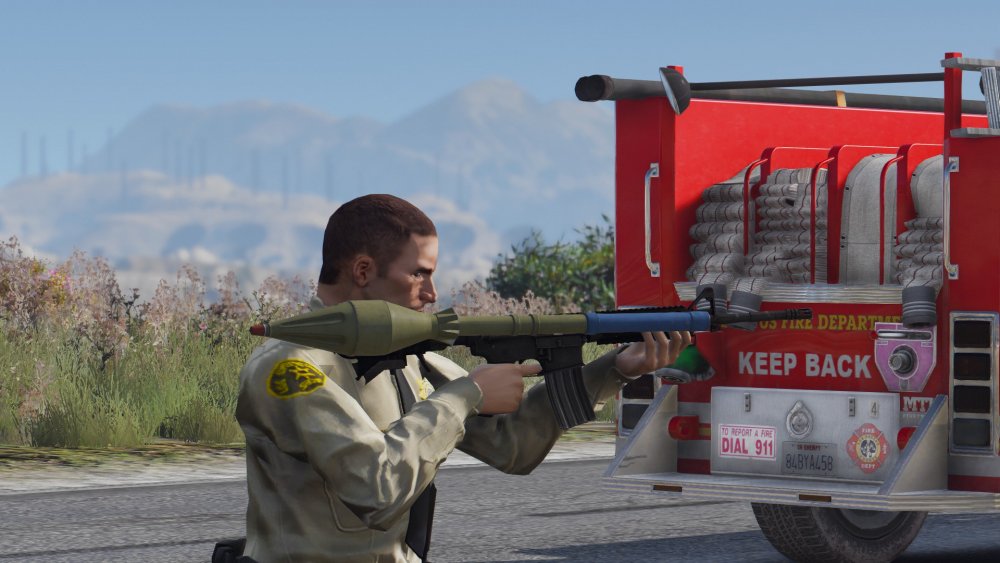
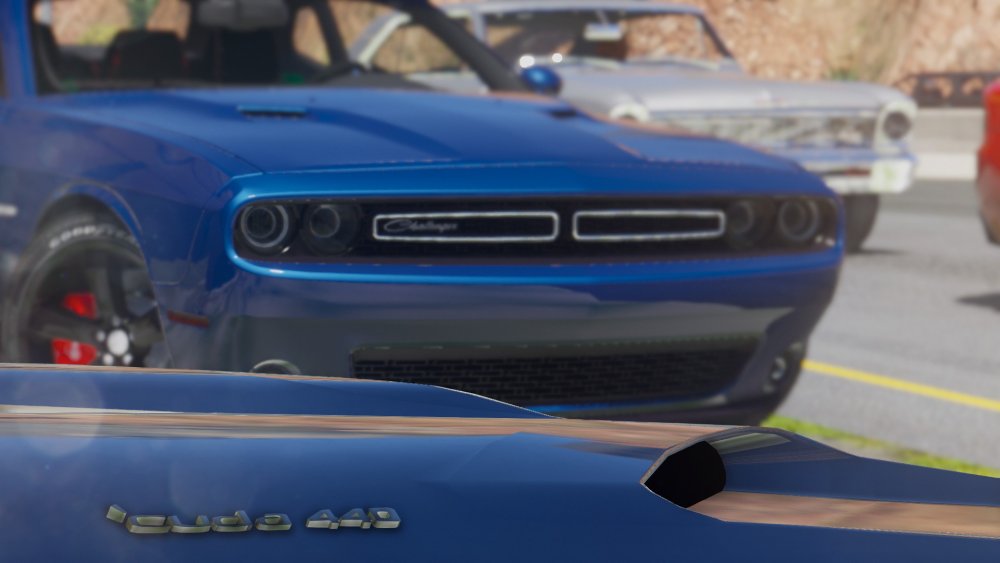
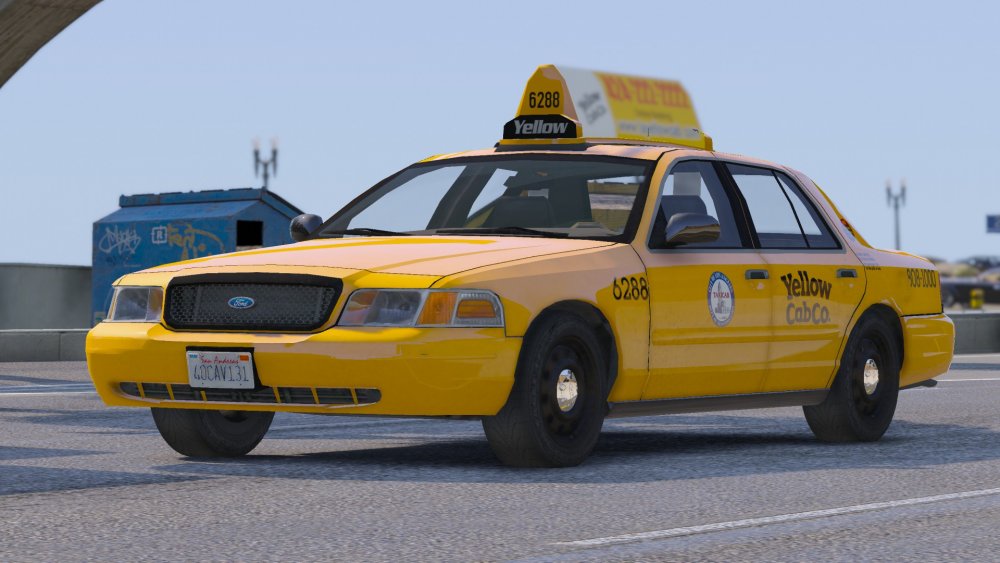
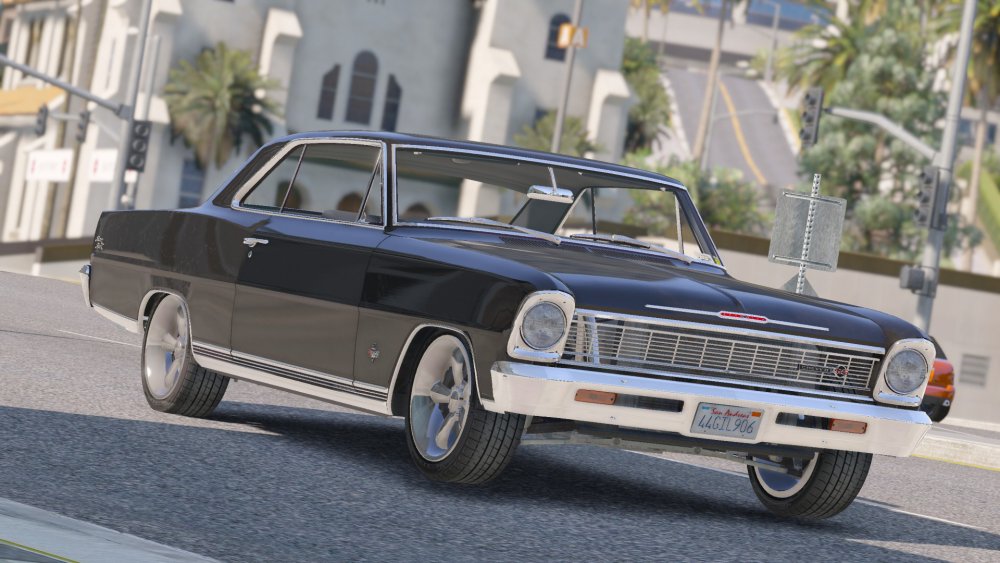
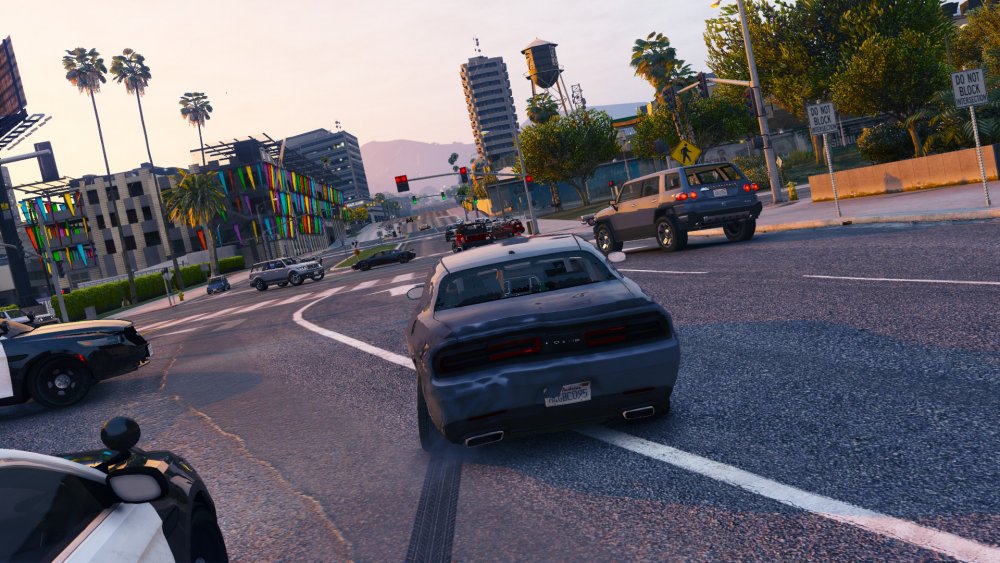
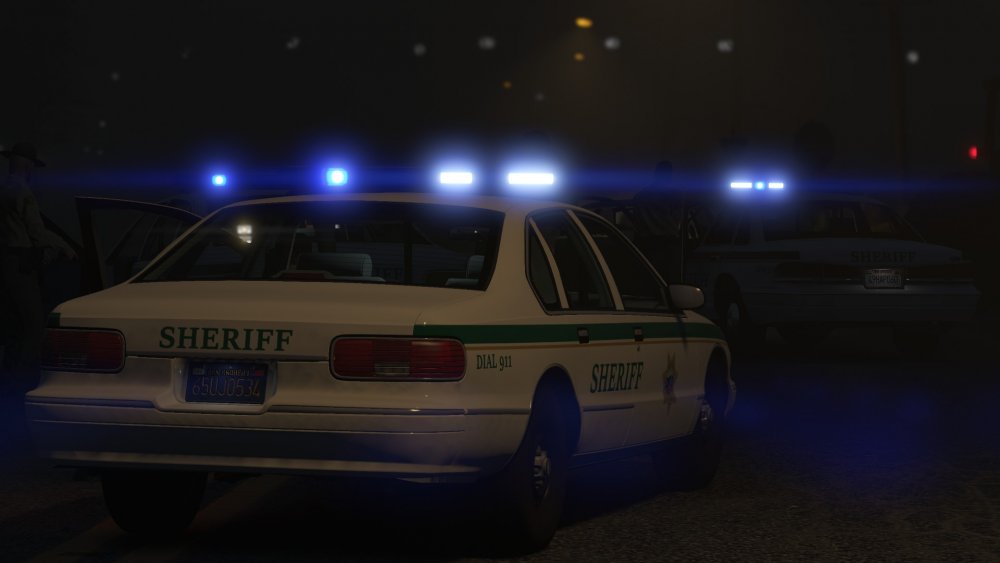
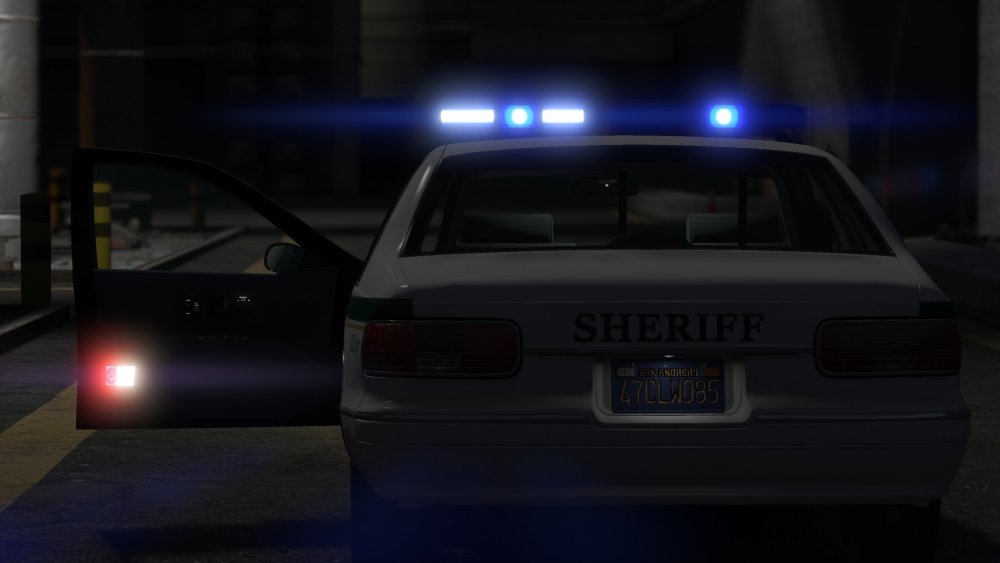
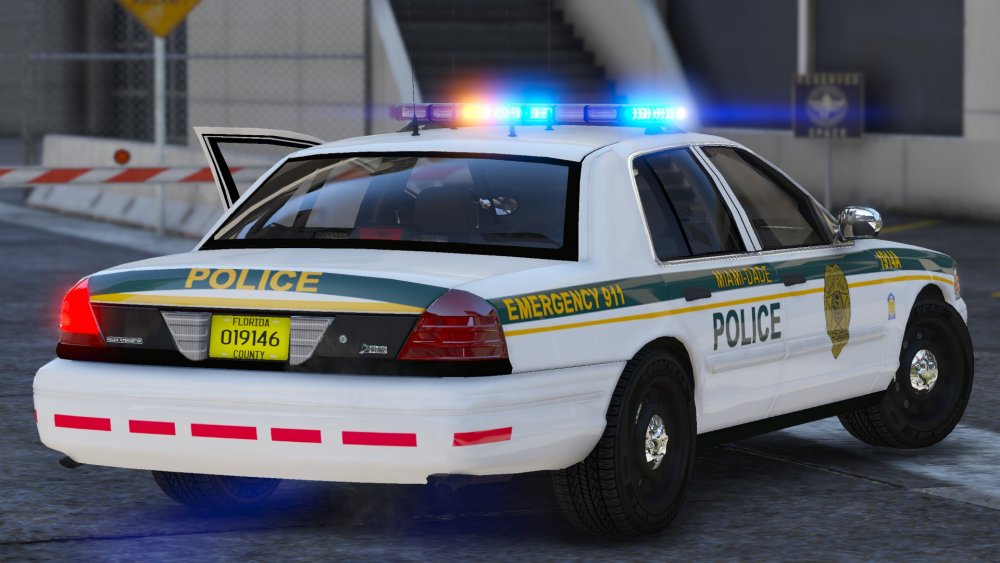
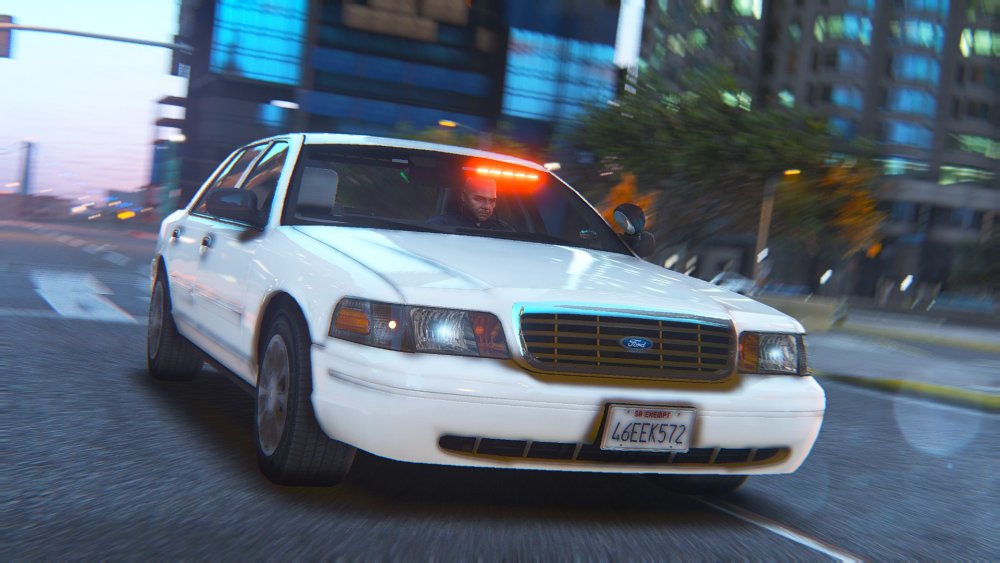
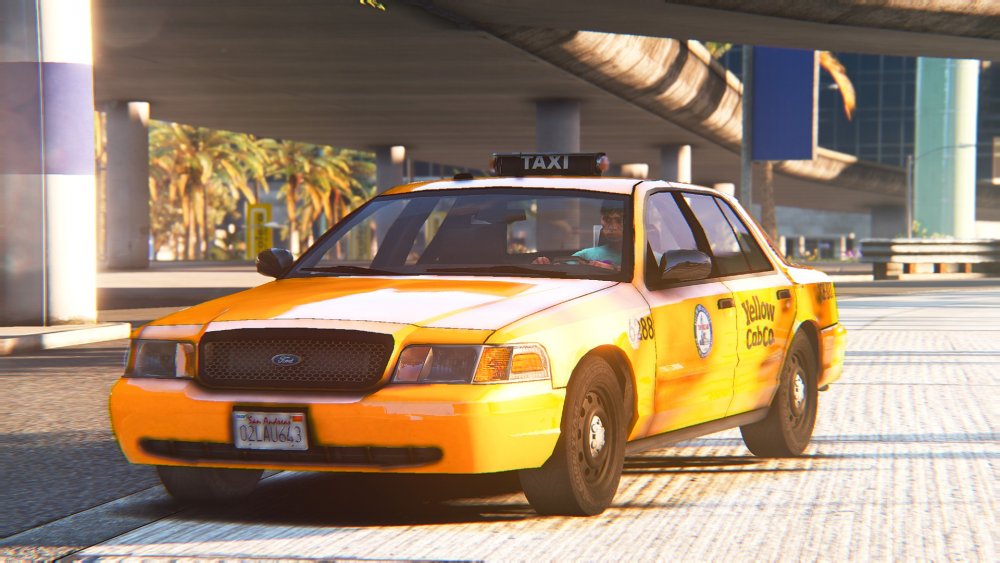
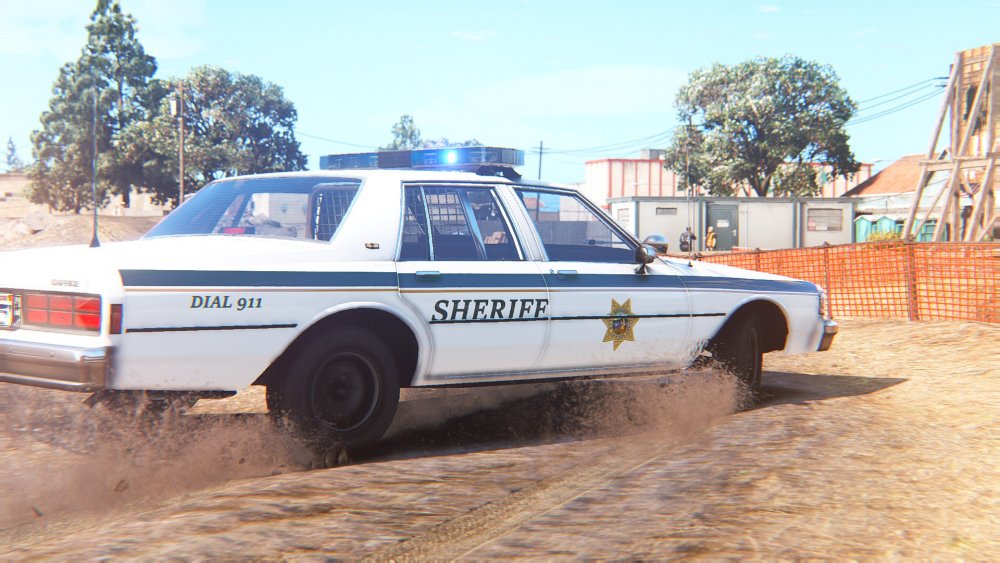
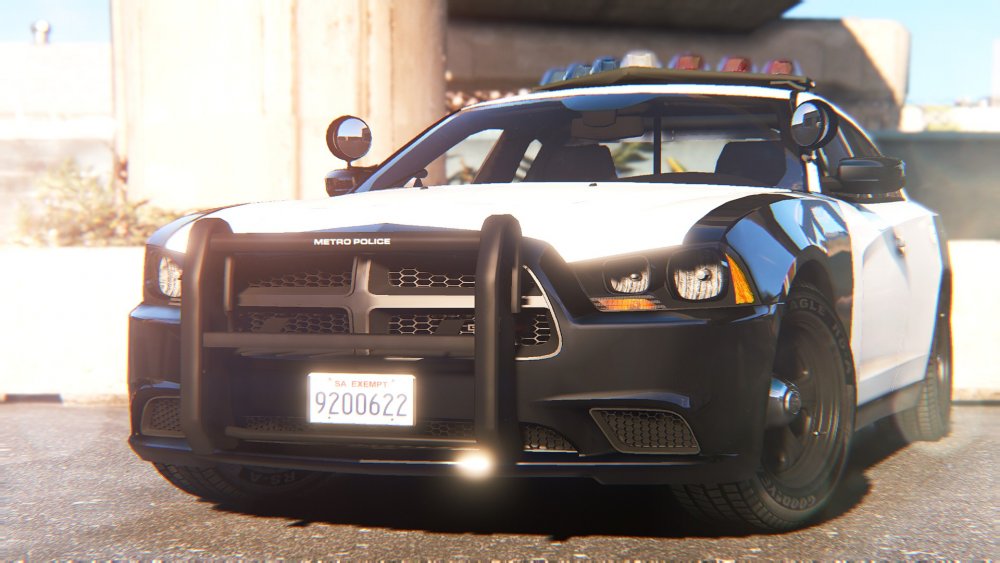
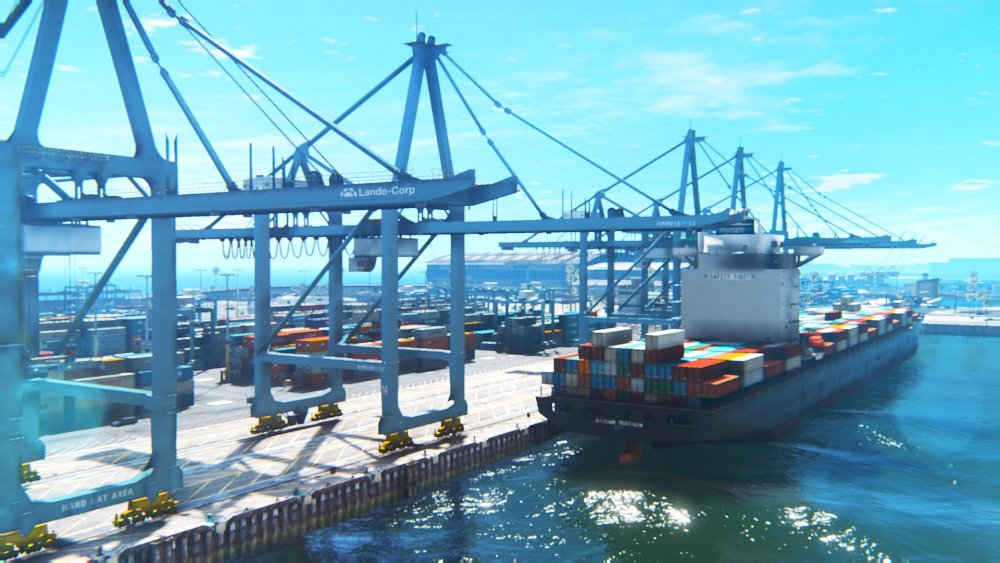
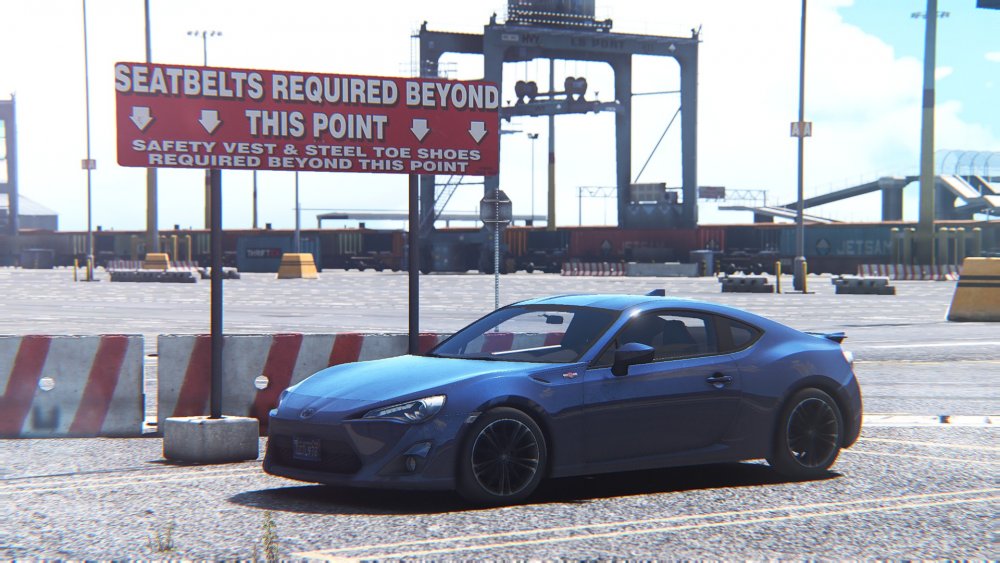
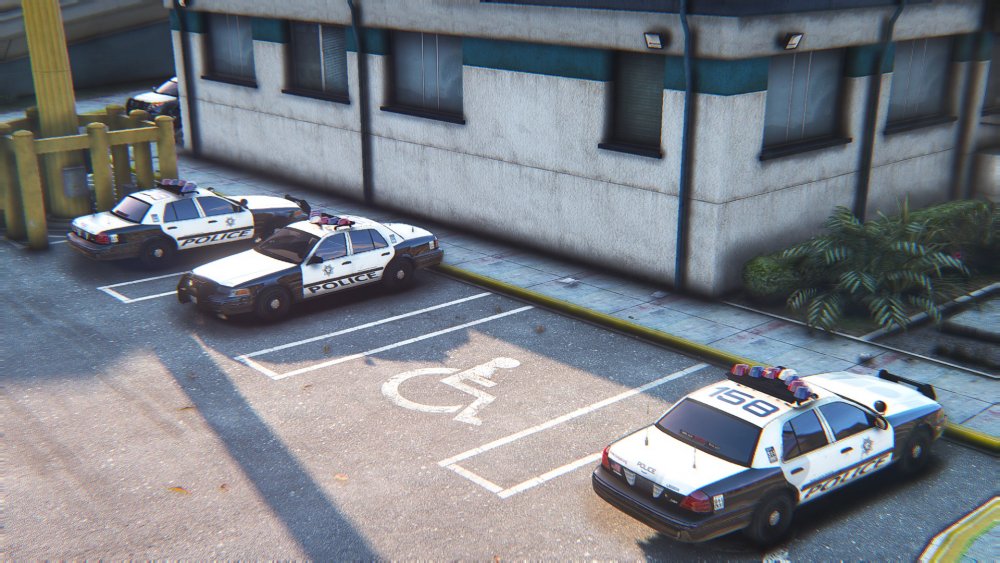
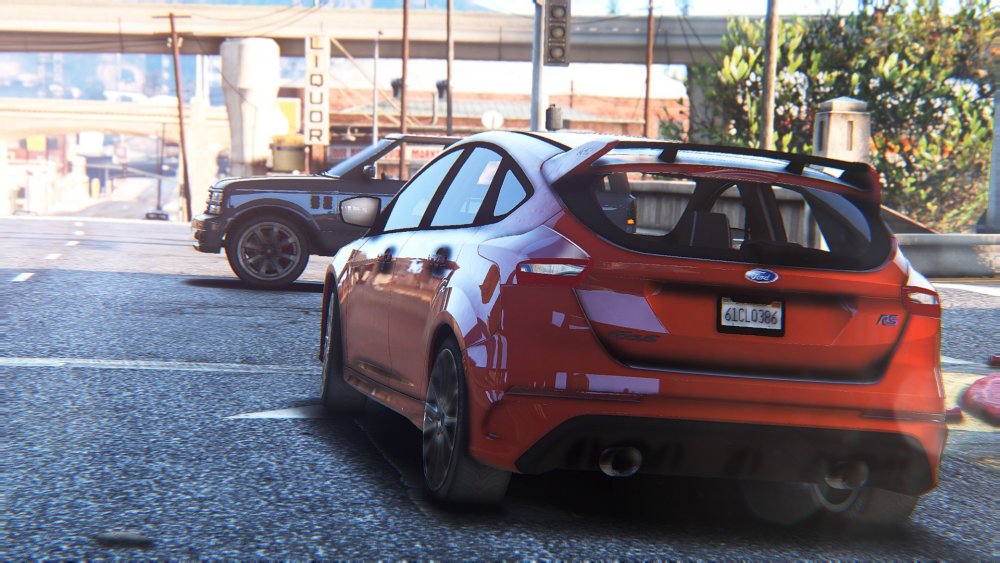
Well I have "some" more :P
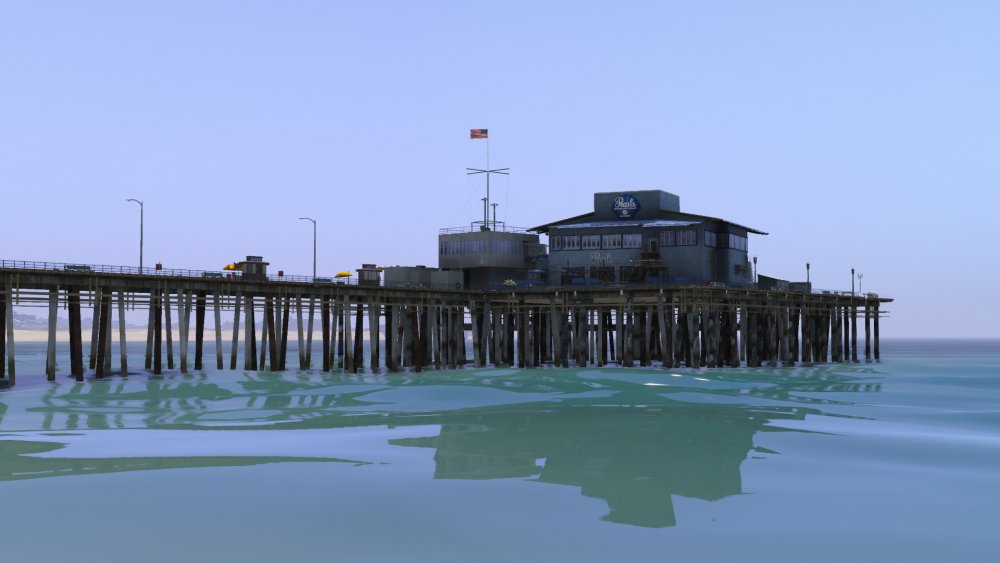
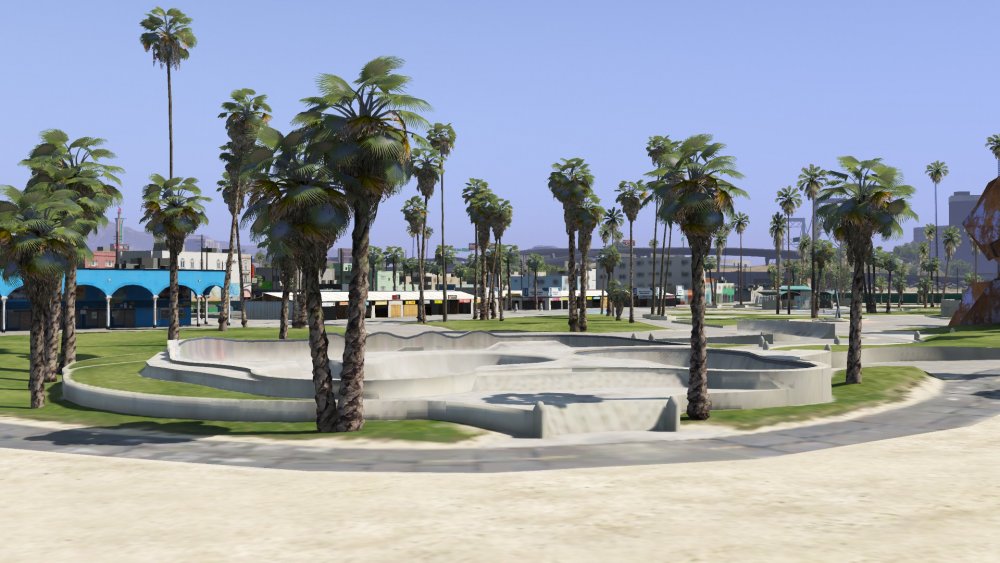
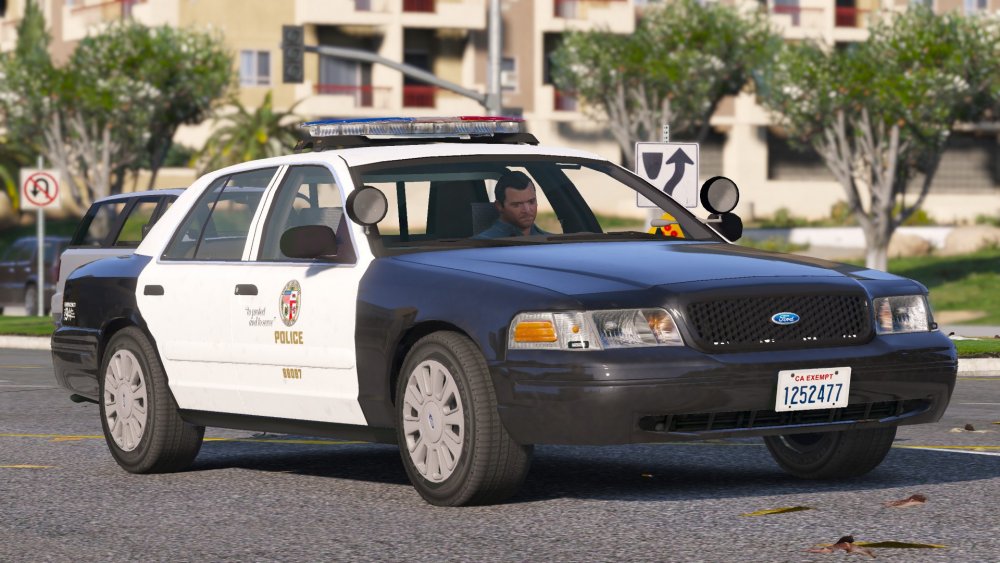
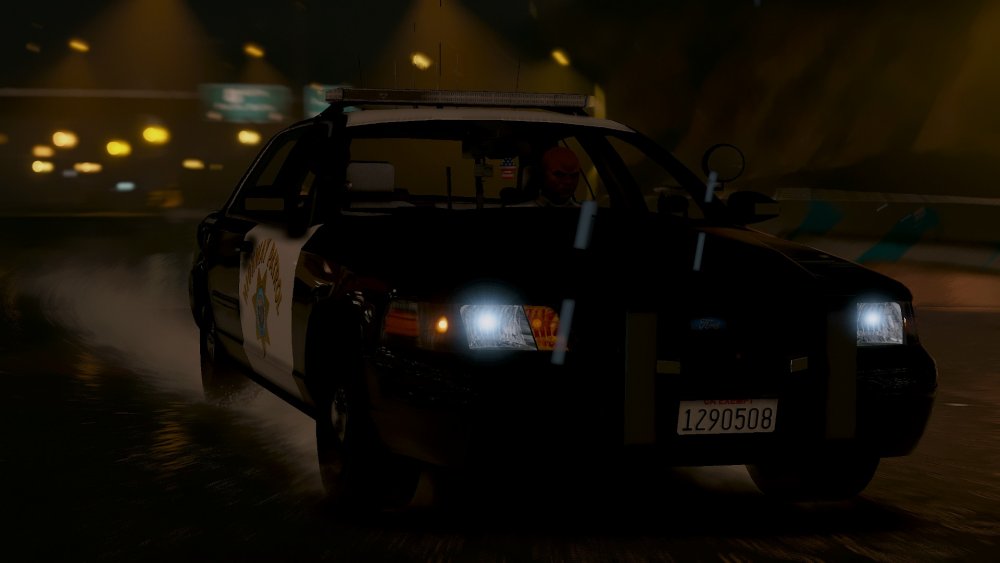
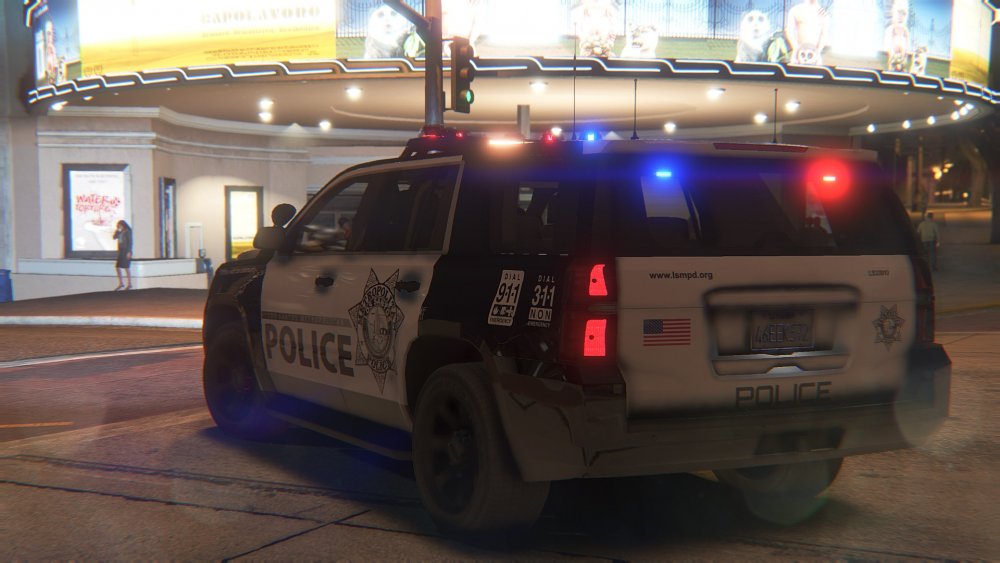
-
.jpg.36214ccc172fa59885d1233cbe009b9e.jpg) Some time in the next week or two.
Some time in the next week or two. -
My perception was that it would be ELS extras that are in a circular shape in the bar with a certain pattern to give it a spinning effect, but I'm probably wrong. I've never attempted it before so I assumed it was difficult, my bad.
-
ELS doesn't have an offical way to achieve rotators, but it can be accomplished with DROT, which is difficult to set up and this looks better imo.
-
Glad you like them. The cars are ELS and vanilla lighting hybrids, with the emissives being ELS and the actual rotators being vanilla rotators, so they still look and work like rotators.
-
From the album: Robert's GTA V Endeavors
After not posting any updates for a few days I posted this to give everyone an idea of where the pack is in development. All cars shown below have working takedowns. The CVPI is done with just minor bug fixes left to do, instead of the two versions with different visions I have decided to do one with an LED signalmaster texture. An example below: The Tahoe is also done and awaiting it's final touches. The FPIU is finished and now has rear lighting, but I cannot figure out how to make the glass break unfortunately, but I'll keep experimenting with it. The Bearcat, Slicktop Vic and Charger still need to be worked on, as well as Carcols, Carvariations and Vehicles.metas. -
 It's all about the aerodynamics But seriously some departments even used them occasionally from what I've seen.
 -
Nothing a bumper tuck can't fix :D
-
From the album: Robert's GTA V Endeavors
Inspired by LVMPD, so please don't judge on accuracy! Huge thanks to @Him1250 for the improved base! -
 It's lore friendly, it's not supposed to be 100% accurate. And the logo looks weird because I have my aspect ratio turned up a bit.
 -
Yeah you did a fantastic job on them! :(
-
I mean as in street signs and various other Los Santos details that I feel would conflict.
-
I'd rather just standardize it to LS, so it would fit in with the map. I also do not want to turn Los Santos into something it's not, so the cars would still not fit in, in my opinion.
-
Yep, they're already fixed though.
-
From the album: Robert's GTA V Endeavors
Inspired by LVMPD, so don't judge on accuracy please! Fixed a ton of bugs on the tahoe, now has (almost) accurate bumper and all it's equipment! -
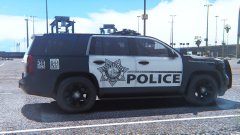 Thanks! I'm using memeenhancer if you'd like to try it out yourself.
 -
Yeah I could understand that, the reason I do lore departments are to be able to put my own "spin" on the cars and not get judged on realism, and also to appeal to a wider audience that likes the lore friendly theme. Also thank you so much!
-
From the album: Robert's GTA V Endeavors
Inspired by LVMPD so don't judge on accuracy please! LSMPD Tahoe is in the works! Just need to work on the interior and add spotlights! -
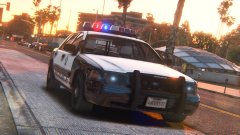 Yeah, but I'd rather have a standardized installation for everyone and not make RDE a requirement, as well as have standardized META files.
 -
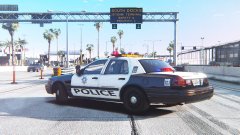 Oops, I didn't even notice that. That's what happens when you confuse screenshot sessions Yep they will be released for sure, but in due time since I still have a few cars to add.
 -
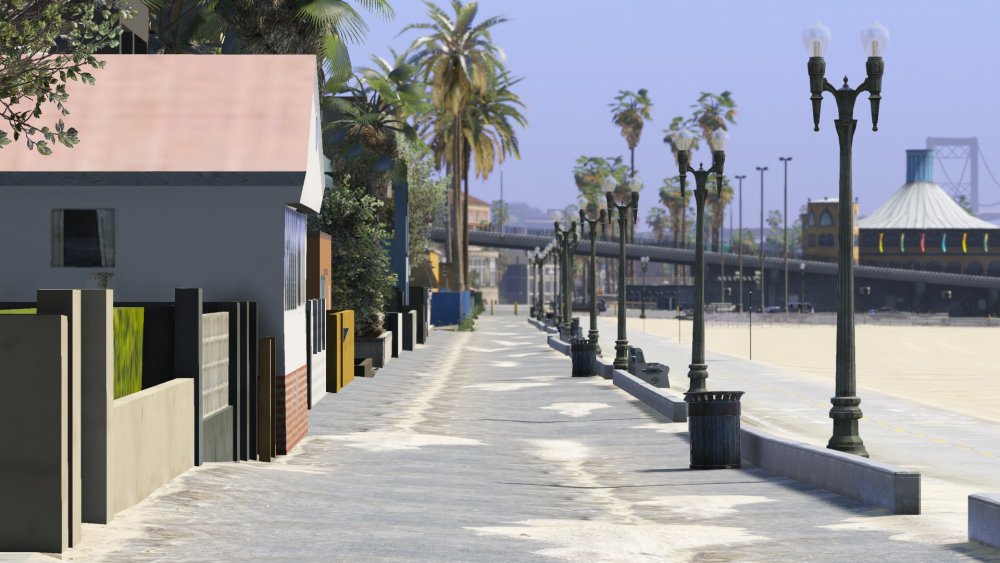
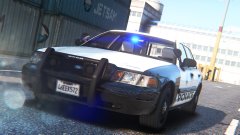 Yeah, I was going thorough like an ENB a week and then finally settled on this one.



.jpg.36214ccc172fa59885d1233cbe009b9e.jpg)
