




RobertTM
Members
-
Joined
Everything posted by RobertTM
-
 Thanks, I'll yet you know if the need arises!
 -
Thank you very much, more will be coming soon!
-
Thank you :D Hopefully I can update it soon and make it even better!
-
Why is everyone using this car all of a sudden :p
-
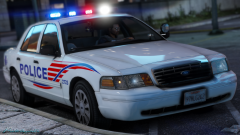 You even managed to make my first model look good! :D I really need to get to updating that thing though haha
 -
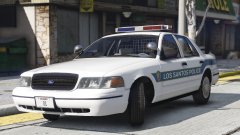
From the album: Robert's GTA V Endeavors
Well I tried out scratch modeling and managed to create a Tomar Heliobe! It still needs a lot of work to be releaseable though. (Shown on a LSPD test-car) -
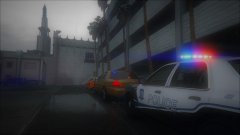 Mercury Marauder
 -
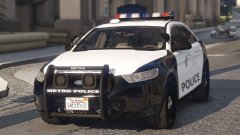
From the album: Robert's GTA V Endeavors
Just a little thing I've been working on for the LSMPD pack. Don't worry the 90s pack is still top priority :D -
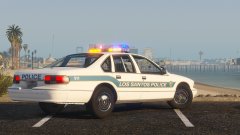 Thanks, I'll get on that right away!
 -
From the album: Robert's GTA V Endeavors
Forgot to add the wiring harness again There's still lots of work to do on all the cars, but it's coming along! -
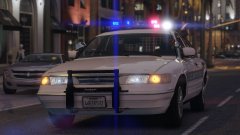
From the album: Robert's GTA V Endeavors
Getting there! -
.jpg.a617554991439bee437055c281ef0f0b.jpg)
From the album: Robert's GTA V Endeavors
Will also be adding the caprice as an unmarked car! -
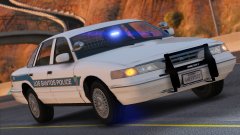 Thank you! So the carpice and 96 vic should be labeled Letric Lites and the 99 crown vic should be labeled Code 3.
 -
I mean that it can be both a slicktop or an unmarked, it's two in one on the same model.
-
From the album: Robert's GTA V Endeavors
Might make variations for all the 90s cars to replace the FBI slots. The pushbar, console, spotlights and partition are extras! -
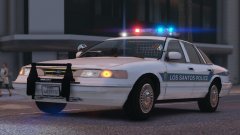
From the album: Robert's GTA V Endeavors
1996 Vic is almost completed! Has new taillights that have emissives instead of just having the corona like on the sheriff one. -
.jpg.d3ff30822bb5a195f00dbdb14e72dab4.jpg)
From the album: Robert's GTA V Endeavors
Caprice is being worked on! Will feature an updated version of this MX-7000 and a fixed wire harness. -
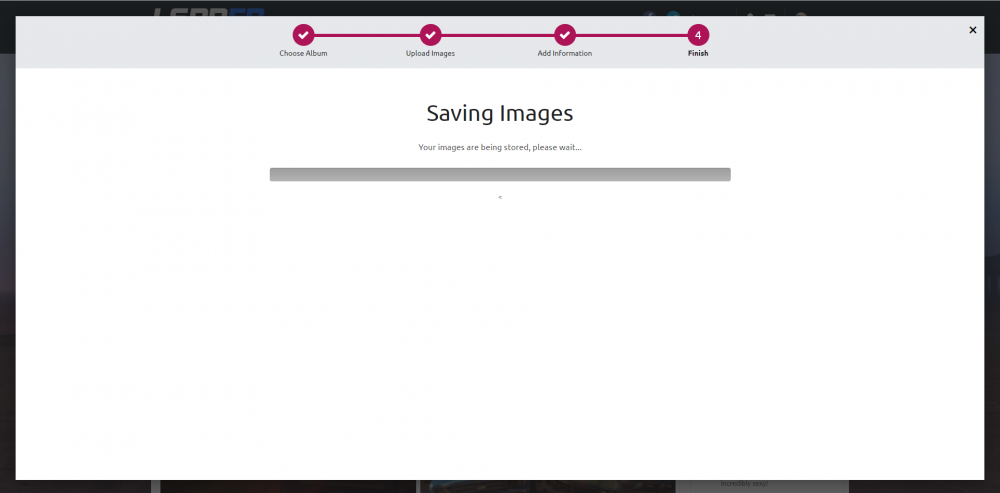
Today I've been trying to upload an image to the Gallery, but I've been stuck on the screen shown below. The bar has not progressed, even after waiting almost an hour (with multiple attempts). This seems to have begun in the past day or two.
-
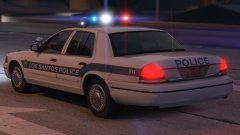 Oh, I guess it's time to start learning :P
 -
@Lundy I could add some more caprices, maybe some being unmarked. With the 96 if I disable the headlight glass as an emissive it could work as a placeholder until you make a better one. Also, do you know of some period-correct interior lights other than LAPD style ones?
-
With some fixing up I think it could work. It's a pretty big part of the 90s fleet.
-
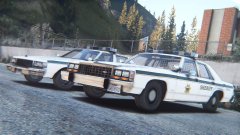 Yeah, it will be released it just still needs some work. I'll probably get around to updating them or this sheriff pack after the LSPD one.
 -
I don't think I'll add this model to the LSPD pack, but it will be included in the update for the sheriff pack. The Capitol Police pack will also be released in due time, I've put them on hold since they didn't seem very popular.
-
From the album: Robert's GTA V Endeavors
The '99 vic now has a better base, with other misc. fixes. The '95 Caprice and '96 CVPI are in the works. -
Just disable the window tint in the trainer.


.jpg.a617554991439bee437055c281ef0f0b.jpg)
.jpg.d3ff30822bb5a195f00dbdb14e72dab4.jpg)

