RobertTM
Members
-
Joined
Everything posted by RobertTM
-
-
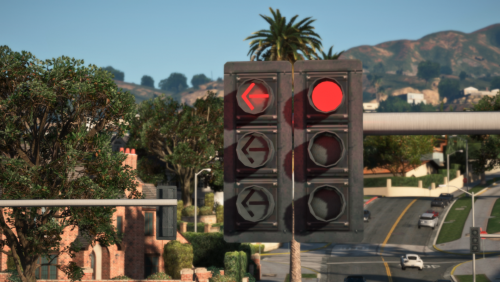 I've got a feeling that NVR textures interfering, try going into the NVR DLC and deleting the streetlight files. Huh?
- 53 comments
- 11 reviews
-
@XBOX ONE DOJ @michaelsone92 Do you guys happen to have NaturalVision installled? Also did you put the add-on DLC last in the dlclist.xml?
- 53 comments
- 11 reviews
-
-

- 1
-
-
@loleikz traffic lights with straight arms are really common where I live and seem to work just fine. @pcGAMEZguy I'd fix it if I could, that's a bug with ZModeler and edited props that I have no control over 😞
- 53 comments
- 11 reviews
-
-
- 1
-
-
-
It's VisualV, NVR, Nvidia enb on that, L.A. reshade, and added bokeh on that
- 53 comments
- 11 reviews
-
-
- 1
-
-
I have not tried it myself so I don't know for sure but I think it is since this only modifies the props.
- 53 comments
- 11 reviews
-
If you can make it work go for it! Try setting the trafficlight.near.coronasize to 0 in the visualsettings
- 53 comments
- 11 reviews
-
-
That's an issue with the model itself, the author would have to fix it
-
Damn I'm not sure how to fix that then... I've never encountered an issue like that before 😕
-
It's the sirensetting 13 code, it should work fine if you transfer it to the NVR file.
-
Really interesting, try installing the regular bright version of Radiance V, that's what I use with no issue. The problem with the lightbar after installing the corona fix is that it overwrites the carcols file, which is what has the custom lighting settings for my pack, which there isn't really much of a simple fix for since it would have to be manually done.
-
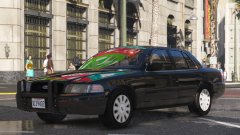
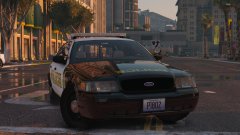
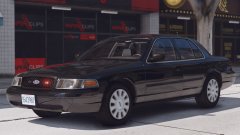
A collection of my best GTA V screenshots!
-
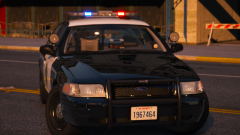
From the album: Robert's GTA V Endeavors
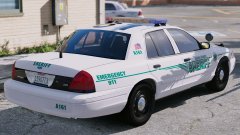
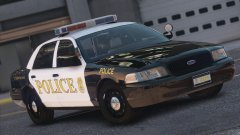
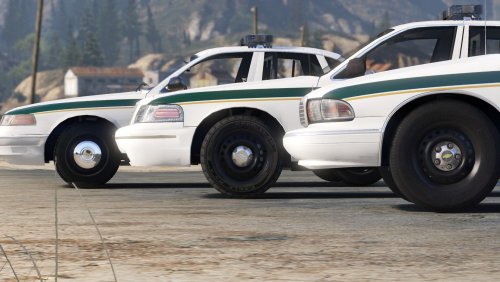
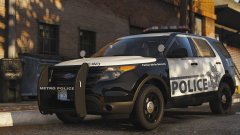
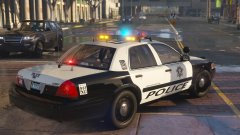
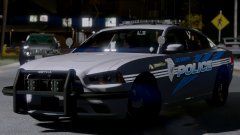
Yeah I'm still here. Still grinding away on cars. Pretty proud of this one. (Idk what happened to the Ford badge, it's normal usually.) -
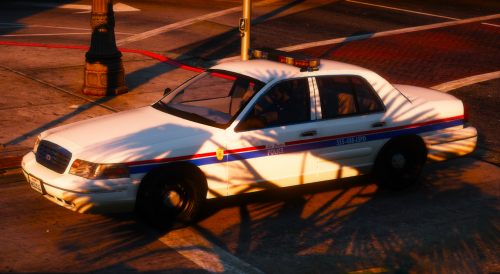 The more I trash these cars the more they get used 😬
 -
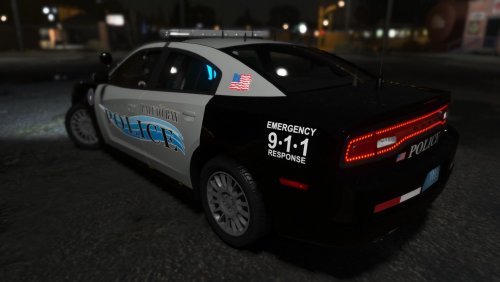 Thanks, try these. Yeah, either you need to mute the radio in the settings or change the audionamehash to one of the police slots in the vehicles.meta.
- 20 comments
- 12 reviews
-
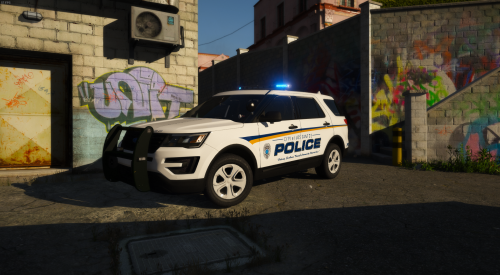 Really nice job on this man! Glad it finally worked out. I'm sure you wanted to kill/maim it at some points 😉
- 12 comments
- 9 reviews
-
-
- 1
-
-
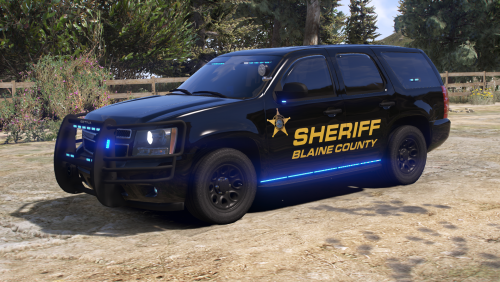 If your'e using NVR make sure you delete the corresponding YTDs for sheriff2 in the DLC for NaturalVision, that might be your issue
- 34 comments
- 8 reviews
-
From the album: Robert's GTA V Endeavors
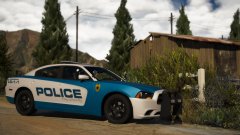
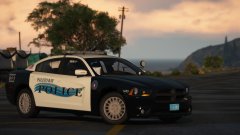
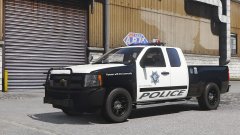
Been jumping around a bit with the projects, but they'll all be completed eventually :D -
 Love this album
 -
-
Sorry for the late reply! Unfortunately it won't work on other vehicles since the reflective part needs to be added to the model itself
- 20 comments
- 12 reviews
-
Yeah, it's the Whelen Advantedge
-
Yeah I've messed with putting the dummy in a realistic spot and it shines backwards. The brake lights are a bit bugged, they do turn on when braking, the thing is that they use the same texture as the taillights so they don't show up
- 20 comments
- 12 reviews
-
-
- 1
-
-
Yeah that issue is with every car unfortunately, have to put the dummy there otherwise the takedowns will shine backwards.
- 20 comments
- 12 reviews



.jpg.e94631ffae5accd4d743f185a1498357.jpg)
.jpg.430cc7020a83c0ec0928ef74bbed45cc.jpg)