


GreenAid
Members
-
Joined
-
Last visited
Everything posted by GreenAid
-
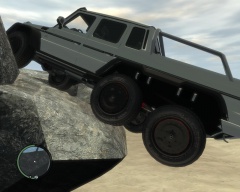 If you're talking about the tire it looks like the default one.
 -
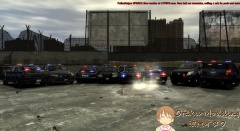 You should fix the back of the charger cos it shines a bit :)
 -
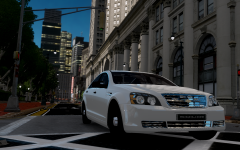 BPM bought it from SQUIR (or some guy of his' did) It's different from EVI's, too bad he trashed it...
 -
You can use LCPDFR I just said....
-
Patch 4 cannot use latest LCPDFR but you can find 0.95 beta 1 on 4shared. Also you can't play multiplayer (Maybe it is possible with IV:MP). Lastly, you can't use ELS V7 (only 6).
-
-
-
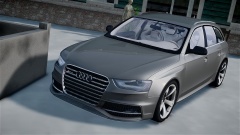 Looks bloody nice!!
 -
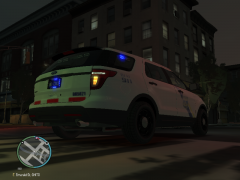 Yes I agree with Chippy, wheels + lights look exactly same.
 -
Yeah or also Fartknockr's unmarked one but you can add a skin
-
Yeah how did you get it??
-
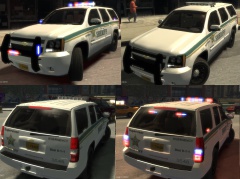 You mean model?
 -
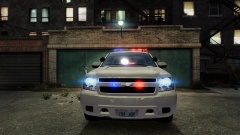 :o It's out from 5 years...
 -
-
-
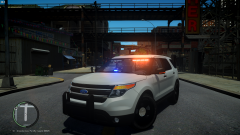 Holy moly!! Tho I want to let you know there is a wheel flickering bug (it's a bit visible from the thumbnail). I know since I'm in group with trewq34. EDIT: After seeing the video, nice setup!
 -
 No it's more because he got enough of the modding community.
 -
 He's from Scotland so he knows it already :D
 -
How edited? Could you share it?
-
 haha :D
 -
 Hehehe ;)
 -
I would like to ask you tho, is there any chance you could make this for the 13 Charger by NickieB or deco by any chance? (Fartknockr uses same template too).
- 10 comments
- 8 reviews
-
-

- 1
-
-
-
-
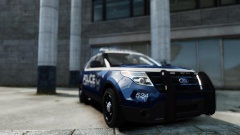 No it's made through enbeffect.fx.



