GreenAid
Members
-
Joined
-
Last visited
Everything posted by GreenAid
-
 Wash.. lol
 -
I thought you couldn't wash Emergency vehicles? Or am I wrong?
-
 Np ;)
Np ;) -
 Something tells me he can scratch make things.
 -
I could suggest you to make the front plastic parts of a lighter black, so t looks more like plastic & the IRL one :)
-
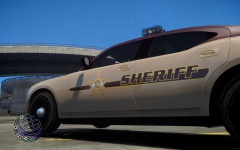 Is it Michael V.'s edited? If not can you share the pack? c:
 -
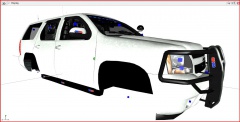 That's an awkward place for IONs on the back lol.
 -
Last suggestion for now: make a commandline.txt in teh main GTA IV Dir then write in it: -nomemrestrict -norestrictions -availablevidmem 2.0
-
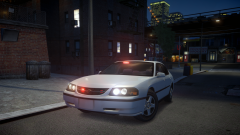 GPM PoliceWag.
 -
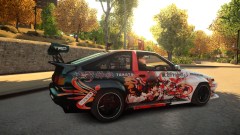 Now also in Liberty City!!
 -
It's .ini actually as .ini work with scripts. I did a copy of it for every police car,say like pol, pol2, fbi, noose, polp, etc. This way every car has it's own config. & if you wanna use rotators you need to put "rota" instead of "leds". Same thing for "strb".
-
If you lose textures that should be for high poly. You could try using a lower poly one if you have a low PC. Anyway you said all spawn fine, do you mean in trainer you first spawn all police cars then the Polp? Try only spawning the last one then.
-
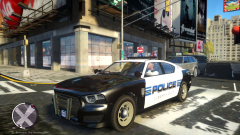 Meh, you'll get used to it ;)
 -
There is no way unless you delete the ENB xD In shadows they will be dark. (Or maybe make the textures full black but I dunno if there is one separate for them).
-
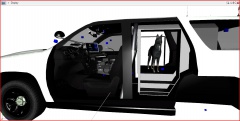 It has to be glass material then.
 -
What's the point of having a dog tho, if we have the script? That will just make the car unusable :(
-
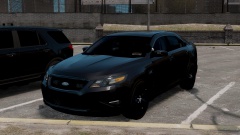 Yeah well, you brain is set there too?
 -
Yeah but Real Life takes place in 2014. So either he calls the 2013 version "New Gen" or it doesn't make a point anyway, because as you said it's set in '09, not in 11. Technically '09 would be the new gen at that time. ;) Don't get mad at me, just supporting my cause LOL
-
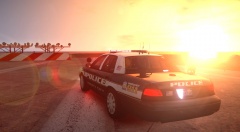 Is it CryENB?
 -
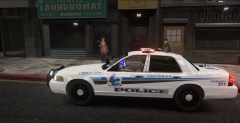 I like this design!
 -
New Generation... 2011...
-
-
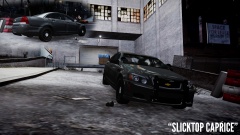 Lmaooo. Also,
 -
-
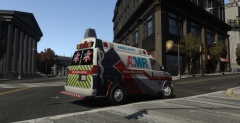 Can't wait! My new skin & model :)