GreenAid
Members
-
Joined
-
Last visited
Everything posted by GreenAid
-
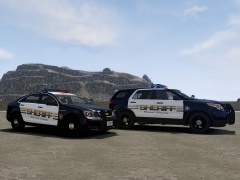 It's Kevin's cars.
 -
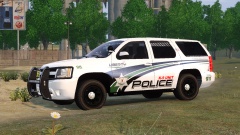 Heh finally a rambar modified right.
 -
http://gtapolicemods.com/downloads.php?do=file&id=2227 Last chance.
-
I also gave you a link??
-
-
You should do it by yourself maybe. '?do=embed' frameborder='0' data-embedContent>>
-
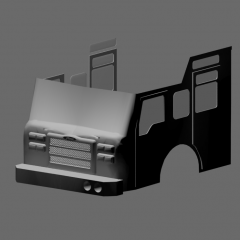 I'm so sure this is going to be >5Mb...
 -
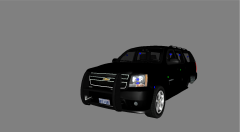 cos the first days of modding have passed & anyway they aren't all the same.
 -
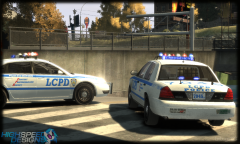 Views are sky-rocketing, nothing to do ._.
 -
One more? Since it's always the same (no one puts proper rims) what's the point in redoing already done vehicles?
-
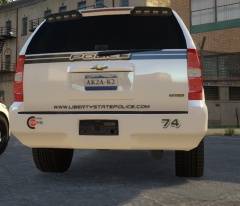 NickieB?? What model is that?
 -
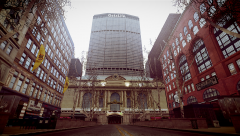 Damn dude, I was like this is real life?? But can't be GetaLife xDDDD Then I had to realize :c
 -
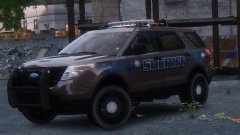 I'd say the ride height & the rims (they are 2011 actually) ;)
 -
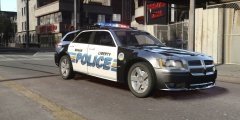 No longer online.
 -
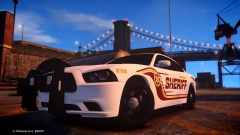 No it's not "his ENB", it has the dirt texture over lapping the windows & making that crappy effect, it's a flaw, other models don't have it & dirt is not meant to reflect (plus it's not washable).
 -
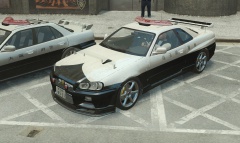 He said it we be Non...
 -
LOL those bugged windows...
-
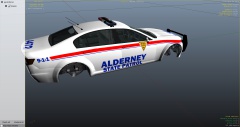 Those look much better.
 -
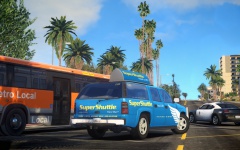 Wow looks different for the least! :D
 -
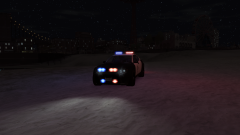 You need ENB :D
 -
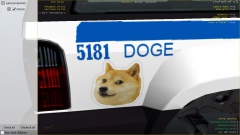 lol
lol -
I think you should DL EditIV so you can edit the vanilla timecyc & put bloom value in all weathers to 0. I think this should leave it just bright, but I never tried.
-
-
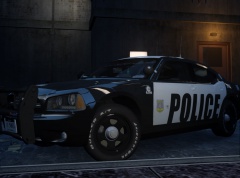 But if you like it, ok. Maybe try making the white darker? So it's still visible but it doesn't look like an old muscle car hehe.
 -
Don't think it fits police cars :s