



SuperStumpje
Friends of LSPDFR
-
Joined
Everything posted by SuperStumpje
-
The "crash" when quitting the game is caused by the way the taser works if I remember correctly, and it's happening to everyone. I don't see how it would corrupt your savegame though. Maybe something else went wrong?
-
Quick notice: pre-loading is now available on steam.
-
Happy birthday! (regular cake-joke here)
-
The ambulance driving is hardcoded into the game, so improving it is pretty much impossible but as pointed out by BlackJesus slight improvements have been made in PoliceHelper (not made to run with LCPDFR 1.0/1.1 though) and Callouts+ (made especially for LCPDFR 1.0/1.1).
-
Moar PC video trailer something stuff! This time, it's about the heists but the footage is from the PC version.
-
Try this: '?do=embed' frameborder='0' data-embedContent>>
-
Try downloading >TrafficFlow, it'll allow you to edit which vehicles spawn most.
-
It should, yes
-
ELS comes with its own version of scripthook and advancedhook, however these are outdated. Reinstall LCPDFR with the manual install, and when asked, overwrite everything. This should fix your problem.
-
As promised earlier this week, Rockstar has released the PC trailer in 60FPS with high graphics and stuff! http://www.rockstargames.com/videos/video/11267 I have to say, it does look amazing, though I'm not too sure if they recorded this on some NASA supercomputer or not...
-
I can assure you there is nothing wrong with the site '> For those having issues, maybe clearing cache is a good idea?
-
Definitely traffic. Don't know why, but I just like pulling people over in LCPDFR.
-
The rotating lights (DROT) will only work on the vehicles that actually have "rotating" lights in the base game. That means it'll only work on police, police2, the firetruck and the ambulance. If you are on EFLC it will also work for police3 (the buffalo, think it's 3) and the police motorcycle.
-
Welcome on the forums. Enjoy your stay!
-
It's 1 AM and I'm still awake. Might as well do something useful and wish you a happy birthday! (pls send me the leftover birthday cake)
-
Looks like the Google Maps minimap with some personal edits (different colors, probably indicating different zones).
-
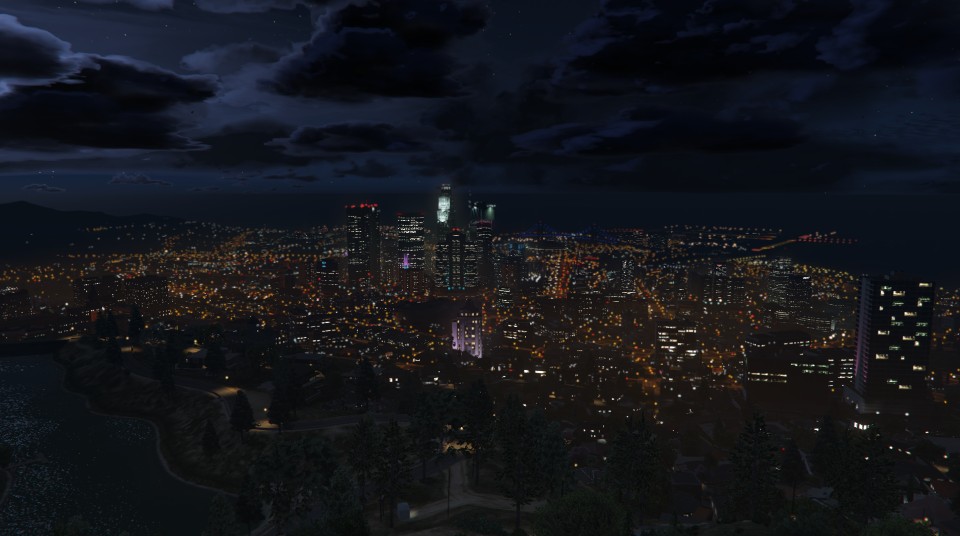
If you need some more motivation, someone actually built the GTA V map in the game: http://steamcommunity.com/sharedfiles/filedetails/?id=406684124
-
The problem must be on your end. I just tried to play without internet connection and it worked fine.
-
I'm pretty sure you don't need an internet connection to play.
-
In the downloads section, same place as always. The download has been updated, like usually when there's an update.
-
ELS uses older versions of ScriptHook.dll and AdvancedHook.dll, so you'll have to reinstall LCPDFR to get the right ones. I would recommend downloading the manual install so you only have to replace those 2 files instead of having the installer replace all your LCPDFR files.
-
Download WinRAR or 7zip and use that to unpack the file. On a slightly irrelevant side note, I never knew you could "open" rar files with notepad...
-
ELS downloads as a .rar file. Did you unpack that?
-
They don't, as far as I know. ENB's and ELS work completely independent of eachother, which means you can use whatever ENB you want.
-
Open taxi.wtd and taxi2.wtd in either OpenIv or SparkIV and look for the taxi signs (don't know what they're called exactly, but it's pretty obvious). Then, replace them with the ones attached to this post. They may look black, but they are darkened versions of the regular taxi signs. Obviously, the file name refers to the vehicle it's supposed to go on, so they will keep their own ads just like they would normally have.

