Officer27
Members
-
Joined
Everything posted by Officer27
-
 Looks really good :), out of likes :(, you should make the black stroke around the sheriff and blaine county text bigger, because it looks kind of jagged/pointy.
 -
Progress is looking pretty good :) keep on the good work :)
-
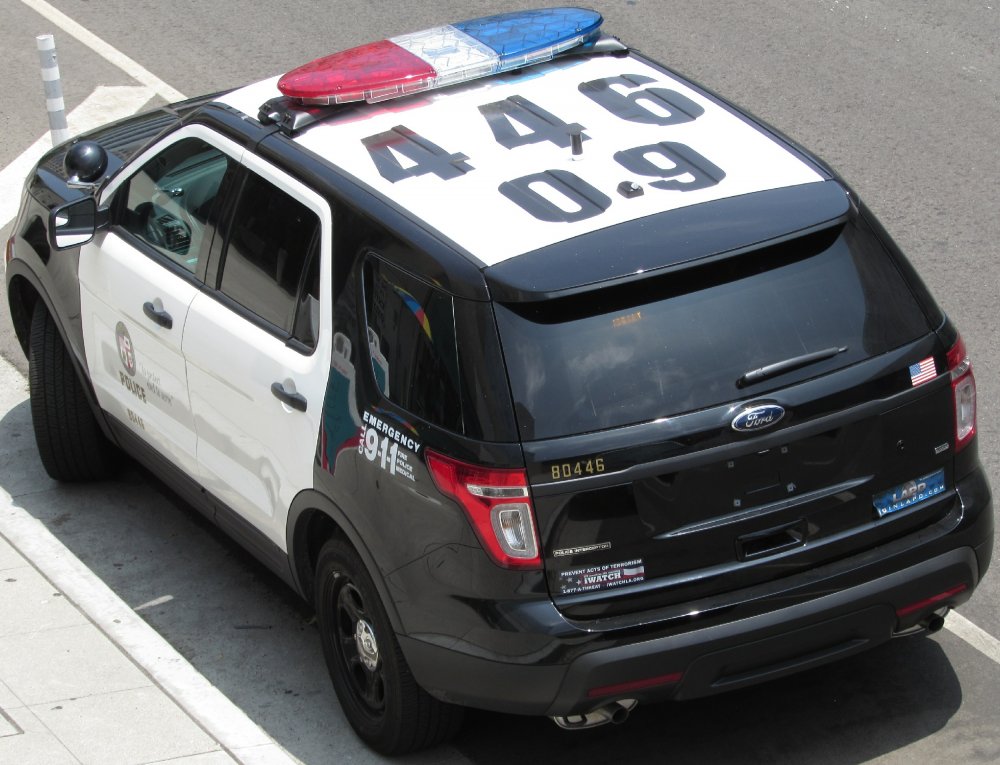
@Desmond98 nice liveries but the numbers are inaccurate the unit number '89544' and roof number are supposed to be connected so the roof number would say 544 or the unit number would be 89111 :)

-
-
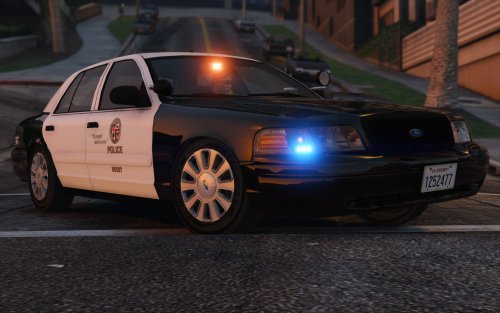
he either photoshopped that crown vic onto that picture or edited the image by adding bloom to the freeway sign and trees
-
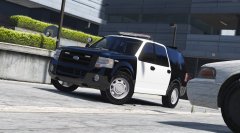 Ah I just noticed thats an older model of the expedition and hes making the newer model
 -
If you know how to make 2 optional lightbars, could you maybe later put the MX7000 on the expedition, @Lundy has a MX7000 Lightbar :)
-
@TWISTEDSCOPES are you using @OfficerFive0's arjent? this'll look good with that :) Love that traffic advisor in the back :) Oh and the base needs to be white on the Arjent, if you need LASD skins send me a PM and i'll make them :) lol the spotlights
-
-
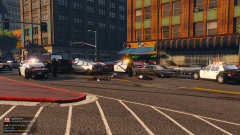
From the album: Random GTA V Pics
-
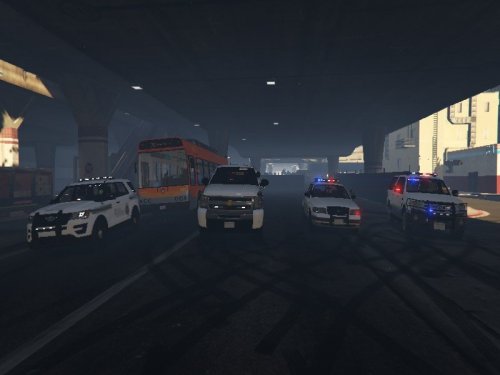 These 2 tutorials made it very easy for me to make skins, well I kinda found other things to use to save time, all i use is photoshop and some images of the skin I want. 1. 2. https://www.youtube.com/watch?v=QTqNo6DQuHs Also try to use pen tool in photoshop to make shapes/curves and if its hard try using illustrator for making shapes/curves (if you have it)
- 3 comments
- 1 review
-
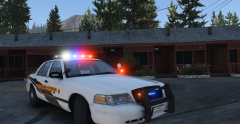 Awesome video :)
 -
I managed to fit 25 2K skins in to Bxbuggs' lasd/lssd cvpi
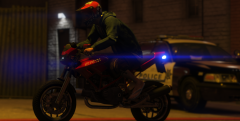 I don't see the light bar on, is it a steady burn?
Whats that blue light?
I don't see the light bar on, is it a steady burn?
Whats that blue light?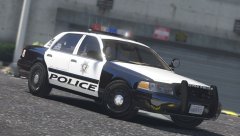 Do both spotlights turn on ? love their positions :)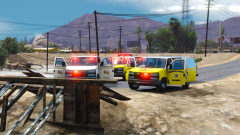
From the album: Random GTA V Pics
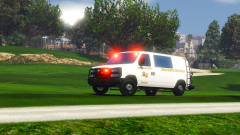
From the album: Random GTA V Pics
 @Lt.Caine, could you maybe add hoses or some equipment in the back of the rumpo in the next version?
- 85 comments
- 19 reviews
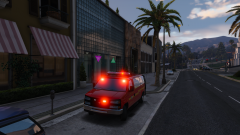
From the album: Random GTA V Pics
1. Download this. 2. Download this.