




Officer27
Members
-
Joined
Everything posted by Officer27
-
its just sarcasm man, im not insulting you , I'm also tired of people keep on asking you the same question on and on
-
-
Maybe you should rename the thread to Desmond98's WIP ( CREATING ACCURATE SIZED 2016 LAPD FPIU)
-
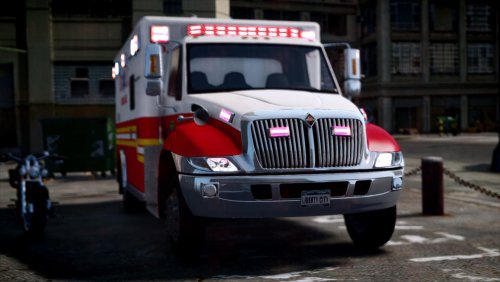 Even though I have GTA 5, and probably won't ever get GTA 4, im downloading this as i love it!, don't want to be without this when and if it gets taken down
- 17 comments
- 2 reviews
-
-

- 1
-
-
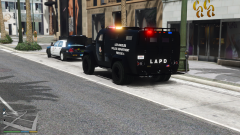
From the album: Random GTA V Pics
Both models are work in progress by @OfficerFive0, the CVPI has 9 extras! Isn't Five0 amazing! Follow more about them at this forum: -
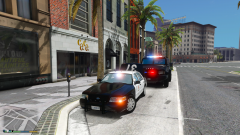
From the album: Random GTA V Pics
Both models are work in progress by @OfficerFive0, the CVPI has 9 extras! Isn't Five0 amazing! Follow more about them at this forum: -
You can try and ask @OfficerFive0 if you can use his Fedsig Arjent
-
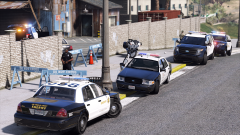 Its ok, I can easily make those :) + the font used on the roof numbers on the sheriff explorer is wrong they're supposed to be like they are on the sheriff cvpi :)
 -
are you sure? im sure the 2016 had the valor or am i wrong?
-
Where did you get those sheriff skins for the explorer? are they custom/private
-
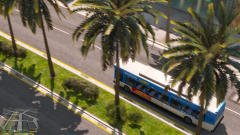 https://www.gta5-mods.com/misc/projectrage-reload-graphics-enhancer + The visualsettings.dat from Radiance V. I disable the DOF in Project reload on startup by pressing Num1 and to disable the dark colour press Num7 also to reduce saturation press Scroll Lock.
 -
The 2016 Interceptor Utility looks weird because of the livery :)
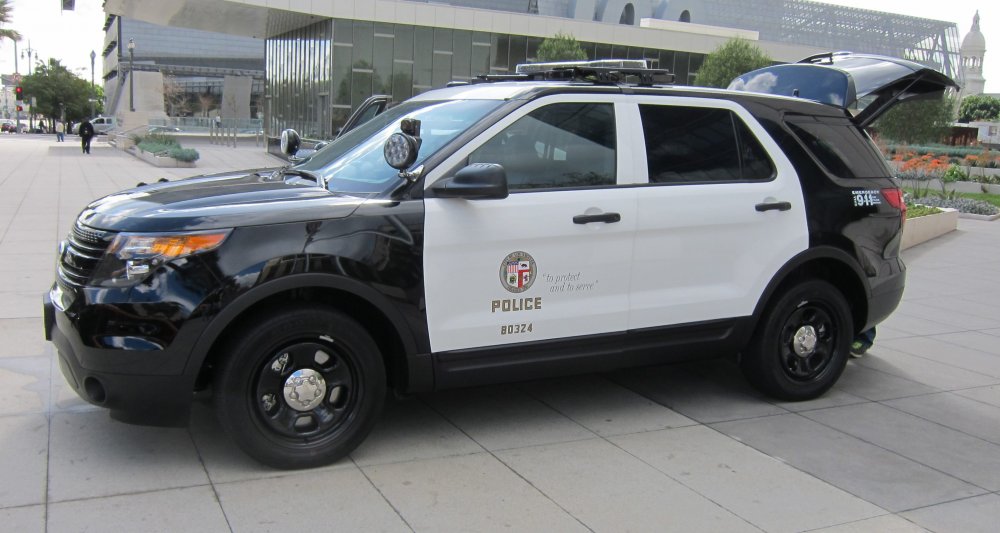
-
From the album: Random GTA V Pics
-
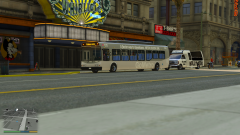
From the album: Random GTA V Pics
-
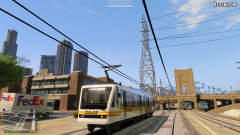
From the album: Random GTA V Pics
-
-
NP :)
-
All done 2K Version and 4K Version. OCSD Skin.rar
-
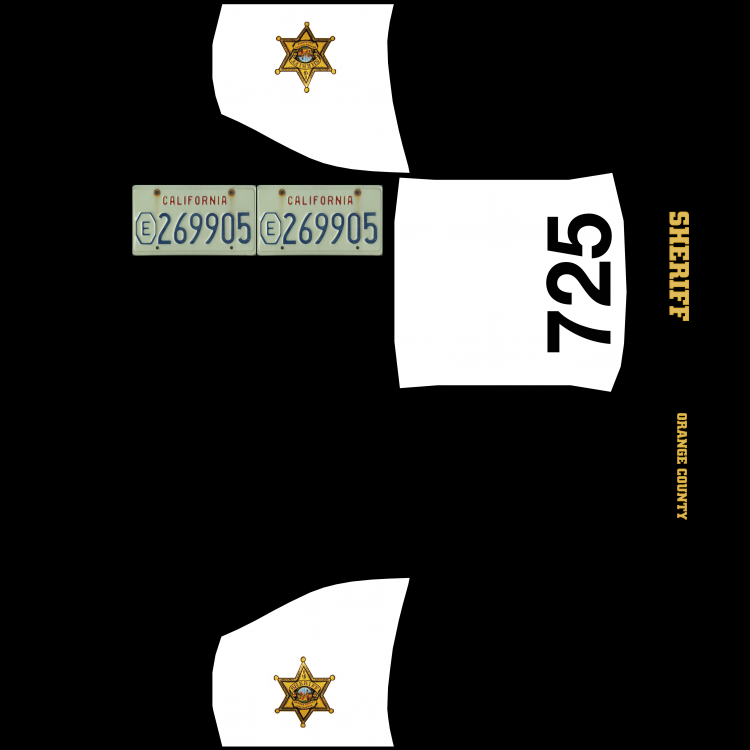
Here you go :)
-
 oh pretty cool, looks like its on Ultra Graphics running on a POtato Geforce 1080 GTX
 -
Is that an enb for open iv
-
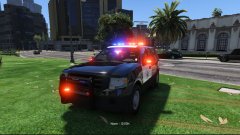 oops
oops -
We're still waiting for release :) you didn't miss it.
-
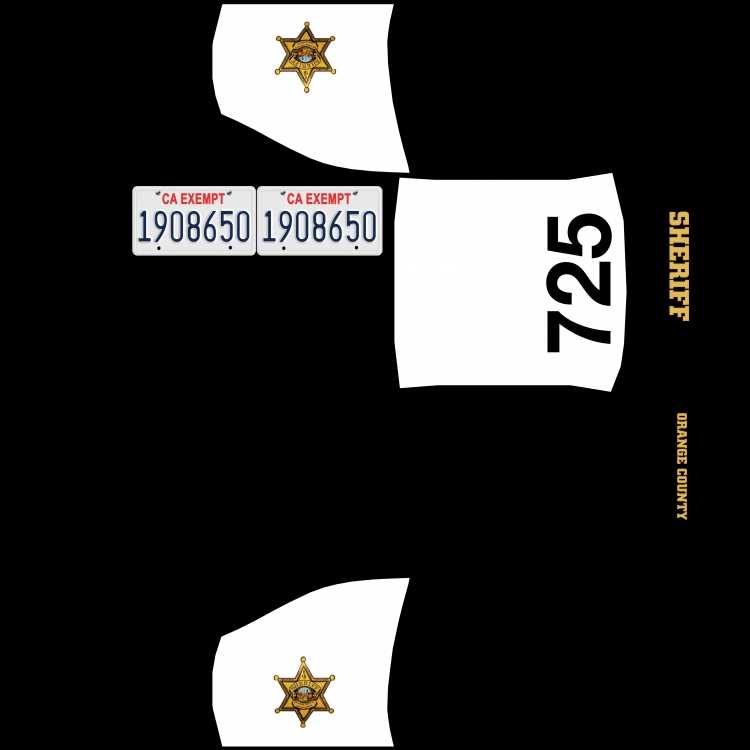
Is this right? if it is i'll start on the variants.
-
Would it be possible to PM the model files so that i can make the skin as accurate as possible?




