


thegreathah
Friends of LSPDFR
-
Joined
Everything posted by thegreathah
-
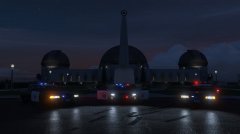 YES!
YES! -
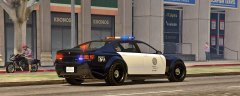 Beautiful. This should have been the tire police vehicle. Good work bro. Btw are you closer to release?
 -
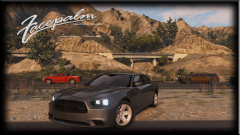 Incredible!
 -
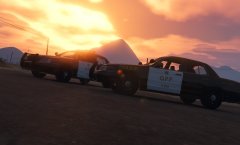 Noice!
 -
Ahh, sorry they had copied and pasted credits for all their CVPI videos so I figured it was the same as it linked to the same credits (That picture)
-
That is the only one I have seen Youtubers using, what videos are you talking about?
-
Yeah I love that car. Apparently he's working on a police version.
-
Certainly not true, Code Zero gaming (The ones mainly using this car) are using an alpha model converted to V by Fighting note originally by Frank.
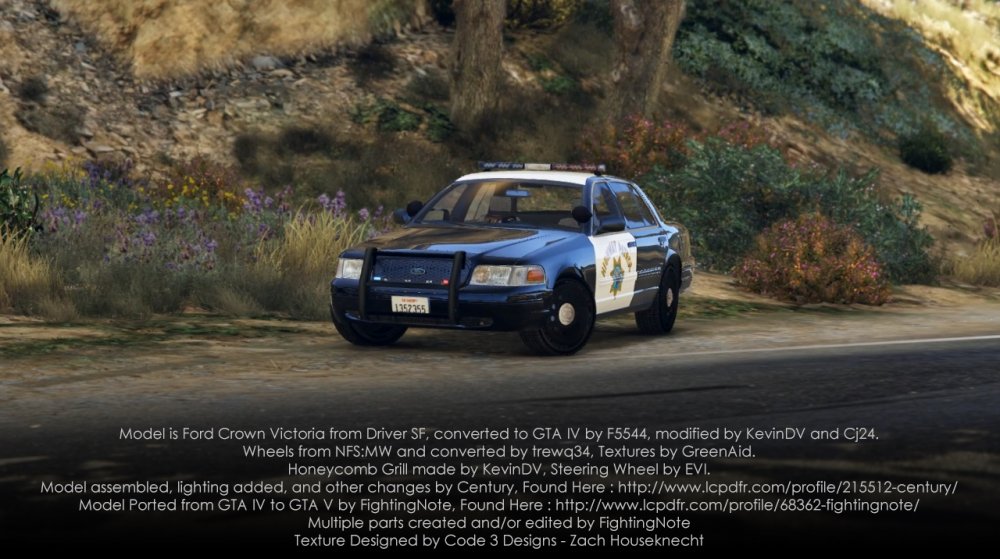
-
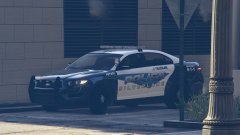 nice!
nice! -
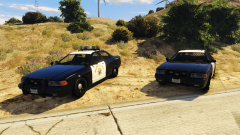 Looks good!
 -
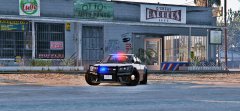 <3 love. That pushbar is so awesome!
 -
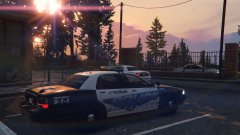 Awesome!
 -
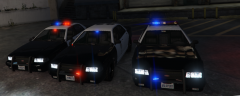 Looks good!
 -
I had this happen the other day,to the point I couldn't even get out of Franklin's house. Try turning off your computer for a good 12 hours or just don't play taxing games for a little while. If the problem persists try validating the files (assuming you have steam). This worked for me, although it may be partially due to me upgrading my computer to Windows 10 between getting the error and fixing it. If it still doesn't work look up how to set your own VRAM on google. I also did this although it didn't seem to help or create more problems.
-
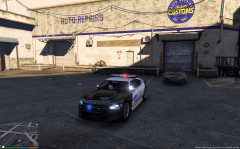 Why do you have to make pants so wet. lol Thank you, finally we have some proper lightbars in game!
 -
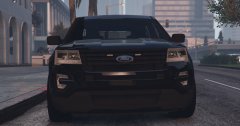 Oh my! Good work dude!
 -
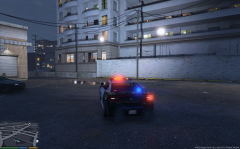 Agreed! This looks freaking awesome Frank. And a police computer???!!? OH MY GOD!
 -
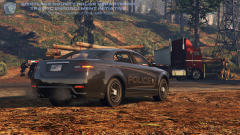 Oh that is just awesome!
 -
If you are using steam you can verify your game cache. In the future I would put backup files on your hard drive.
-
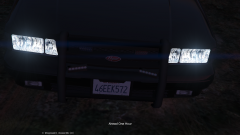 Looks really great!
 -
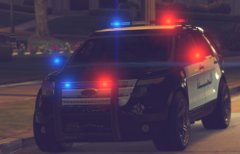 Awesome! Looks freaking beautiful...
 -
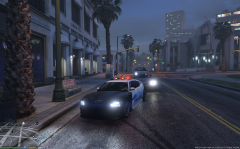 Yes. Awesome. Can't wait to police Los Santos with this beauty.
 -
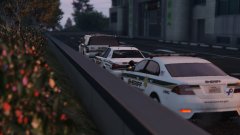 no LTMattJeter did one.
 -
interceptor by LT.Caine
-
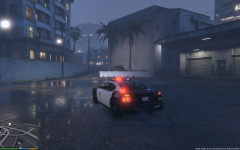 Very cool good work!


