


thegreathah
Friends of LSPDFR
-
Joined
Everything posted by thegreathah
-
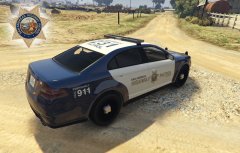
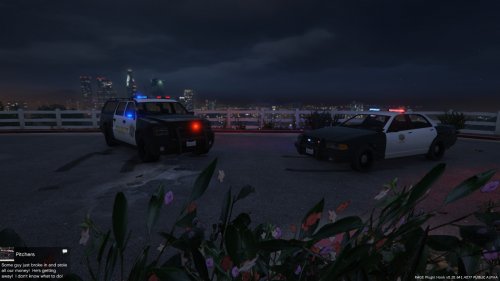 (NO CONTENT UPDATE) I hope to update these when texture mapping is released. Hopefully within the week! :) Thanks to Mistermoose for featuring this in his video! Black and White replacement for the Sheriff Dept. In my opinion the vanilla Sheriff Stanier and Granger don't look good together so I made this mod. The Vehicle is somewhat inspired by the LASD. Also includes Sgt. Kanyo's Amber Lighting. Thanks to ItzxDrJ, He provided me with extra textures and other ideas. Go check him out on GTA 5 mods! Thanks to kpdofficer for his lights ====== Texture by thegreathah. Redistrubution is allowed but please give credit! :) FUTURE PLANS Upgrading Green and White vehicles.
- 36 comments
- 3 reviews
-
-

- 1
-
-
-
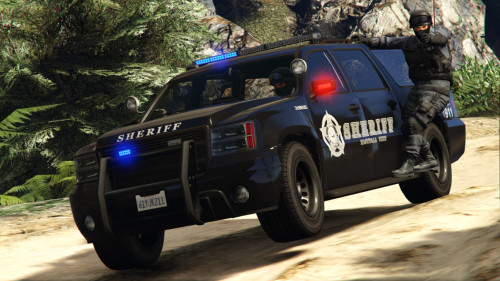 I highly recommend this. The Ghost texture is great, and the author updates his work and responds to feedback.
- 11 comments
- 1 review
-
-
- 3
-
-
-
Update: After playing for a few minutes with this I can tell its absolutely great. Only thing that could be improved on the ghost is the grey numbers. Honestly blacking them out would look fine too. Thanks dude!
- 11 comments
- 1 review
-
-
 Wow amazing!
 -
 That is awesome. Where can I download
 -
-
 Awesome!
 -
You da real mvp's.
-
-
Yes, Absolutely cant wait for previews!

