thegreathah
Friends of LSPDFR
-
Joined
Everything posted by thegreathah
-
-
-
-
 Yes pls
 -
-
 Thanks. I didn't make the textures, They are a little outdated. Thanks. I didn't make the textures, They are a little outdated.
 -
Dude yes. FL cars are the best. Can't wait.
-
From the album: thegreatHAH's Screenshots
-
Nice can't wait.
-
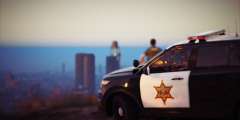
From the album: thegreatHAH's Screenshots
-
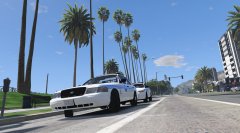 Beauties
 -
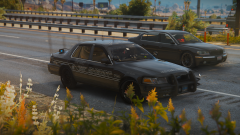 72 "hours" more like months amirite damn that car is sexxxyyy
 -
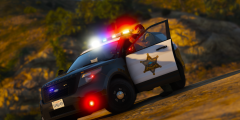 BF3 was good tho
 -
So.... what's the release date? In all seriousness, Lt. Caine, LMS, and everyone else working on ELS deserves tons of love from this community. This will be the crowning achievement of GTA V. Very excited to see some of the old timers move their work to V and new members to share their work, ELS V will really inspire creativity within the modeling community.
-
I'm liking that skin @GravelRoadCop very "Canadian" looking.
-
So what you're saying is... it's coming out tomorrow @Prophet
-
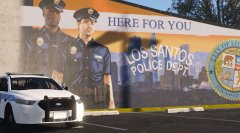 OOOh Miami baby!
 -
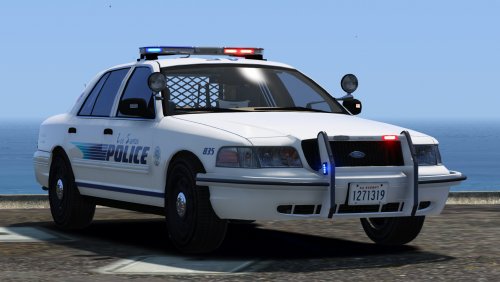 Yo, I just noticed this bug on the Rx2700 vic (The ford badge is gone) @Black Jesus : And could you maybe, possibly make another version of the Explorer with the Rx2700? Pretty pls
- 64 comments
- 29 reviews
-
 mmmmm very sexy
 -

From the album: thegreatHAH's Screenshots
-
 Just a couple of lights
 -
From the album: thegreatHAH's Screenshots
-
:D
-
-

.thumb.jpg.1db0be3e377ccefdd47e57a95ec56762.jpg)