thegreathah
Friends of LSPDFR
-
Joined
Everything posted by thegreathah
-
-
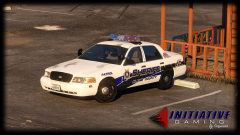 Holy shit man. So excited for this model.
 -
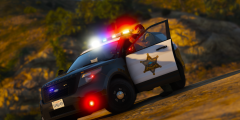
From the album: thegreatHAH's Screenshots
-
What car? Did you check out the other guides? Did you check the comments of the mod for answers? Did you put it in the latest patch folder?
-
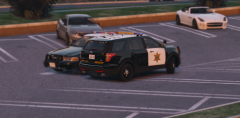 Black Jesus's
 -
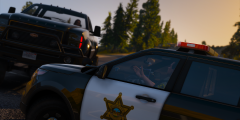
From the album: thegreatHAH's Screenshots
Ahhh those LS drivers -
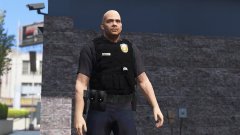 Lovely
 -
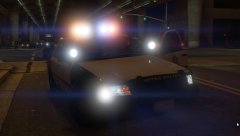 Hey, btw. Will you be doing a pack, with something like an explorer? I like it when my vehicles match.
 -
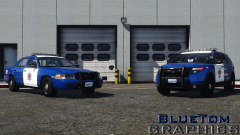 I would suggest making the blue a bit darker
 -
Love. Your work is always so impressive
-
I'd go with the 960. You get 4gb vram and it's Nvidia so....
-
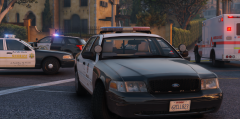 shhhhh No, I'm using Windows446's LASD stuff
 -
From the album: thegreatHAH's Screenshots
-
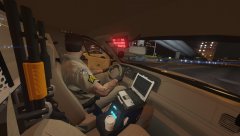 Ahhh. I can't wait for this. Been wishing for LVMPD since day one.
 -
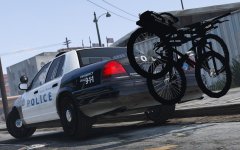 Awesome!
 -
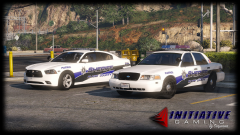 Pls bless us with this CVPI. We have about zero CVs with good rotator lightbars
 -
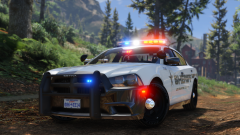 Now that's sexy...
 -
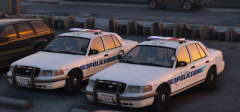
From the album: thegreatHAH's Screenshots
-
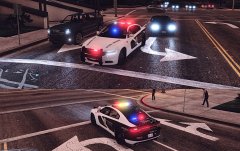 Love it man!Better change those horrid rims though
From the album: thegreatHAH's Screenshots
"Drive fast, and leave a sexy corpse"- Stanley Hudson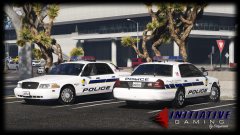 GGGODDDD dAmn that light bar is sexy. I need it