thegreathah
Friends of LSPDFR
-
Joined
Everything posted by thegreathah
-
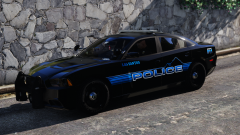 Panda.... Panda.... Panda.. Panda. Panda. Panda.
 -
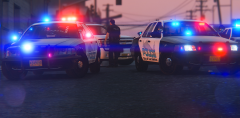 Bugs' is a little bit bigger, but it is barely noticeable.
 -
One is Bugs, the other is Black Jesus's
-
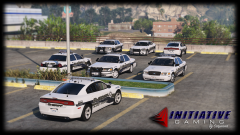 Love those ram bars on the crown vics, and the vistas of course.
 -
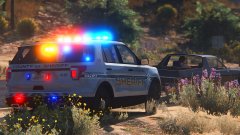 Sexy!
Sexy! -
It's because of the stupid trim on the crown vic models. I'm trying to find some without it
-
From the album: thegreatHAH's Screenshots
It's getting there, slowly. -
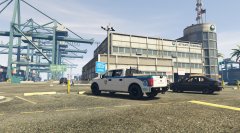 That looks great!
 -
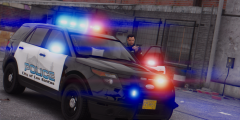 I would do this if Paleto Bay had it's own pd, and I'm making county textures so.... Didn't even notice. Thanks bud! Me too. Black Jesus's cars are absolutely perfect for it. (If I had a Caprice I could do a load more though)
 -
From the album: thegreatHAH's Screenshots
Hopefully releasing a Gresham, Oregon based pack tomorrow after work. Will include Sheriff textures based on Multnomah County as well. -
I can't help but agree with you @MikoFiticus Up until recently I would post fairly in-depth reviews, with pros/cons and constructive criticism. After looking back on those reviews I see that something like "2/6" or "1/4 members find this helpful". Yet someone who posts something like "Super hot" or "Worst mod ever" will have 4/6 or 3/6. It totally screws up the point of the review system, which is to find a helpful review. A review with a 1/4 rating is not going to be looked at but some bare-bones review will. But as inseri said, this is almost impossible to stop. Trolls will Troll and flame wars will continue needlessly.
-
That sounds fuckin awesome.
-
Sounds like it could be two things: Overheating. This will throttle the CPU, especially an i7 as they run hot Something physically wrong with your GTA V game files. If overheating isn't your problem, then try verifying your game files.
-
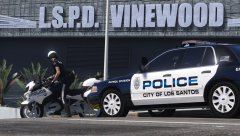 Booty
Booty -
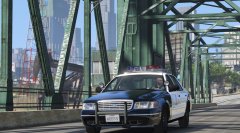 It's really awesome to see kevin's work in GTA V
 -
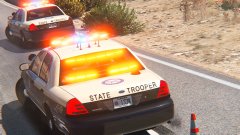 fuck me
 -
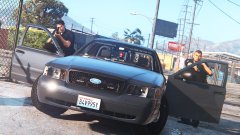 Holy shit. Those peds are amazing (The shot as well)
 -
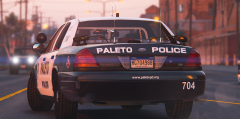
From the album: thegreatHAH's Screenshots
-
-
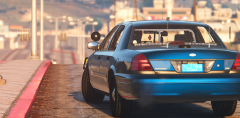
From the album: thegreatHAH's Screenshots
Beautiful, and absolutely perfect Reshade mod. -
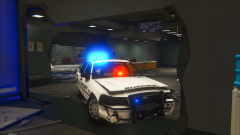 send car pls
 -
 They are also both owned by GM
 -
Yeah, but to my knowledge all caprices and Holden's are manufactured in Australia and imported to North America
-
Doesn't Holden work with Chevy and just slap the badge on?
-
Babe...