


thegreathah
Friends of LSPDFR
-
Joined
Everything posted by thegreathah
-
Should do everything automatically. Let it do it's thing. I had literally nothing in my mods folder and the installer installed everything without me copying folders and stuff.
-
It most certainly does. I have it in a mods folder. Use the OIV installer that was created for it and selected the "mods" folder option for automatic install. Then download the patch and go into the mods folder and install those files. OIV installer: https://www.gta5-mods.com/misc/l-a-roads-oiv-open-iv-package-installer Patch: https://www.gta5-mods.com/misc/l-a-roads-patch
-
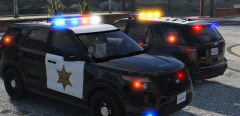
From the album: thegreatHAH's Screenshots
-
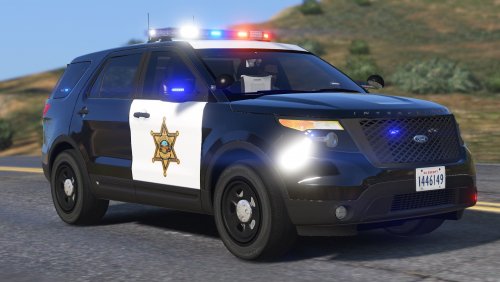 I'm not sure. I have everything marked as a favorite if I've edited it and I haven't edited anything else with sheriff.
- 65 comments
- 19 reviews
-
Make sure to check your other carvar files because it is potentially over writing it.
- 65 comments
- 19 reviews
-
hmmm do you use a mod folder? It might be easier to figure out what is ovverwriting it if you do use one.
- 65 comments
- 19 reviews
-
-
-
-
Must be your carvariations. I have mine set to a sirensetting of 1. I know that RDE uses it's own carvar file so that's probably the problem.
- 65 comments
- 19 reviews
-
Damn, I don't usually like Impalas but this looks very nice.
-
Goddammmmmnnnnnn This car is sexy. Black Jesus makes some of the best models on this site. Stop reading this. No stop. pls stop. go up and hit the download button.
- 65 comments
- 19 reviews
-
-

- 13
-
-
Thanks bb. I had the same problem with IV. Worked great for like 3 hours and then started dropping every two minutes. Glad you got to release this baby.
- 65 comments
- 19 reviews
-
-
- 1
-
-
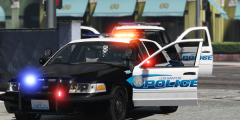 I just use the bright setting on Radiance
 -
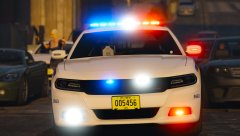 Might want to deal with the woman in the background lol.
 -
Just Visual V
-
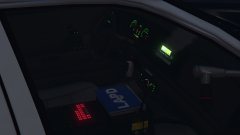 And no ponies. Won't be downloading anything "Dash" as long as long keeps pumpin out the models.
 -
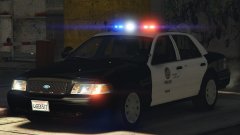 To be clear I wasn't talking about strictly about this post, I was referencing this idea across the forums that vehicle models are made to an individuals wishes.
 -
From the album: thegreatHAH's Screenshots
They are said to have been holding weapons and drugs and at this time the owner and passenger are out on $20,000 bail and $10,000 bail, respectively. -
AGREE 100% I've seen people complain about the smallest things, but I guess we all love our LAPD cars
-
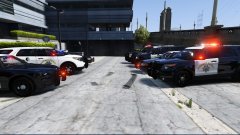 Can't wait!
 -
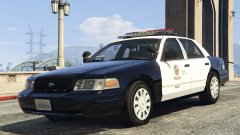 God damn boy. That is a nice Crownvic ya got there.
 -
I think this is the most excited I've been for a model ever. It looks so freaking accurate. Amazing Work Desmond.
-
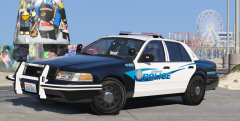 Yeah, Kinda a test. Probably going to do another video with these. Especially since R* editor totally screwed half my footage up. No Problem! Will surely be doing a lot with these!
 -
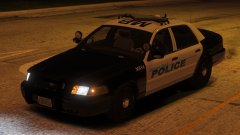 Gorgeous

